Nana Banana AI Photo Editor
Text prompt AI photo editorDescribe the edit, get the image back
Highlights
What you can do with it
- Change the colour of a garment in a photo from black to pink
- Generate a detailed character image from a reference photo
- Turn a product shot into a styled scene
How to use it
- 1 Open nanaimg.io and register or log in
- 2 Choose image editing or image generation
- 3 Upload a reference image if you need one
- 4 Write the prompt, set the aspect ratio, then click Generate Now
Who it is for
Pros
- No masking or layer skills required
- Fast turnaround in under 15 seconds
- Keeps the subject recognisable during edits
Limitations
- A free trial is offered, then paid use applies
- Results depend on prompt clarity and reference quality
- Each reference image is capped at 10 MB, and editing real people needs their consent
What Nana Banana AI Photo Editor is
Nana Banana AI Photo Editor is a browser based image editor driven by text prompts. Instead of masks and layers, you describe the change you want, such as adding or removing an element or shifting the style, and the AI applies it. It also generates images, working either from an existing picture or from a written prompt. Reference images can be dragged in as JPEG, PNG, WEBP, or GIF, with a 10 MB limit per image. The editor is built to preserve facial features and personal characteristics so the person in the photo stays recognisable after the edit, and processing typically finishes in under 15 seconds. A free trial is offered.
What you can do with it
- Edit a photo by describing the change in plain language.
- Add or remove elements without manual selection tools.
- Generate new images from text or from an existing picture.
- Convert an image into a different style instantly.
Who it is for
- Photographers who need quick retouching between shoots.
- Designers exploring several variations of one concept.
- Ordinary users who want an edit without learning editing software.
- Anyone producing social or product visuals on a deadline.
What to watch out for
A free trial is offered and continued use needs payment, so test the quality on your own images before you subscribe. Prompt clarity matters: a vague instruction produces a vague edit, and complex changes may need several attempts. Reference images are capped at 10 MB each, which rules out large camera files without a resize first. If you are editing a photo of a real person, make sure you have the right to alter and publish it, since likeness and portrait rights apply in most places. Finally, generated output should always be reviewed at full size before it goes out, because small artefacts are easy to miss in a preview.
FAQ
Is there a free trial?
Yes, the product description mentions a free trial.
What image formats are supported?
JPEG, PNG, WEBP, and GIF, with a maximum of 10 MB per reference image.
How fast is processing?
The site states results come back in under 15 seconds without queuing.
Why it is free
What the official page says: free trial
Free limits, trial length and features are decided by the official site and can change at any time.
Product preview
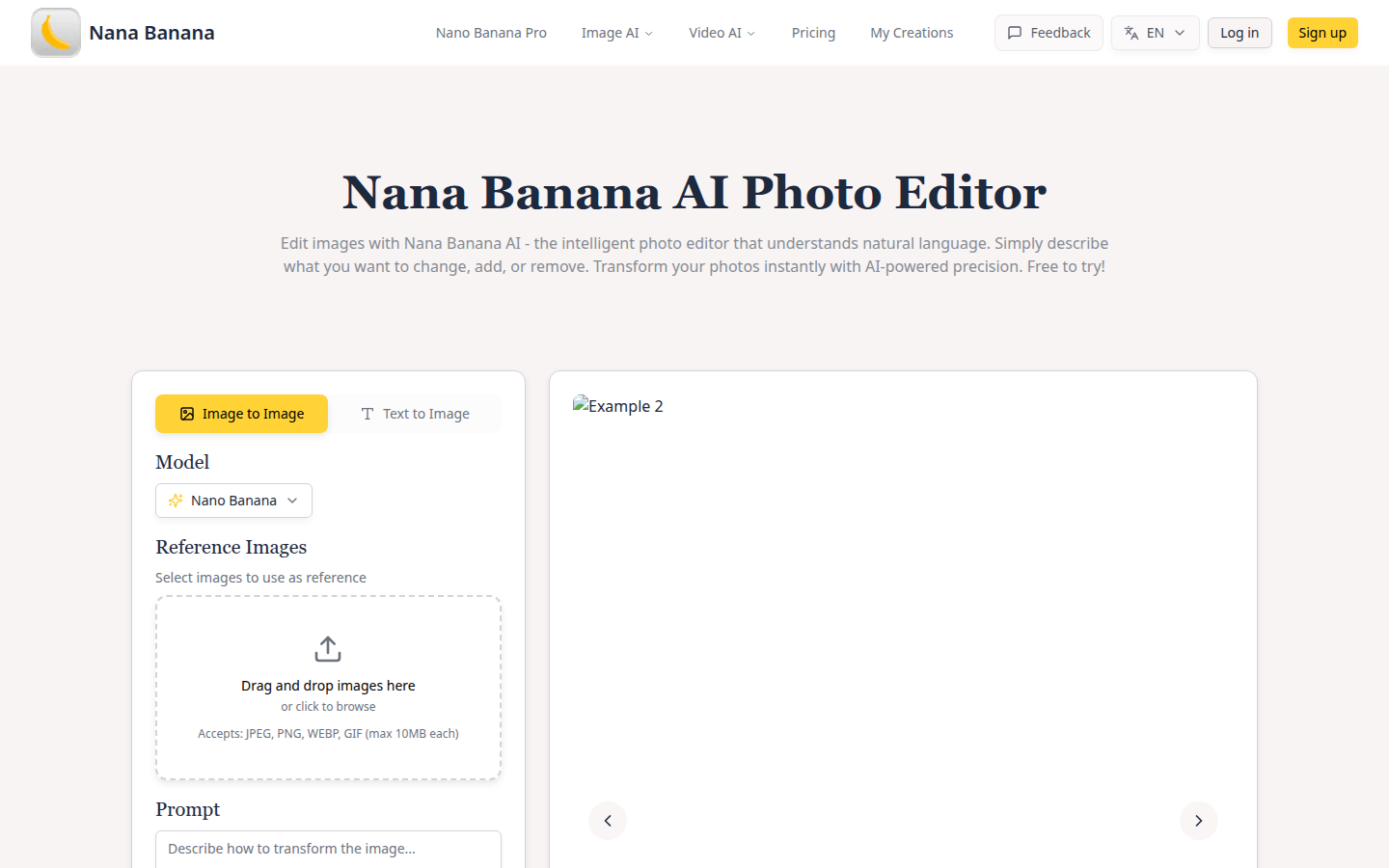
Screenshot archived from the listing page, for preview only.











