Nana Banana 2 AI
AI image generator and editor built for fast outputPrompt to picture in seconds, then edit until it is ready
Highlights
What you can do with it
- Generate several poster concepts from a short product description
- Restyle an existing photo for a social media post
- Build interface mockups and design drafts to review with a team
How to use it
- 1 Open the platform and start with a prompt or upload a reference image
- 2 Give clear instructions about style, layout, lighting, colour, and text
- 3 Iterate quickly until the result matches what you had in mind
- 4 Export the final image and download it for your channel
- 5 For heavier volume, look at the professional plans and batch options
Who it is for
Pros
- No design background needed to get a usable first result
- Handles both generation from scratch and edits to existing images
- Readable text inside images saves a separate layout step
- Batch work suits teams delivering several assets at once
Limitations
- The free entry-level access is a current offering and may change
- Results still depend on how clearly you describe what you want
- Machine output needs a human eye before it goes public
- Professional features and heavier use push you towards a paid plan
What Nana Banana 2 AI is
Nana Banana 2 AI is an AI image generation and editing platform built around speed. You can start from a text prompt or from an existing picture, and the platform returns a finished visual within seconds. It handles two directions in one place: generating an image from a description, and editing an image you already have. The stated strengths are rapid iteration, careful following of instructions that contain several constraints at once, and clearer text inside the image itself so the result can go straight into a poster, cover, menu, or social post. Entry-level access is free and the platform says you can try it the first time without logging in. Professional plans exist for people who need more volume and finer control.
What you can do with it
- Turn a short or detailed prompt into a finished image in seconds.
- Upload a picture and edit colour, composition, product detail, background, and style.
- Switch between fast ideation and a more polished finish while keeping a consistent look.
- Run several generation or editing jobs together in one batch workflow.
Who it is for
- Creators who need to try many ideas quickly and keep the good ones.
- Marketers producing ads, social posts, and campaign assets on a deadline.
- Designers who want quick drafts before they polish the work by hand.
What to watch out for
The free entry-level access is a current offering rather than a guarantee, so it can change as the product evolves. Output quality still depends on how precisely you describe what you want, and machine-made images need a human check before they are published, especially when text, product detail, or brand colours matter. The platform is a production aid, not a substitute for design judgement, and heavier or commercial volume will push you towards a paid plan.
FAQ
Can I try it without an account?
The platform offers free entry-level access and says first-time use does not require logging in, so you can test the basics before signing up.
What input formats does it accept?
For image-based work it supports common formats such as JPG, PNG, and WebP, alongside plain text prompts.
Is the text in generated images usable?
The platform positions its text rendering as clear enough for posters, covers, menus, and social creative, though you should still check the final file.
Does it work for teams?
Yes. Batch workflows let you process multiple generation or editing tasks in one pass, which suits client and campaign delivery.
Why it is free
What the official page says: 免费
Free limits, trial length and features are decided by the official site and can change at any time.
Product preview
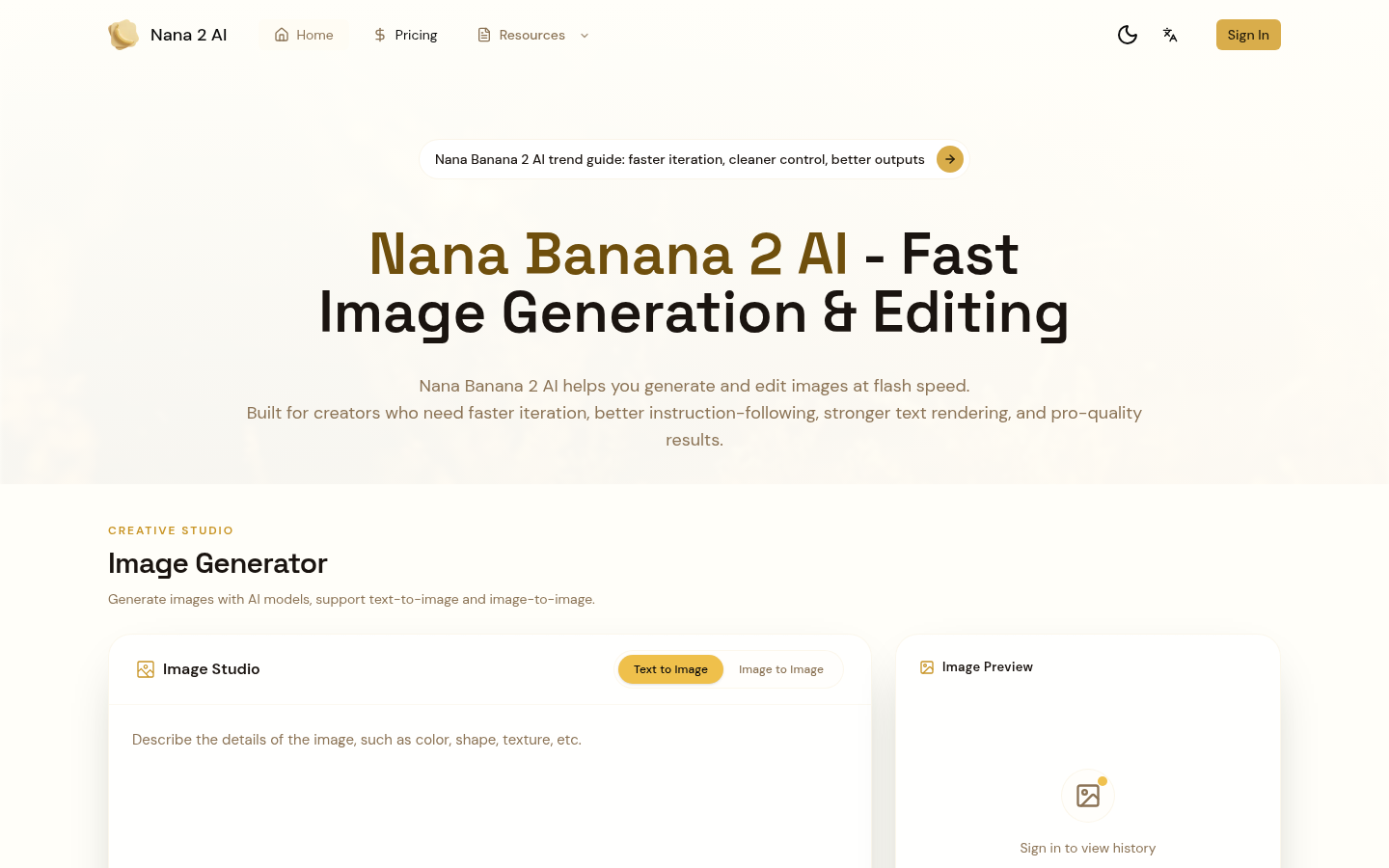
Screenshot archived from the listing page, for preview only.











