
MyiQ.Ai
Invoice automation software that reads documents precisely and optimizes your workflow.Read invoices precisely, automate your workflow, and manage cases from one place.
Highlights
What you can do with it
- Finance teams can automate invoice processing and reduce manual data entry
- Operations staff can track cases and documents from one workspace
- Managers can use analytics to spot bottlenecks in the invoice workflow
How to use it
- 1 Sign up for a MyiQ.Ai account on the website
- 2 Set up your organization and user roles
- 3 Upload or connect the documents and invoices you need to process
- 4 Let the software read and capture the document content automatically
- 5 Review the captured data and route it through your automated workflow
Who it is for
Pros
- Accurate document reading reduces manual entry errors
- Brings invoice, case, and workflow management into one tool
- Free-of-charge experience lets you test the workflow before paying
- Analytics and predictive automation add insight beyond basic capture
Limitations
- Free access terms and any limits can change over time
- Mostly suited to invoice and document workflows; other tasks may need different tools
- The site could not be reached when this entry was checked, so confirm availability
- No public setup guide in the source material, so expect a learning curve
What MyiQ.Ai is
MyiQ.Ai is invoice automation software built to read and capture document content with high accuracy. Instead of typing invoice details by hand, you let the software pull the data and push it through an automated workflow. The platform is described as offering a free-of-charge user experience, which means you can start optimizing your workflow right away without an upfront payment. It brings together organization management, invoice automation, case management, workflow automation, advanced analytics, and predictive automation in one place. The goal is to turn a repetitive, error-prone task into a smoother process that runs on its own. By focusing on accurate document reading, it aims to cut the mistakes that come from manual data entry and help teams handle a steady stream of invoices with less effort.
What you can do with it
- Automate invoice reading and data capture so details are pulled straight from documents
- Manage cases and documents from a single workspace alongside your invoices
- Build workflow automation so approved invoices move to the next step on their own
- Use advanced analytics and predictive automation to spot patterns and act early
Who it is for
- Finance and accounting teams that handle a steady flow of invoices
- Operations staff who need to track cases and documents in one place
- Businesses that want to cut manual data entry and the errors that come with it
What to watch out for
MyiQ.Ai is built for invoice and document workflows, so it may not cover unrelated tasks without extra tools. Because the free experience and any usage limits can change, treat the current free terms as something to confirm on the official site before you depend on them. The site could not be reached when this entry was checked, so confirm it is online before you rely on it. There is no public setup walkthrough in the source material, so expect to spend time learning how to configure organizations, workflows, and automation rules to fit your process. Start with a small, well-defined invoice flow before scaling up, and keep a manual fallback for edge cases the software may not read correctly.
FAQ
Is MyiQ.Ai free to use?
The source describes a free-of-charge user experience, so you can start optimizing your workflow without an upfront payment. Confirm current terms on the official site.
What does MyiQ.Ai automate?
It automates invoice handling and document capture, and it adds case management and workflow automation on top of that.
Who is it for?
Finance, accounting, and operations teams that process many invoices and want to cut manual data entry.
Why it is free
What the official page says: 免费
Free limits, trial length and features are decided by the official site and can change at any time.
Product preview
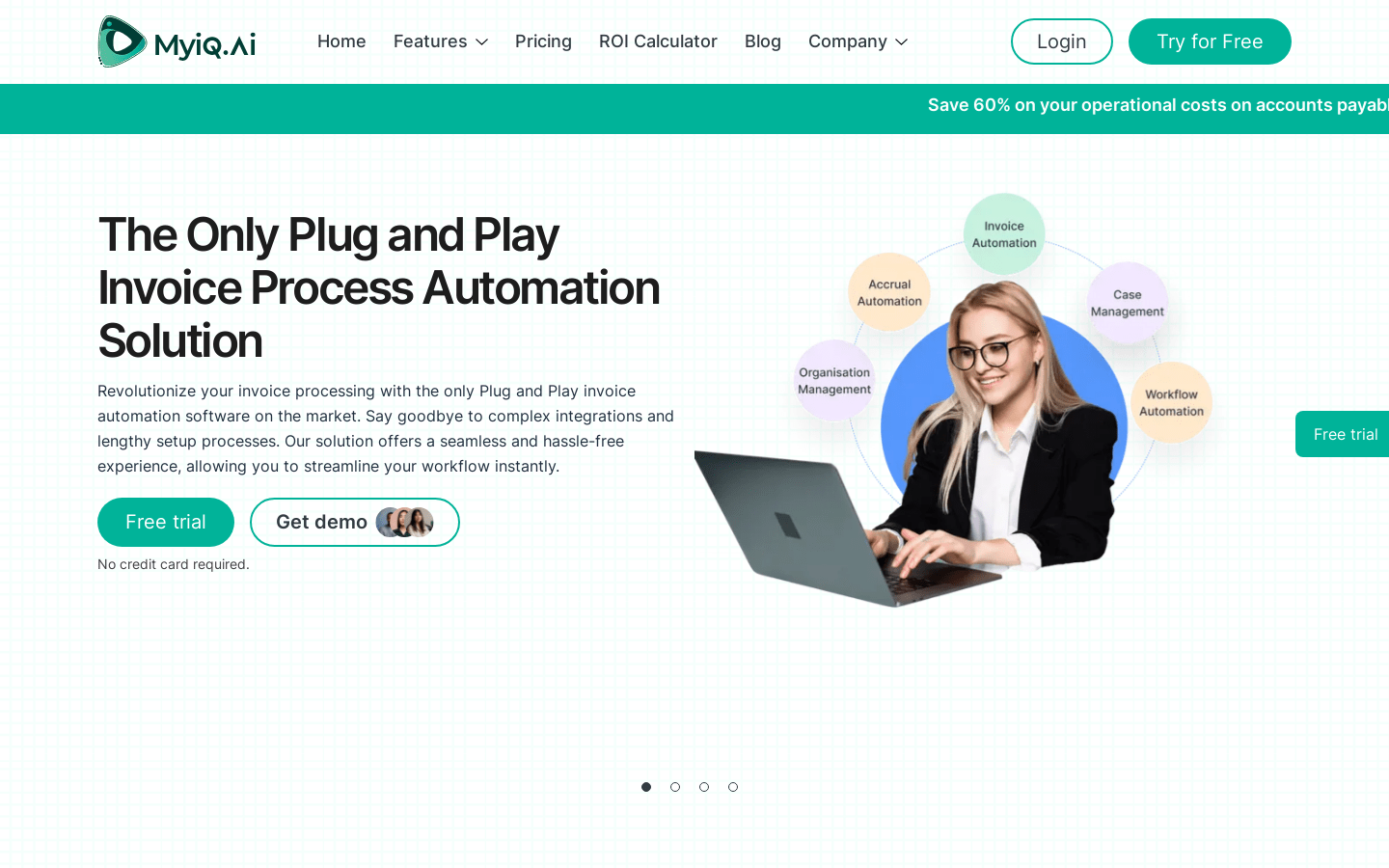
Screenshot archived from the listing page, for preview only.











