
My Talking Pet
Turn pet photos into talking AI videosMake your pet speak with natural lip-sync and HD video
Highlights
What you can do with it
- Let your pet deliver an apology to a friend
- Have your pet say a loving line for a cute confession
- Send a warm thank-you message through a pet video
How to use it
- 1 Upload a high-resolution front-facing pet photo in JPG or PNG under 10MB
- 2 Pick one of 20 emotional scenarios or write a custom message
- 3 Choose a voice style, then click generate and wait a few minutes
- 4 Share the video, or upgrade for a watermark-free HD download
Who it is for
Pros
- Free to try with no registration
- Simple three-step flow, no editing skills needed
- 20 scenarios and multiple voices keep it fun
Limitations
- Free videos carry a watermark and paid plans are needed to remove it
- Free trial terms and pricing can change
- Results depend on photo quality; unclear photos give weaker lip-sync
What My Talking Pet is
My Talking Pet is an online AI tool that transforms a pet photo into a talking video. You upload an image of your pet, pick a scenario or write your own message, and the AI gives the pet natural lip-sync and expressions so it looks like it is really speaking. There are 20 emotional scenarios to choose from, such as birthday wishes, apologies, and love confessions, plus several voice styles to match your pet's personality. The output is HD quality. It offers a free trial where you can generate a watermarked video without registering, and paid options like the Gem Pack and Creator Plan remove the watermark and unlock HD downloads.
What you can do with it
- Turn any clear pet photo into a short talking clip.
- Pick from 20 scenarios or write a custom script.
- Choose a voice style, from sassy to dramatic, to fit the mood.
- Share the video directly, or upgrade for a watermark-free HD download.
Who it is for
- Social media users who want fun, shareable pet content.
- People who find it hard to say certain things out loud.
- Families sending playful messages on birthdays and holidays.
What to watch out for
The free trial produces a watermarked video, and removing the watermark or downloading in HD requires a paid pack, so budget accordingly if you need clean output. Free trial terms and pricing can change, so confirm current details. Result quality depends heavily on your photo; a blurry or side-angle picture will produce weaker lip-sync, so use a clear, front-facing image. Videos are generated in a few minutes and are meant for light, personal expression rather than professional production. Only upload photos you have the right to use, and keep messages respectful when sharing.
FAQ
What is My Talking Pet?
It is an AI tool that turns a pet photo into a talking video with lip-sync, scenarios, and voice styles.
Is it free?
You can try it free and generate a watermarked video without registering; paid packs remove the watermark and unlock HD downloads.
What photo works best?
A high-resolution, front-facing pet photo in JPG or PNG under 10MB gives the best results.
Why it is free
What the official page says: for freefree trial
Free limits, trial length and features are decided by the official site and can change at any time.
Product preview
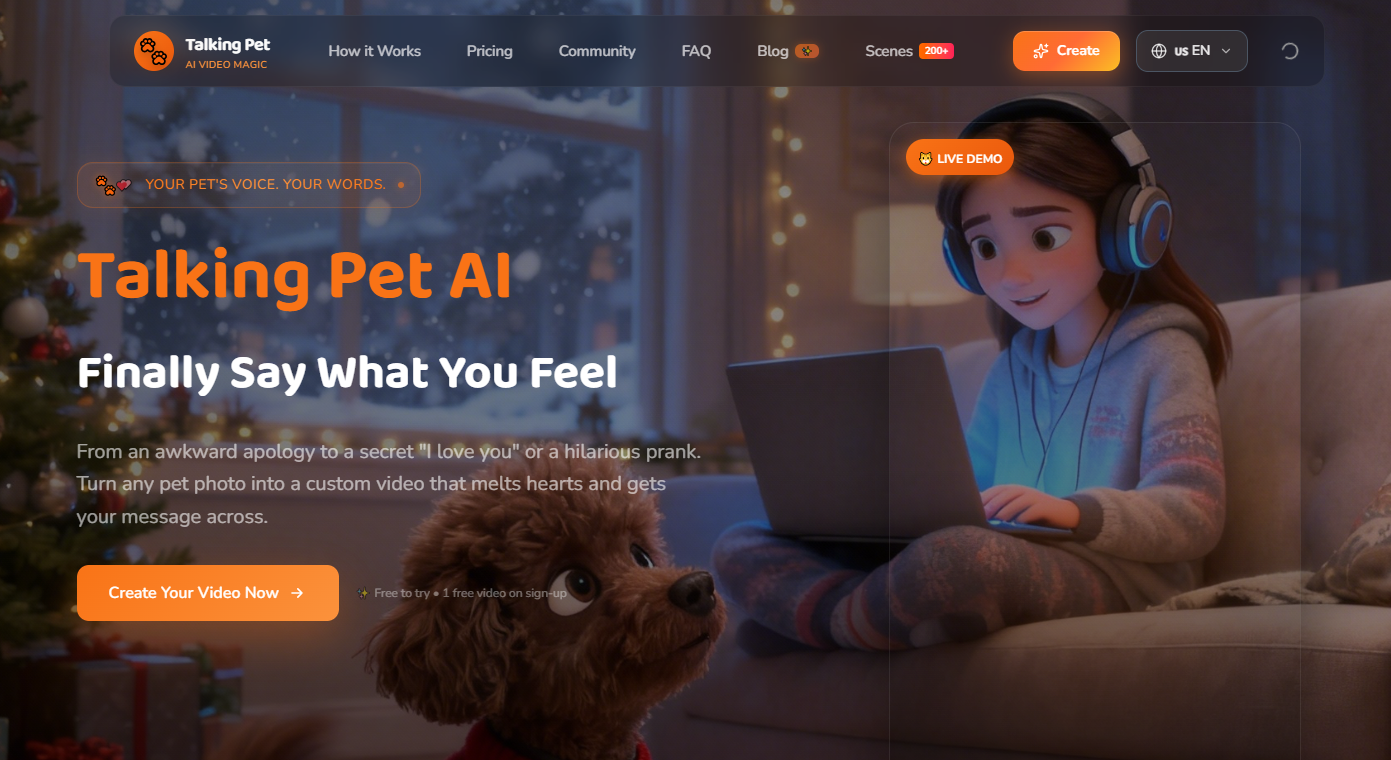
Screenshot archived from the listing page, for preview only.











