
Highlights
What you can do with it
- Making music quickly from a text prompt
- Remixing and extracting audio from existing tracks
- Producing sound effects and voice audio for projects
How to use it
- 1 Open MusicGPT and type your idea into the prompt box to create music.
- 2 Browse the royalty-free library to stream or download material.
- 3 Use the extract and remix tools to rework existing audio.
- 4 Try the sound effect and text-to-speech features, and upgrade to Pro if you need more.
Who it is for
Pros
- Simple prompt-based music creation
- Royalty-free library with streaming and downloads
- Audio extraction and remixing in one place
- Realistic sound effects and text-to-speech with voice cloning
- Some features are free, with a Pro version available
Limitations
- The text-to-speech voice cloning feature can be misused; cloning a voice without consent may break platform rules or the law, and the consequences fall on the user
- Only some features are free; the rest need the Pro version
- Free feature rules and pricing can change over time
- Cloned voices and remixed audio raise consent and copyright questions you must handle yourself
What MusicGPT is
MusicGPT is a music creation platform powered by proprietary AI audio technology, and it has received an award for its work in this area. The tool is designed to make audio creation simple: you type an idea into a prompt box and it produces music. Beyond that, it bundles several audio features in one place. There is a royalty-free material library you can stream and download, tools to extract and remix existing audio, realistic sound effect production, and text-to-speech that can clone voices. Some features are free to use, and there is a Pro version for people who need more. The platform is aimed at music creators and developers who want to create and build with audio more easily.
What you can do with it
- Create music from a simple text prompt.
- Stream and download from a royalty-free material library.
- Extract and remix audio from existing tracks.
- Produce realistic sound effects and text-to-speech, including cloned voices.
Who it is for
- Music creators who want fast, simple creation tools.
- Developers adding audio features to their own products.
- Anyone who needs sound effects, remixes, or voice audio.
- Users comfortable working with AI audio and prompt-based workflows.
What to watch out for
The voice cloning feature is the part to treat most carefully. Cloning a real person's voice without their clear permission can break platform rules and may break the law, and any consequences fall on the person who uses the tool, not the platform. Use it only on voices you own or have explicit rights to. On the business side, only some features are free and the rest sit behind the Pro version, so check what is included before you depend on it. Free feature rules and pricing can also change over time. Finally, remixing and sampling existing audio raises consent and copyright questions that you are responsible for handling yourself.
FAQ
What is MusicGPT?
It is a music creation platform powered by proprietary AI audio technology, with tools for making music, remixing audio, sound effects, and text-to-speech.
Can it clone voices?
Yes, its text-to-speech feature can clone voices. Only clone voices you have the right to use, since misuse may break platform rules or the law and the consequences fall on the user.
Is it free?
Some features are free, and there is a Pro version for more.
Who is it for?
It is aimed at music creators, developers, and others who want easier audio creation.
Why it is free
What the official page says: 免费
Free limits, trial length and features are decided by the official site and can change at any time.
Product preview
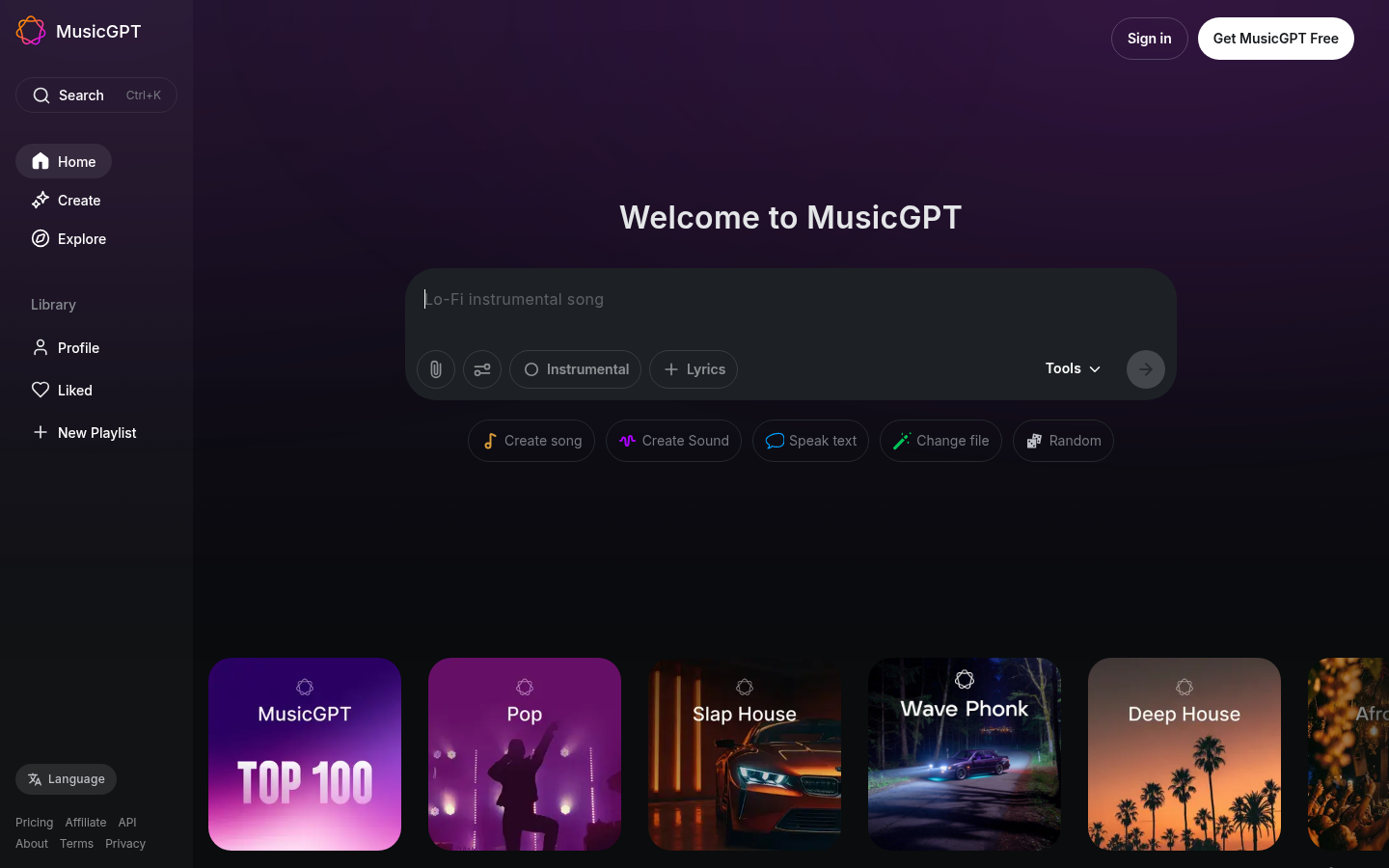
Screenshot archived from the listing page, for preview only.