
MusicAura AI
Turn text prompts into original music and stemsDescribe a mood, get original music
Highlights
What you can do with it
- Create cheerful background music for travel videos
- Make a calm opening theme for a podcast
- Generate intense battle music for a game scene
How to use it
- 1 Describe the mood, scene, style, or lyrics you want
- 2 Generate the music, then preview, compare, and refine it
- 3 Download the track or adjust the prompt and regenerate
Who it is for
Pros
- No music theory or complex software required
- Combines music creation with vocal and stem separation
- A free quota lets you test before paying
Limitations
- The free quota is limited and plan prices may change
- AI music often needs editing to fit a specific project
- Stem and vocal separation quality can vary by song
What MusicAura AI is
MusicAura AI is a music creation platform built on artificial intelligence. You describe the emotion, scene, style, or lyrics you want, and it turns that prompt into original music, so you do not need professional music knowledge or complex production software. Beyond generating songs, it offers audio processing tools. You can write editable lyrics from a title, prompt, emotion, style, structure, and language. You can separate vocals from instrument accompaniments online, and split a song into tracks such as vocals, drums, bass, and piano. After a track is generated, you can preview it, compare versions, and refine it until it fits your project. There is a free quota to start, and paid plans range from a Starter tier up to Premium for heavier use. The idea is to cover both writing and editing in one place so you do not have to switch tools.
What you can do with it
- Turn a text prompt about mood or scene into original music
- Write and edit lyrics from your own title and style notes
- Separate vocals from instruments and split songs into stems
- Preview, compare, and refine tracks before you download
Who it is for
- Video creators who need custom background music
- Podcast hosts building intro and transition audio
- Game developers and independent musicians making tracks
What to watch out for
The free quota is limited, and the paid plan prices and features may change over time, so confirm current terms before you subscribe and budget for a plan if you create often. AI-generated music often needs manual editing to fit a specific edit or mood, so treat the output as a strong starting point rather than a final master you can drop straight into a timeline. The quality of vocal and stem separation can also vary from song to song, so test on the tracks you actually plan to use before you rely on the split. Check that the license terms allow the use you have in mind, especially for commercial projects, before you publish anything made with the tool.
FAQ
Do I need music experience?
No. You describe the mood or style and the AI generates the music for you.
Can it split a song into parts?
Yes. It can separate vocals from instruments and split tracks such as drums, bass, and piano.
Is there a free option?
There is a free quota, with paid plans like Starter, Pro, and Premium for more use.
Why it is free
What the official page says: 免费额度免费
Free limits, trial length and features are decided by the official site and can change at any time.
Product preview
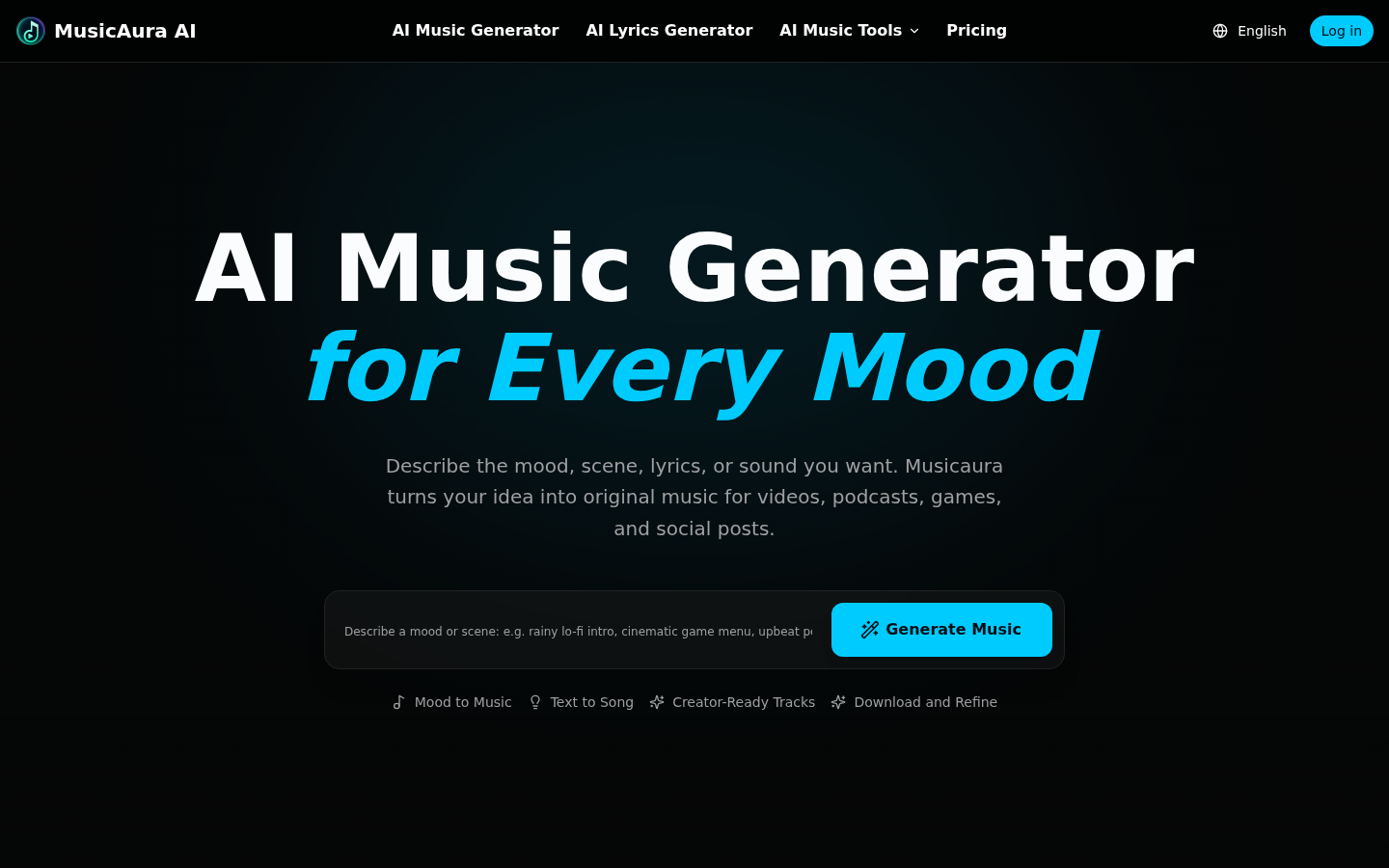
Screenshot archived from the listing page, for preview only.










