
Highlights
What you can do with it
- Creating short video clips from a text prompt
- Turning a reference image into a moving scene
- Testing director-style control over camera and lighting
- Making ad or storyboard drafts before full production
How to use it
- 1 Open the online workstation and use the free entry point to start.
- 2 Enter a text prompt or upload an image as your starting point.
- 3 Describe the camera movement, lighting, sound, and rhythm you want.
- 4 Generate the clip, keeping in mind that quota and price depend on model, length, resolution, and audio.
Who it is for
Pros
- Cinematic camera movement and consistent frames
- Native audio built into generation
- Detailed control over camera, lighting, and rhythm
- A free entry point to try before paying
Limitations
- It is still in preview, so features and access can change
- Generation quota and pricing depend on model, duration, resolution, and audio
- Free entry limits and pricing rules may change over time
- Complex director-style prompts may take practice to get right
What Muse Video is
Muse Video is an AI video generation model announced by Meta Superintelligence Labs during its preview phase. It is available through an online workstation where creators can try it directly. The model accepts text-to-video and image-to-video input, meaning you can start from a written prompt or a reference image. What it aims at is cinematic output: clips come with camera movement, high temporal consistency so frames hold together, and native audio that is generated with the video rather than added later. The standout idea is director-style control. Instead of only describing what is in the scene, you can also specify camera moves, lighting, sound, and rhythm. The stated goal is to lower the cost of moving from a concept to a finished video.
What you can do with it
- Turn a text prompt into a short video clip.
- Turn a reference image into a moving scene.
- Control camera movement, lighting, sound, and rhythm by describing them.
- Generate native audio together with the video.
Who it is for
- Short video creators who want cinematic control.
- Advertising teams that need to draft concepts fast.
- Film previsualization and storyboard work.
- Visual artists exploring what AI video can do.
What to watch out for
Muse Video is still in preview, so what you can access today may change as the product develops. Generation quota and pricing are not flat: they depend on the model you choose, the duration, the resolution, and the audio configuration, so a longer or higher-quality clip can cost more than a short test. The free entry point is a way to start, but free limits and pricing rules can change over time. Finally, director-style control is powerful but not automatic; getting the exact camera move or mood you want may take several attempts and careful prompting.
FAQ
What is Muse Video?
It is an AI video generation model announced by Meta Superintelligence Labs, available in preview on an online workstation.
What can it generate?
It supports text-to-video and image-to-video, producing clips with cinematic camera movement, temporal consistency, and native audio.
Is there a free way to try it?
Yes, the page provides a free entry point to start generating.
What affects the cost?
Generation quota and pricing depend on the chosen model, duration, resolution, and audio configuration.
Why it is free
What the official page says: 免费
Free limits, trial length and features are decided by the official site and can change at any time.
Product preview
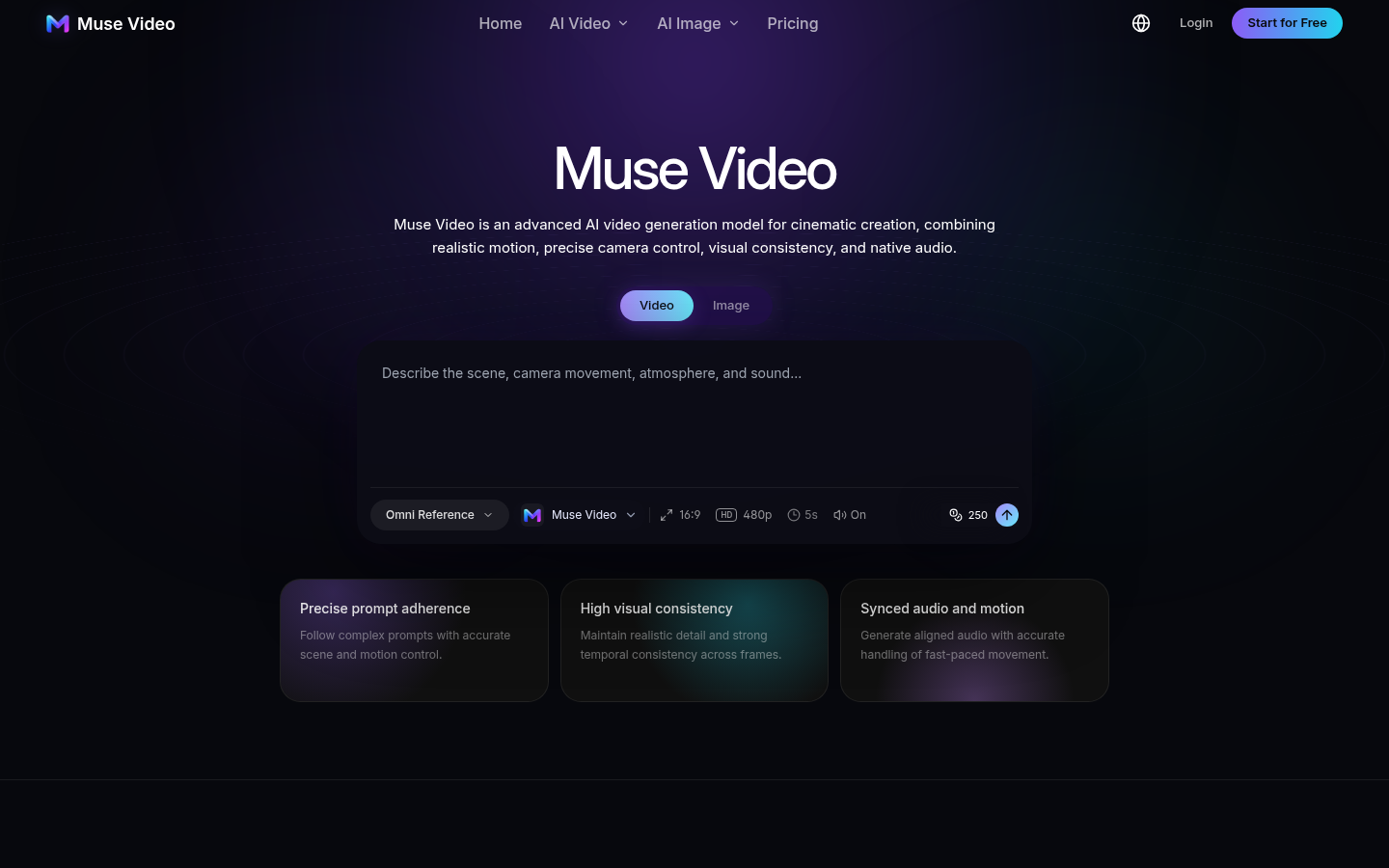
Screenshot archived from the listing page, for preview only.