
Muse Video
Cinematic AI video generator with native audioTurn text, image, and video input into cinematic clips
Highlights
What you can do with it
- Turn a text idea into a cinematic short video
- Create clips with native audio and controllable cinematography
- Remix and iterate quickly on video concepts
How to use it
- 1 Start the free trial on the Muse Video site
- 2 Enter text or supply image and video input
- 3 Choose aspect ratio and cinematography options
- 4 Generate the clip and iterate with quick refinements
Who it is for
Pros
- Native synchronized audio built into generation
- No GPU required since it runs online
- Multiple aspect ratios and fast iteration
Limitations
- It is an early preview, so features and access can change
- The free trial is limited and upgrades may be needed
- Motion and character consistency still need review
What Muse Video is
Muse Video is an early preview video generation model launched by Meta Superintelligence Labs, sharing a pre-training foundation with Muse Image. It is aimed at creators and the Meta AI video workflow, with a focus on text, image, and video input, native synchronized audio, physically plausible motion, character consistency, secondary remixing, and controllable cinematography. Main advantages include online operation without the need for a GPU, guaranteed visual fidelity, the ability to add native audio cues, generation of videos in multiple aspect ratios, and rapid iterative creation. On pricing, it offers a free trial, with subsequent upgrades available based on need. It is positioned to help users quickly turn textual ideas into high-quality cinematic short videos.
What you can do with it
- Turn text, image, and video input into cinematic clips
- Add native synchronized audio cues automatically
- Control cinematography and keep character consistency
- Remix and iterate rapidly on video concepts
Who it is for
- Creators who want cinematic short videos from text
- Users who need native audio without a separate step
- Anyone iterating quickly without local GPU hardware
What to watch out for
It is an early preview, so features, quality, and access can change as the model develops, and results may be uneven. The free trial is limited and later upgrades may be needed, so treat it as a way to evaluate rather than a permanent free tool. Motion and character consistency still benefit from human review, since generated clips can need adjustment. Trial terms and availability can change, so confirm the current details before you rely on them. For best results, start with a small test file and review the output carefully before working on anything important.
FAQ
What is Muse Video?
It is an early preview video generation model from Meta Superintelligence Labs that shares a pre-training foundation with Muse Image.
What inputs does it accept?
It focuses on text, image, and video input, and can add native synchronized audio.
Do I need a GPU?
No, it operates online without the need for a GPU, and it offers a free trial with later upgrades based on need.
Why it is free
What the official page says: 免费试用免费
Free limits, trial length and features are decided by the official site and can change at any time.
Product preview
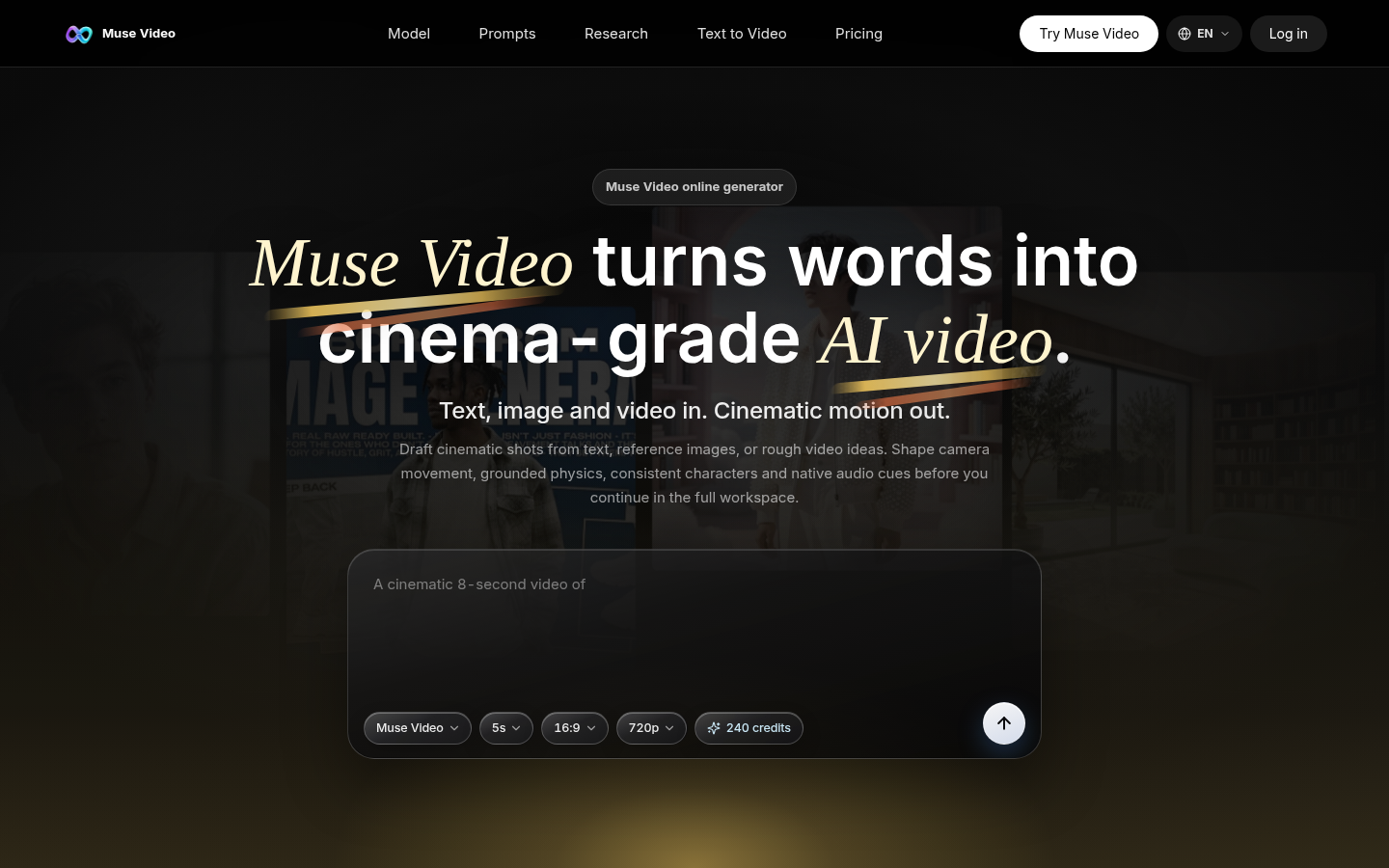
Screenshot archived from the listing page, for preview only.