
Multiplayer
Full-stack session replaySee every user session end to end
Highlights
What you can do with it
- Record user sessions while developing new features to quickly find the cause of a bug
- Let QA capture test case execution so problems can be reproduced and reported accurately
- Help support staff review a customer's actions and give a targeted answer
How to use it
- 1 Visit multiplayer.app, register an account, and log in
- 2 Install the extensions you need, such as the Chrome or VS Code extension
- 3 Start on-demand recording through a browser extension, in-app widget, or SDK
- 4 Turn on continuous recording if you want the system to capture all sessions automatically
- 5 Review recordings, explore system behavior, and add annotations
- 6 Share recordings with teammates to solve problems or plan new features
Who it is for
Pros
- Captures the full stack in one recording, so frontend, backend, and API context appear together
- Continuous recording saves sessions automatically when errors occur
- Fits into existing tools through Chrome and VS Code extensions
Limitations
- Only a free trial is offered and full pricing is not published, so long-term cost is unclear
- Effectiveness depends on how well recording is set up across your stack
- New users may need time to learn how recording and annotations fit their workflow
What Multiplayer is
Multiplayer is a full-stack session recording tool. It records complete user sessions so you can replay exactly what happened across the frontend, backend, and API layers in one place. The product is aimed at developers, QA testers, product support staff, and partners who need real context when something goes wrong instead of guessing from bug reports. Recording can be started on demand through browser extensions, in-app widgets, or SDKs, or it can run continuously in the background so a session is saved the moment an error appears. A free trial is offered, though full pricing is not published, so teams should confirm current plans on the official site.
What you can do with it
- Capture full-stack sessions on demand using browser extensions, in-app widgets, or SDKs
- Run continuous recording in the background to save sessions when errors or anomalies occur
- Explore recorded system behavior in detail to understand performance in different situations
- Add sketches and annotations, then share recordings with teammates to solve problems together
- Use Chrome and VS Code extensions plus API integration support in your existing workflow
Who it is for
- Developers who need to locate code issues quickly and verify fixes
- QA personnel who must reproduce test problems and report them accurately
- Product support staff who want to see a customer's exact steps before answering
- External partners who collaborate with an in-house team on shared problems
What to watch out for
Multiplayer's public listing centers on a free trial, and the full pricing is not spelled out, so planning a budget requires talking to the vendor. The value of a recording depends on setting the tool up correctly across your stack, and teams that are new to session replay may need time to build the habit of reviewing recordings instead of relying on guesswork. Continuous recording also raises questions about how much data you store and for how long, so plan storage and privacy accordingly.
FAQ
Is Multiplayer free?
Multiplayer offers a free trial. Full pricing details are not listed, so check the official site for current plans.
What can I record with it?
You can record full-stack sessions on demand through browser extensions, in-app widgets, or SDKs, or run continuous background recording.
Who is it for?
It is built for developers, QA personnel, product support staff, and external partners who need to understand what happened during a user session.
Why it is free
What the official page says: free trial
Free limits, trial length and features are decided by the official site and can change at any time.
Product preview
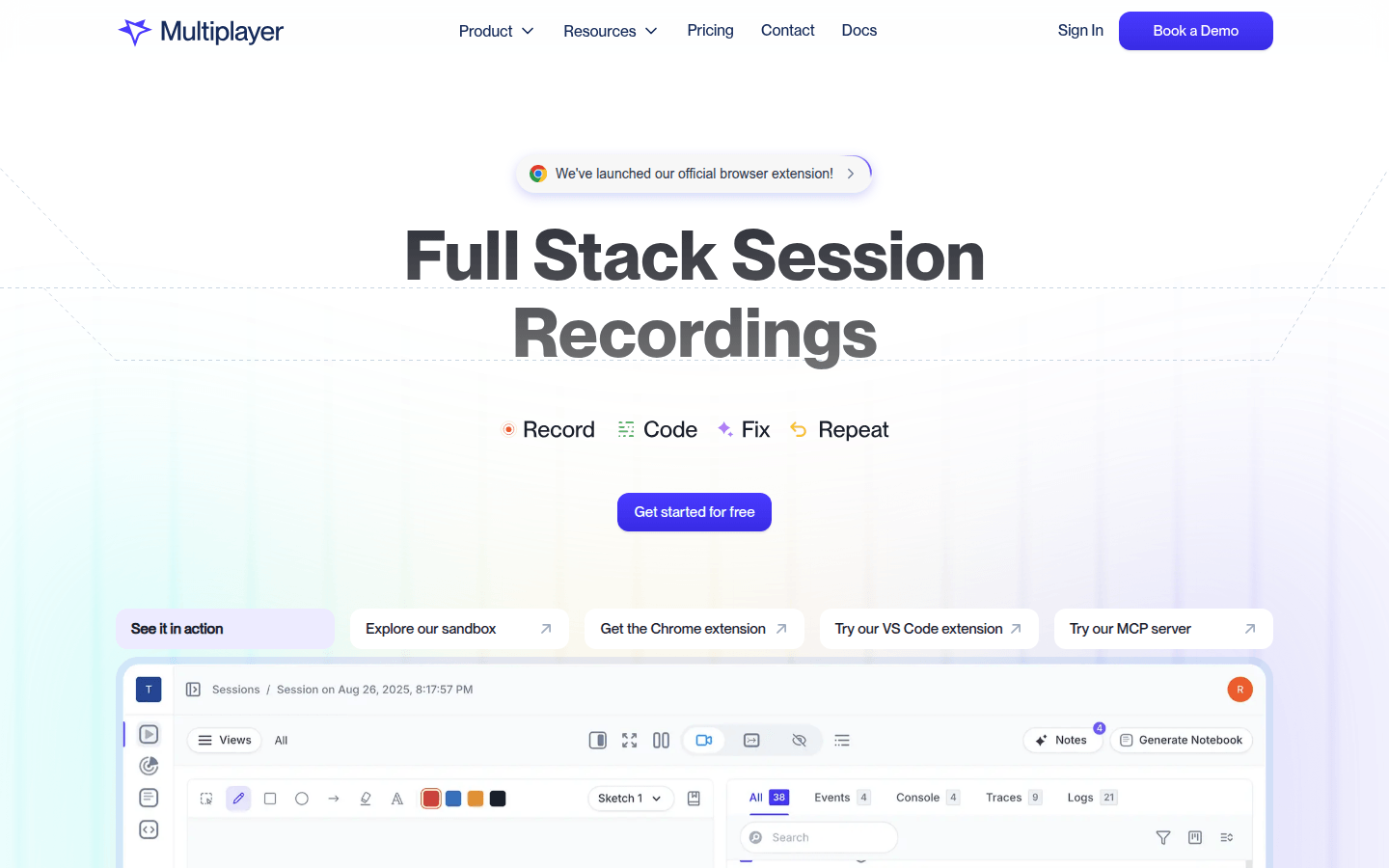
Screenshot archived from the listing page, for preview only.











