
MP3 to Text
Free AI transcription that turns audio files into textTurn recordings into text in minutes, in over 90 languages
Highlights
What you can do with it
- Podcast hosts turn episode audio into show notes, SEO articles and chapter timestamps
- Researchers transcribe long interviews and lecture recordings for analysis
- Educators convert classroom audio into written handouts for students
- Teams turn meeting recordings and customer calls into searchable minutes
How to use it
- 1 Drag and drop your MP3 file into the upload area, or click the upload button to select a file
- 2 Click the Transcribe button and wait a few minutes for the AI to finish
- 3 Review the transcript and check the speaker labels
- 4 Download the result as TXT, DOCX, SRT or VTT
- 5 Use the export for note-taking, subtitles or research writing
Who it is for
Pros
- No installation needed, everything runs in the browser
- Free tier includes 60 minutes of transcription time
- Batch upload lets you queue several files at once
- Speaker labels and subtitle exports cover both research and video needs
Limitations
- Free usage is limited to 60 minutes, so heavier projects need a paid plan
- Accuracy still depends on recording quality and background noise
- Free quotas and plan pricing are set by the provider and can change without notice
- Long files take time to process, and paid features cost extra
What MP3 to Text is
MP3 to Text is a browser-based transcription service that uses AI to turn audio files into written text. It handles MP3 files along with WAV, M4A, FLAC, AAC, OGG, Opus, WebM, AMR and WMA, and it claims support for more than 90 languages. The free tier gives you 60 minutes of transcription time, so you can judge the quality before paying for anything. Paid annual plans exist for people who transcribe regularly, but the core promise stays the same: upload a recording, get text back in minutes instead of typing it out by hand. The tool is aimed at anyone sitting on hours of recordings who needs them searchable, quotable and editable, whether that is a podcast episode, a research interview or a classroom lecture.
What you can do with it
- Upload a single file or batch several recordings at once and let the system process them
- Get a transcript that labels different speakers, which is useful for interviews, meetings and podcasts
- Export the result as TXT for notes, DOCX for reports, or SRT and VTT for video subtitles
- Work with accented speech and background noise, since the engine is built for imperfect recordings
Who it is for
- Podcast hosts and radio producers who want show notes, SEO articles and chapter timestamps for each episode
- Researchers and scholars who need accurate, speaker-labeled transcripts of long interviews and lectures
- Journalists who transcribe press conferences and interview audio quickly
- Educators, trainers and students who turn classroom recordings and study audio into written handouts
What to watch out for
The free tier is capped at 60 minutes of transcription, so anyone working with hours of audio each month will need a paid plan. Transcript quality still depends on the source recording: heavy background noise, overlapping speakers and poor microphones all reduce accuracy, so it is worth reviewing the text before you publish it. Free quotas and plan pricing are controlled by the provider and can change over time, so check the current terms before you commit. For high-stakes work such as published research or legal material, treat the output as a first draft and verify it against the original audio rather than trusting it word for word.
FAQ
Is MP3 to Text free to use?
There is a free tier that includes 60 minutes of transcription time. Paid annual plans are listed for users who need more capacity.
What audio formats can I upload?
MP3, WAV, M4A, FLAC, AAC, OGG, Opus, WebM, AMR and WMA files are supported.
Does it support languages other than English?
Yes, the tool supports more than 90 languages.
Can I get subtitle files?
Yes, you can export transcripts as SRT or VTT files for video subtitles.
Why it is free
What the official page says: 免费免费用户
Free limits, trial length and features are decided by the official site and can change at any time.
Product preview
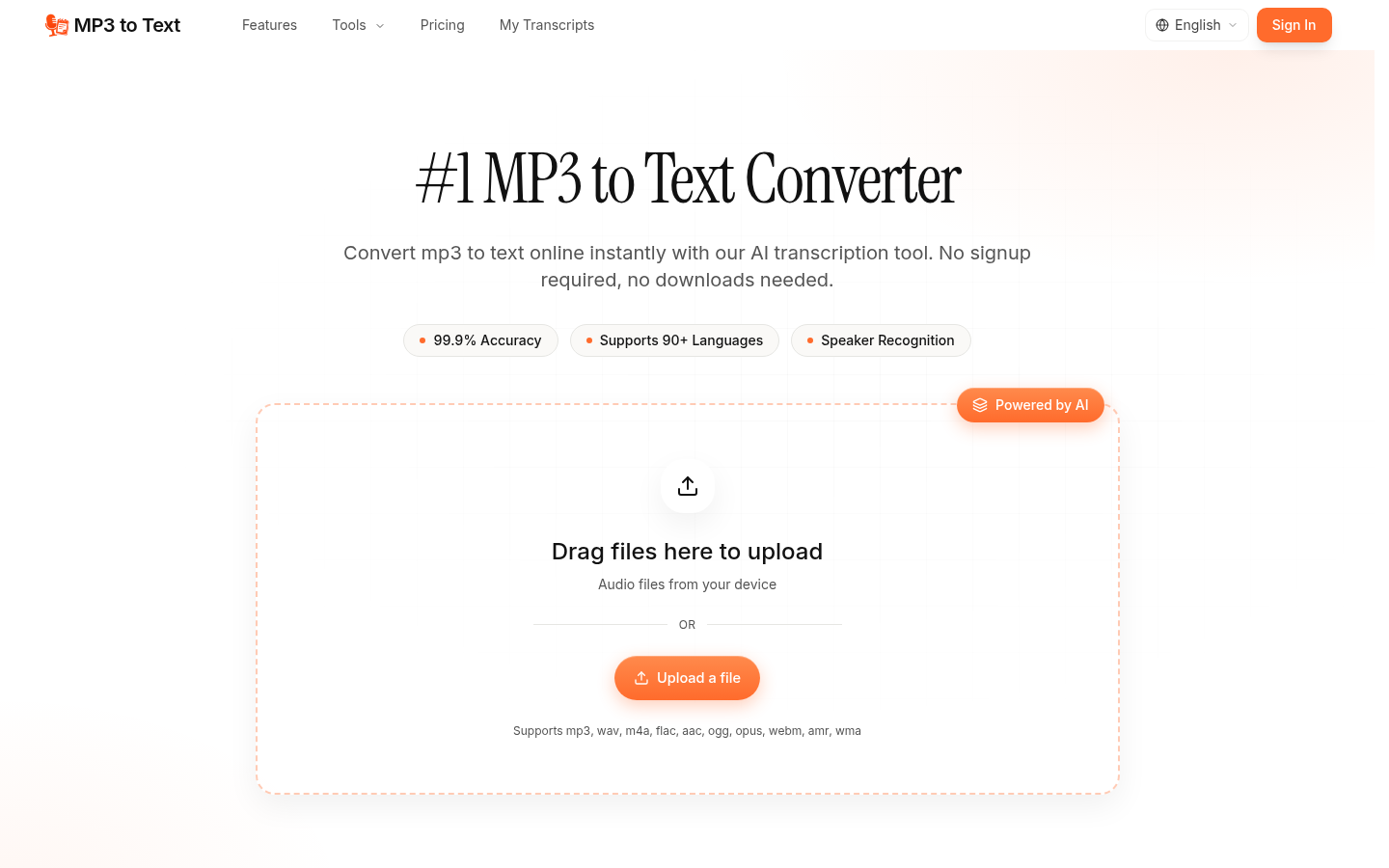
Screenshot archived from the listing page, for preview only.











