Movart AI
AI text-to-video and image-to-video generator for creatorsTurn text and images into video with many AI models in one place
Highlights
What you can do with it
- A creator makes an ocean-themed short video from a text description
- An e-commerce team produces a promo video for a new product
- A designer turns a dog photo into a dynamic clip for inspiration
How to use it
- 1 Register and log in on the Movart AI site
- 2 Choose text-to-video or image-to-video
- 3 Enter a text description or upload the image you want to animate
- 4 Optionally pick a model that fits your style
- 5 Generate the work, edit it, then download for use
Who it is for
Pros
- Both text-to-video and image-to-video in one tool
- Several models available under a single subscription
- Built-in editing reduces the need for other software
- Free trial to test quality before paying
Limitations
- Free trial and the advertised discount can change at any time
- Video quality depends on the prompt and the model you pick
- Rendering can take time for longer or more complex clips
- Full access to models and editing likely needs a paid plan
What Movart AI is
Movart AI is a tool for making videos and images with AI. It offers a free trial and current limited-time offers, so you can test it before paying. It supports text-to-video, where you type a scene, character, or story and get a video, and image-to-video, where you upload a photo and turn it into motion. It also brings several image models together under one subscription and includes professional editing such as color grading, subtitles, and trimming. It is aimed at content creators, marketers, designers, and educators who need visual content fast.
What you can do with it
- Turn a written description into a video clip with AI.
- Upload an image and generate motion from it.
- Pick from several image models to match your creative style.
- Edit the result with color grading, subtitles, and other professional tools.
- Generate multiple views of an uploaded image for extra options.
Who it is for
- Content creators who want to turn ideas into video quickly.
- Marketers who need high-conversion promotional material.
- Designers looking for new materials and inspiration.
- Students and educators making teaching videos and course content.
What to watch out for
The free trial and the advertised discount are current offers and can change, so check the pricing page before you rely on them. Video quality depends heavily on your prompt and the model you choose, so expect to rewrite prompts and retry. Rendering longer or more complex clips can take time. Full access to all models and editing tools will likely require a paid plan, and you should review generated footage for accuracy and rights before you publish or use it commercially.
FAQ
Is there a free trial?
Yes. The site lists a free trial and current limited-time offers, and these terms can change.
What models can I use?
The platform says it brings several image models together under one subscription, and you can choose one that fits your style.
Can I edit the video after it is generated?
Yes. It includes professional editing options such as editing, color grading, and adding subtitles before you download.
Why it is free
What the official page says: free trial
Free limits, trial length and features are decided by the official site and can change at any time.
Product preview
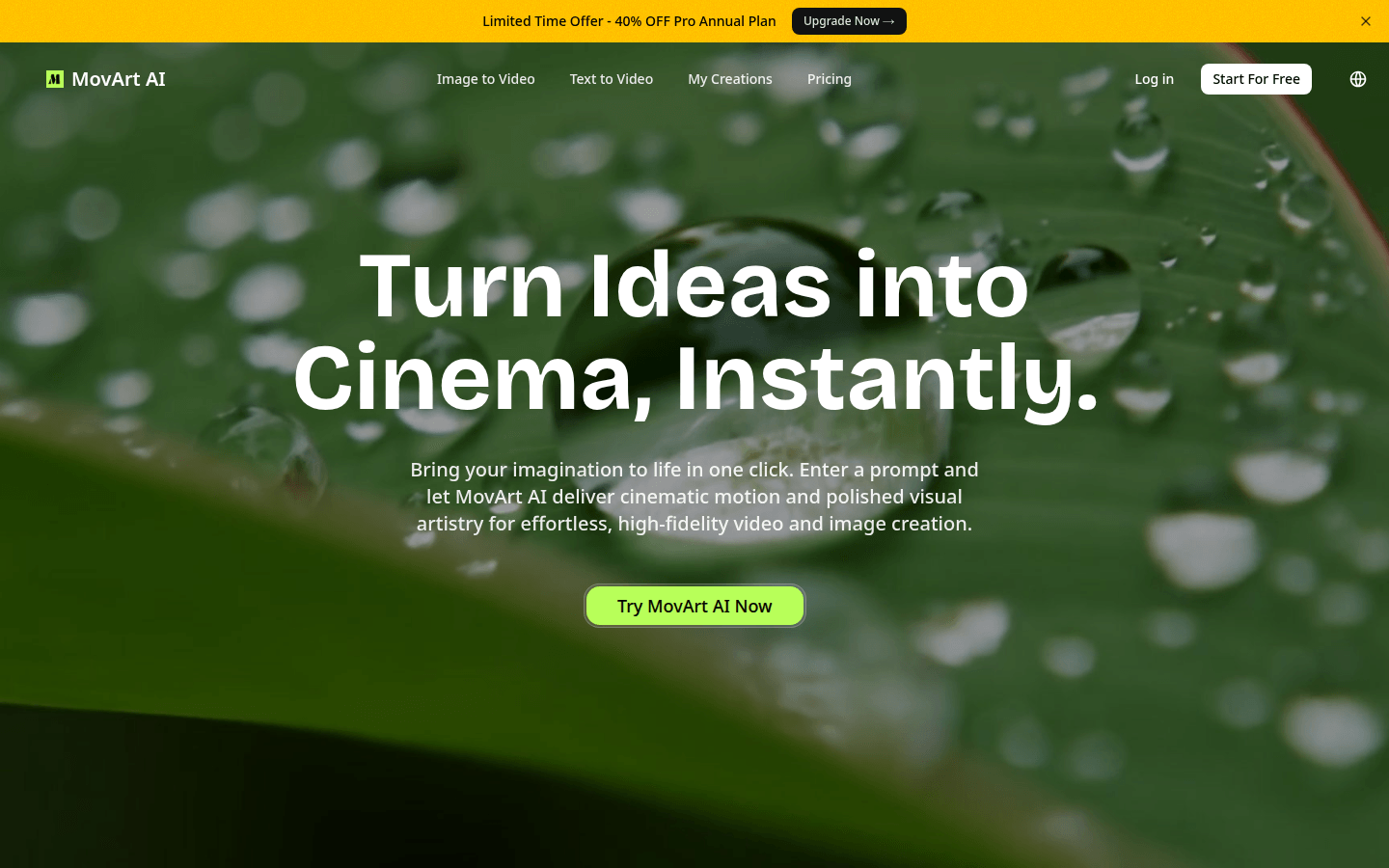
Screenshot archived from the listing page, for preview only.











