
MotionVid
Text-to-video AI for motion graphics without design skills.Type it, see it move.
Highlights
What you can do with it
- Creators convert articles into shareable social media videos
- Marketers produce product promotion videos to raise exposure
- Self-media practitioners make animated videos that attract followers
How to use it
- 1 Visit the MotionVid website and register if required
- 2 Choose text-to-video, image-to-video, or drawing-to-video
- 3 Input your text, upload images, or draw directly
- 4 Adjust styles and add effects to the generated video
- 5 Export or share the finished video
Who it is for
Pros
- No design skills or professional software required
- Multiple input modes: text, images, and drawings
- Fast generation suits high-volume publishing schedules
Limitations
- Output control is more limited than manual motion design tools
- Complex brand-specific animation still needs professional software
- Trial terms and generation limits can change over time
What MotionVid is
MotionVid is an AI-driven text-to-video animation platform designed to lower the barrier of video creation for people without design skills or After Effects experience. Its core capability is speed: written text becomes vivid video animation in seconds, static images turn into dynamic footage, and even hand-drawn graphics can be converted into animated works. Beyond simple conversion, the platform generates professional-level motion graphics and AI visual content such as effects and scenes automatically. Simple editing options let you adjust styles and add effects before exporting or sharing. A free trial is available, and the tool targets the broad population with video creation needs rather than specialists.
What you can do with it
- Convert an article or written idea into a video ready for social media
- Turn product images into short promotion videos that raise exposure
- Animate your own drawings to create distinctive, personal visual styles
- Add motion graphics and AI-generated effects to otherwise plain footage
Who it is for
- Content creators who need to publish video frequently without an editing background
- Marketers producing promotional videos under time pressure
- Self-media practitioners building an audience with animated content
- Beginners intimidated by professional motion design software
What to watch out for
Automated generation trades control for convenience. Compared to manual motion design tools, you have limited influence over timing, easing, and precise composition, and output can look templated if you skip the editing stage. Generation speed also depends on server load, and features or free trial terms can change over time. For brand-critical campaigns, review every output carefully, since AI-generated motion may not match your established visual identity without adjustment. Pricing details were not published on the page at review time, so confirm current plans and limits directly before building a workflow around it.
FAQ
Do I need design experience?
No. MotionVid is built for people without design skills or After Effects experience; you input text, images, or drawings and it generates video.
What can I use as input?
You can use written text, static images, or your own drawings, and each converts into dynamic video content.
Is there a free trial?
A free trial is available, so you can test the generation quality before any paid commitment.
Why it is free
What the official page says: free trial
Free limits, trial length and features are decided by the official site and can change at any time.
Product preview
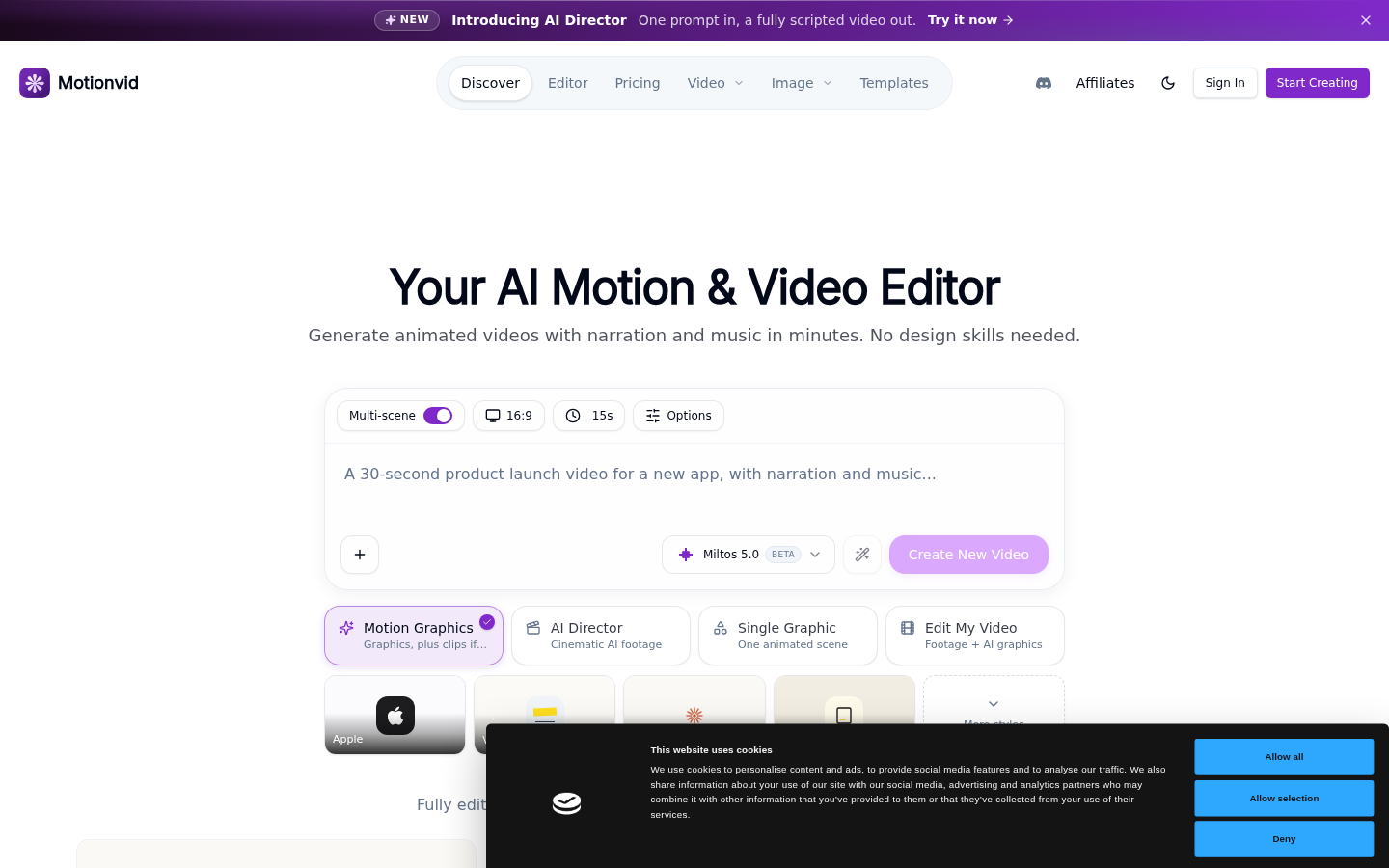
Screenshot archived from the listing page, for preview only.











