
MotionGen
Multi-model AI video generation platformTen video models, watermark-free output
Highlights
What you can do with it
- A creator turns a text script into a social promo video
- A marketer animates a product image for an e-commerce listing
- A student turns study images into an animated explainer
How to use it
- 1 Pick a model from the 10 available options
- 2 Enter a text prompt or upload a reference image
- 3 Click generate and wait 30 to 90 seconds
- 4 Download the watermark-free video
Who it is for
Pros
- Multiple models let you trade style against cost
- Fast generation with no watermark on output
- Free credit limit for new registrations
Limitations
- Free credits are a starting limit, then pay-per-generation applies
- Model choice affects quality, so results are uneven across models
- Story mode requires manual scene arrangement
What MotionGen is
MotionGen is a unified AI video generation platform. You can combine text, images, audio, and video as inputs in one workspace and choose from 10 models including Seedance 2.0, Kling, Sora, Veo, and WAN. Most generations finish in 30 to 90 seconds and come out watermark-free. New users receive a free credit limit on registration with no subscription, and after that the platform runs on pay-per-generation credit packs.
What you can do with it
- Text-to-video from written prompts.
- Image-to-video by uploading a still and describing motion.
- Scene-based story video built shot by shot.
- Switch between 10 models to balance style and budget.
- Download watermark-free video for personal or commercial use.
Who it is for
- Content creators producing social video at volume.
- Marketers animating product images for listings.
- Students and bloggers turning stills into explainers.
What to watch out for
The free credit limit is an entry allowance, not an unlimited plan. Quality varies by model, so expect to test a few before settling. Story mode requires you to arrange scenes yourself, which takes planning time. When quality matters, export a small draft first to confirm the result before producing the final file. Generated suggestions are for reference only, so verify anything that affects professional judgment or important data. Features and interface details may change between versions, so review the latest notes on the page before you start. For team use, agree on naming and editing conventions in advance to avoid version conflicts or duplicated work. Name and archive exported files consistently so you can find and reuse them, and keep a backup copy of key data.
FAQ
Is there a free tier?
New users get a free credit limit upon registration without a subscription. After that, credit packs are purchased per generation.
Which models are available?
Ten models including Seedance 2.0, Kling, Sora, Veo, and WAN.
How long does generation take?
Most generation processes complete within 30 to 90 seconds.
Why it is free
What the official page says: 免费
Free limits, trial length and features are decided by the official site and can change at any time.
Product preview
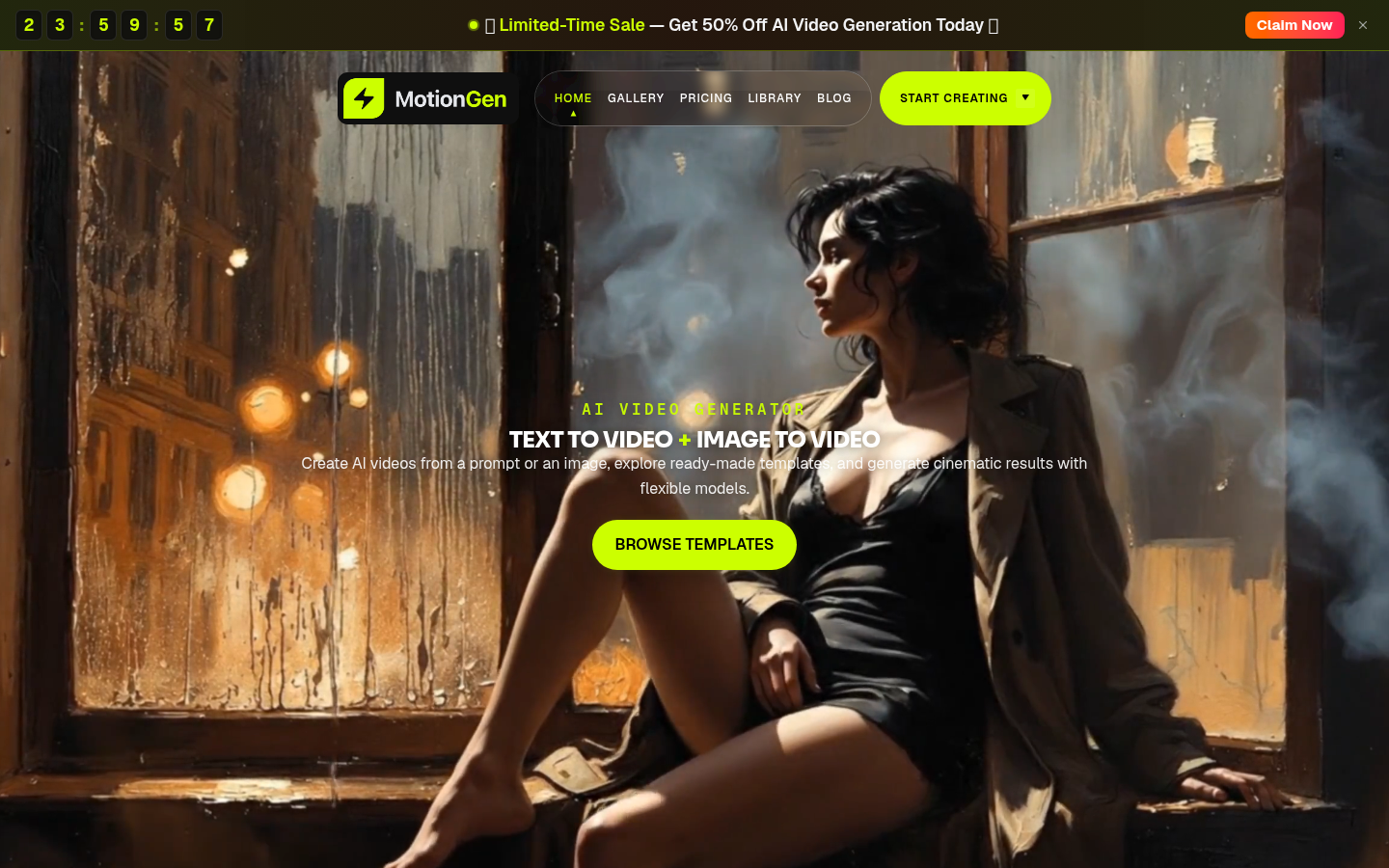
Screenshot archived from the listing page, for preview only.











