
Motionflare
Paste a URL, get a brand-ready promo videoYour website, animated
Highlights
What you can do with it
- Generate a product demo from a launch page URL
- Create promotion videos highlighting campaign discounts
- Produce social clips that explain a product quickly
How to use it
- 1 Open motionflare.ai in your browser
- 2 Paste your website URL or write a one-sentence description
- 3 Set brand elements, AI voice, subtitles, and music
- 4 Click Create video and wait for generation
- 5 Preview in the browser and adjust any scene
- 6 Export in 1080p or 4K, download MP4, or get a sharing link
Who it is for
Pros
- Works directly from an existing website URL
- Voice, subtitles, and music included
- Browser preview before exporting
Limitations
- Free credits are one-time and run out fast
- Template-driven output limits heavy customization
- Rendering time varies with scene complexity
What Motionflare is
Motionflare is an AI tool that turns a website URL, or a single sentence of description, into a dynamic graphic video. When you paste a live URL, it reads the actual page content, captures real screenshots, and designs a scene-by-scene story around your product. AI voice narration, subtitles, and music are combined in one workflow, so the finished clip has sound without extra editing. Brand elements such as logo and color can be applied, previews play inside the browser with a timeline you can drag, and final videos export in 1080p or 4K as MP4 downloads or public sharing links. The free plan gives 15 one-time credits, Pro is $29 per month with 100 credits, and the highest tier is $99 per month with 500 credits.
What you can do with it
- Generate a promo video straight from a live website URL
- Start from a one-sentence idea when no site exists
- Add AI voice, subtitles, and music automatically
- Preview and re-attempt any scene in the browser
- Export 1080p or 4K MP4 files or share a public link
Who it is for
- Entrepreneurs who need product videos without a production crew
- Marketing teams running campaigns and promotions
- Small business owners working with tight budgets
What to watch out for
The free plan's 15 credits are one-time, so serious use requires the $29 or $99 monthly tiers. Because scenes are generated from templates and page content, unusual brand demands may need several regeneration attempts. Voice and subtitle quality should be reviewed before publishing, and the video's claims should match what your product actually does. Rendering time varies with complexity, so plan ahead for launch deadlines.
FAQ
How does it create a video from a URL?
Motionflare reads the real page, takes screenshots, and uses the website's own text and branding to design scenes with AI voice, subtitles, and music.
What does the free plan include?
The free plan includes 15 one-time credits to try the workflow.
Can I use my own branding?
Yes. You can set brand elements such as logo and colors for the video.
What resolution are exports?
Videos can be rendered in 1080p or 4K and downloaded as MP4 or shared via a public link.
Why it is free
What the official page says: free plan
Free limits, trial length and features are decided by the official site and can change at any time.
Product preview
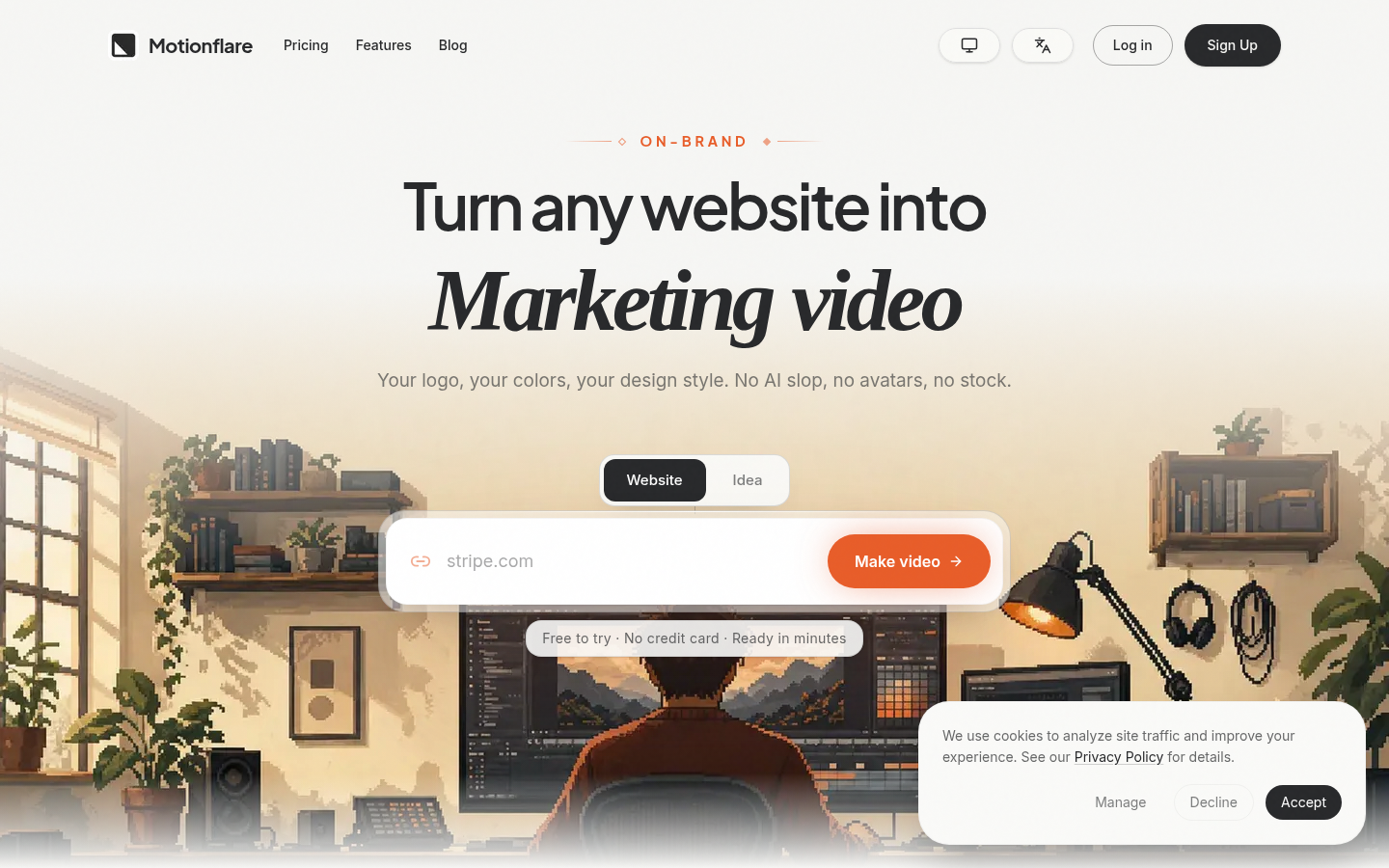
Screenshot archived from the listing page, for preview only.











