
MotionControlAI.ai
Turn a character image and a reference move into videoTransfer real motion onto a character image to make video.
Highlights
What you can do with it
- Pair a designed character with a dance for a social clip
- Turn a game character image into an action promo video
- Animate a teaching character with explanation gestures
How to use it
- 1 Upload a clear full or half body character image
- 2 Add a motion from the library or upload MP4 or MOV
- 3 Generate a short preview to check identity and motion
- 4 Pick resolution and aspect ratio, then render the video
Who it is for
Pros
- No studio or motion capture setup needed
- Free 480p model lets you test the workflow
- Preview step helps catch errors before rendering
Limitations
- Higher resolutions use credits, so costs depend on clip length
- Results depend on image quality and how well the motion fits
- You should only upload images and motion you have the rights to use
What MotionControlAI.ai is
MotionControlAI.ai is a web-based video generation tool focused on motion transfer. You give it a character image and a reference motion, and using Kling 3.0 Motion Control it applies that motion to your character to create a video. The idea is to help creators get a moving character without a studio shoot or a motion capture setup. You upload a clear full or half body character image, then choose a move from the built-in reference library or upload your own MP4 or MOV file. Before the final render, you can generate a short preview to check that the character stays stable and the motion looks right. A free 480p image-to-video model is available, while 720p and 1080p renders use credits.
What you can do with it
- Transfer a reference motion onto a character image
- Pick moves from a built-in library or upload your own video
- Preview a short clip to check identity and motion accuracy
- Render at 720p or 1080p in 9:16, 16:9, or 1:1
Who it is for
- Video creators making character, dance, and social clips
- Animation designers who want to bring static characters to life
- Marketers who need quick character promo videos
What to watch out for
Higher resolutions use credits, at 10 credits per second for 720p and 15 per second for 1080p, so longer clips cost more. Results depend on the clarity of your character image and how well the chosen motion fits it, and some pairs need retries. Only upload images and motion you have the rights to use, since the output is built from your inputs and you are responsible for that content. Treat the preview as a checkpoint, because fixing issues before the final render saves credits.
FAQ
How does it work?
You upload a character image and a reference motion, and the tool transfers that motion onto your character to generate video.
Is there a free option?
Yes. There is a free 480p image-to-video model, while 720p and 1080p use credits.
What does it cost?
It is credit-based: 10 credits per second for 720p and 15 credits per second for 1080p.
What files can I upload?
Character images in PNG, JPG, JPEG, WEBP, or GIF up to 10MB, and motion videos in MP4 or MOV up to 100MB.
Why it is free
What the official page says: 免费
Free limits, trial length and features are decided by the official site and can change at any time.
Product preview
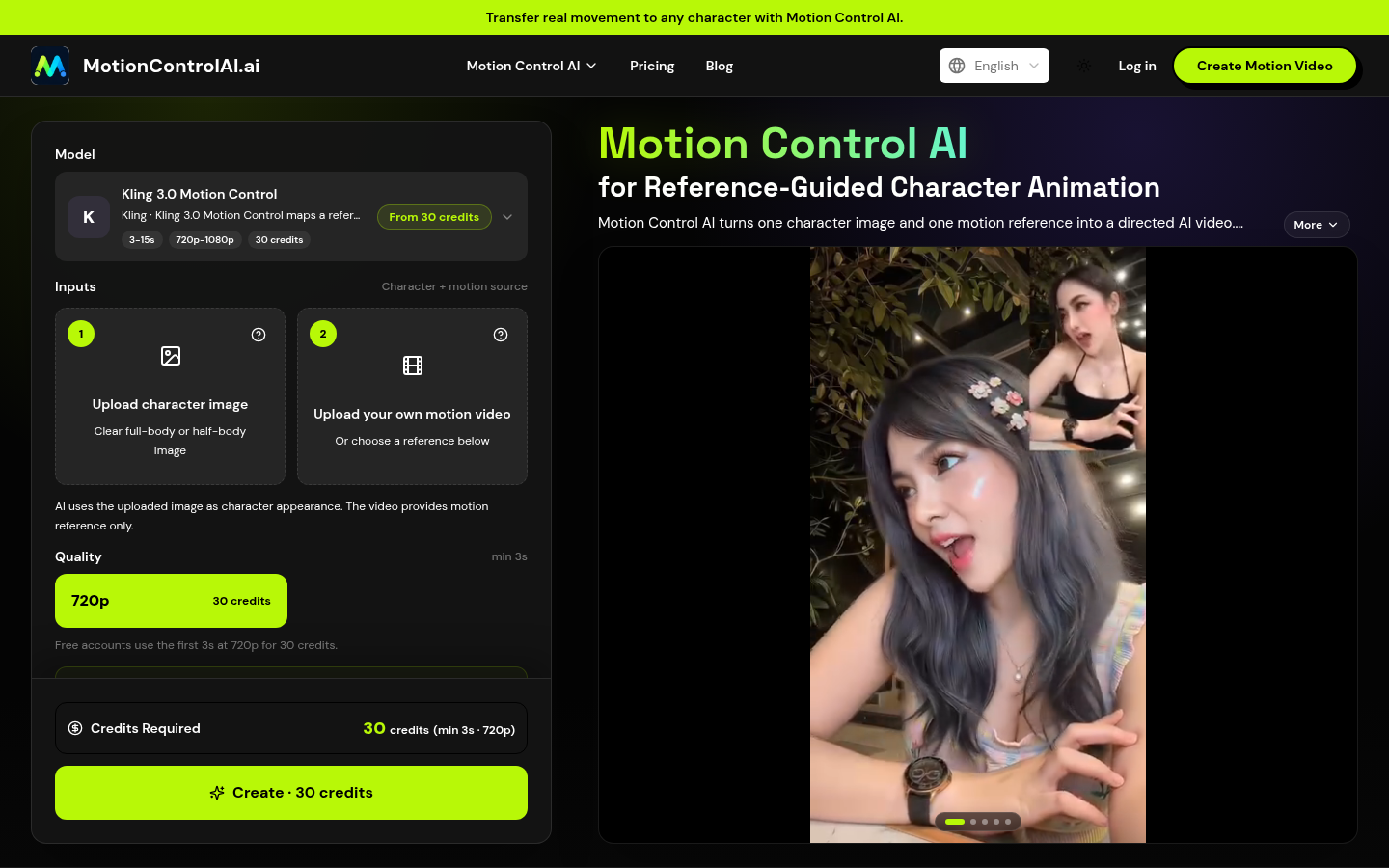
Screenshot archived from the listing page, for preview only.











