
Motiofy
Free online image to video generatorUpload a picture, describe motion, get video
Highlights
What you can do with it
- Turning a product photo into a short advertisement clip
- Animating a landscape photo for social media
- Bringing a painting to life as an art video
How to use it
- 1 Upload a picture to the Motiofy site.
- 2 Describe the motion in simple language.
- 3 Select a model and check the credit cost.
- 4 Generate, then download or adjust and regenerate.
Who it is for
Pros
- No professional video skill required
- Multiple models available without switching tools
- Start and end frame control gives precise results
Limitations
- The free quota is small and paid plans start after it
- Prompt wording strongly affects output quality
- Motion realism has limits on complex subjects
What Motiofy is
Motiofy is an online image to video AI generator. The workflow is deliberately simple: upload a picture, describe in plain language how you want it to move, select a model, and get a video back in minutes. No professional video skill is required. Beyond the basics it offers several AI video models inside one workspace so you can compare them, start and end frame control so a clip begins and ends exactly where you want, reference image upload to lock a product or visual style, and adjustable parameters such as aspect ratio, duration, and resolution. A creation history keeps every output organized by date.
What you can do with it
- Animate a still image with a described motion.
- Compare several AI video models in one place.
- Set start and end frames and let the tool fill the middle.
- Upload a reference image to keep a product or style consistent.
- Adjust ratio, duration, and resolution per project.
- Download a result or tweak the prompt and regenerate.
Who it is for
- E-commerce sellers who need product video quickly.
- Social media creators animating photos for posts.
- Artists turning static work into short motion pieces.
- Anyone who wants video without learning an editor.
What to watch out for
The free quota for new users is small, and the paid packages listed start at a monthly cost, so budget before you plan a batch of clips. Prompt wording has a large effect on output, and vague descriptions produce vague motion, so expect several tries. Motion on complex subjects such as people, hands, or text tends to be less convincing than on simple objects. Credit costs vary by model and settings, so check the estimate before you generate rather than after.
FAQ
How does Motiofy work?
Upload a picture, describe the motion, choose a model, and generate a video.
Can I control the start and end frames?
Yes, setting start and end frames is listed, with automatic transitions between them.
Is there a free option?
New users get a free quota, with paid packages after that.
Why it is free
What the official page says: 免费额度免费
Free limits, trial length and features are decided by the official site and can change at any time.
Product preview
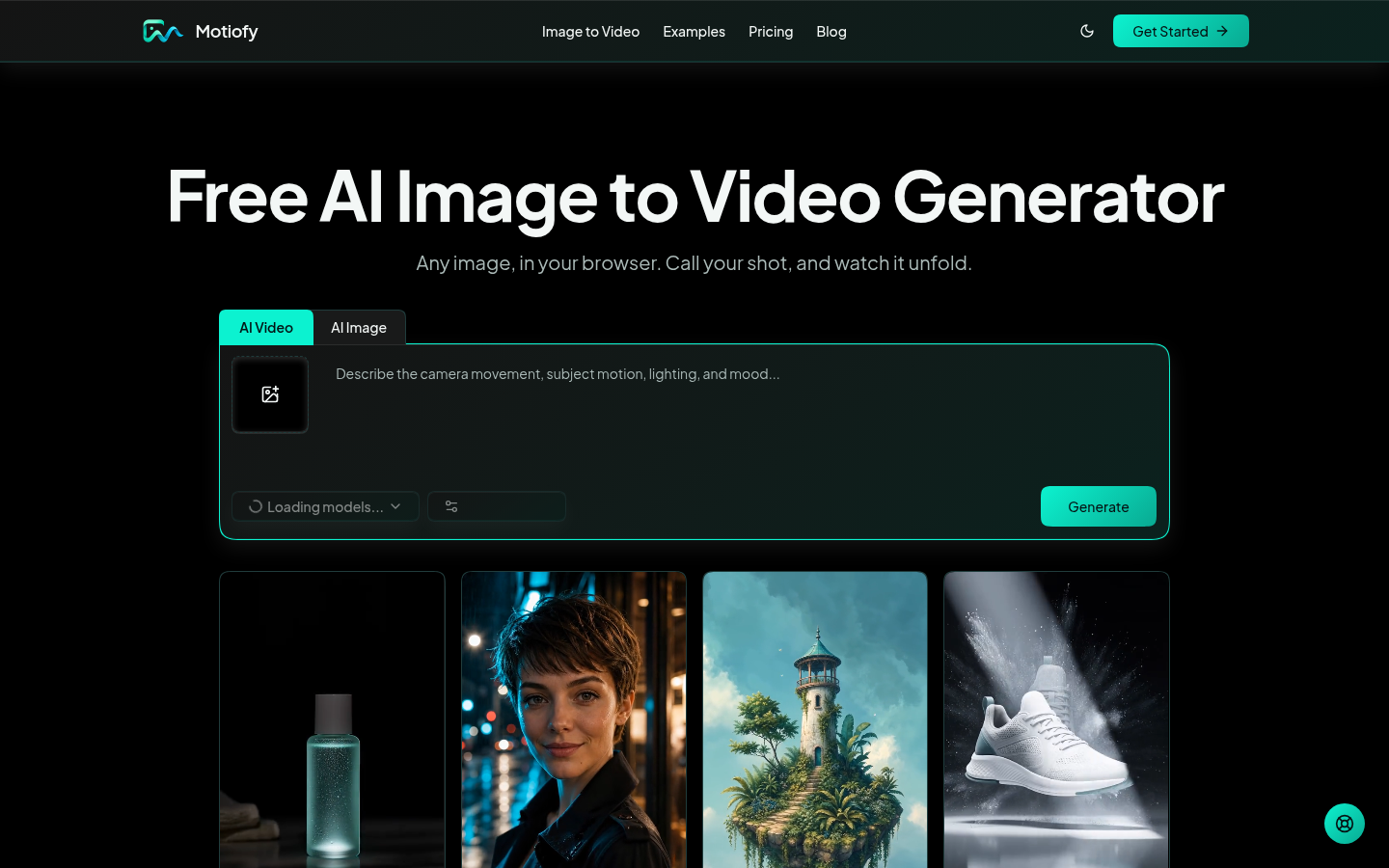
Screenshot archived from the listing page, for preview only.











