Highlights
What you can do with it
- Automate file, message, and scheduling chores on your own machine
- Connect the assistant to several messaging channels in one place
- Add new skills from the marketplace to extend what it can do
How to use it
- 1 Download the open source project and install it on your device
- 2 Choose an AI model provider and plug in your credentials
- 3 Connect the messaging channels you want to use
- 4 Enable skills from the marketplace for the tasks you need
- 5 Test small automations before giving the assistant broader permissions
Who it is for
Pros
- Free and MIT licensed, so you can read and modify the code
- Local first design keeps data on your device
- Flexible model choice instead of one locked in provider
Limitations
- Self hosting means you handle setup, updates, and your own security
- Some model provider APIs charge for usage even though the tool is free
- Automation breadth depends on available skills and channel support, which can change
What moltbot is
moltbot is an open source, self hosted personal AI assistant that was previously named Clawdbot and was renamed in early 2026 over trademark issues. It runs on local devices rather than depending on the cloud or third parties, which is the core of the product: your data stays on your machine. The assistant has strong system integration and can carry out practical automation tasks, reach you through several communication channels, and extend itself with skills from a marketplace. You also choose the AI model provider instead of being locked into one. Enterprise level security features are listed as part of the design. It is completely free under the MIT license.
What you can do with it
- Run system chores such as file handling, messages, and scheduling on your own machine.
- Talk to the assistant through more than one communication channel.
- Install skills from the marketplace to add behavior you need.
- Swap model providers when pricing or capability changes.
Who it is for
- Developers and tinkerers who want an assistant they can inspect and modify.
- Privacy minded users who do not want a cloud company holding their data.
- Self hosters who already run services at home and want automation on top.
What to watch out for
Self hosting puts the work on you: installation, permissions, updates, and hardening the box it runs on are all your job. The tool itself is free, but some model APIs charge for usage, so a paid key is often part of the real cost. The feature set also depends on the skill marketplace and on which channels are supported, and both can change over time. Treat the current skill list as a snapshot rather than a promise, and test each automation in a narrow scope before widening it.
FAQ
What is moltbot?
It is an open source, self hosted personal AI assistant, formerly called Clawdbot, renamed in early 2026 because of trademark issues.
Is it free?
The project is completely free under the MIT license, though some model APIs charge separately.
Where does my data go?
It is designed to run locally on your device, so data does not rely on the cloud or third parties.
Why it is free
What the official page says: 完全免费免费
Free limits, trial length and features are decided by the official site and can change at any time.
Product preview
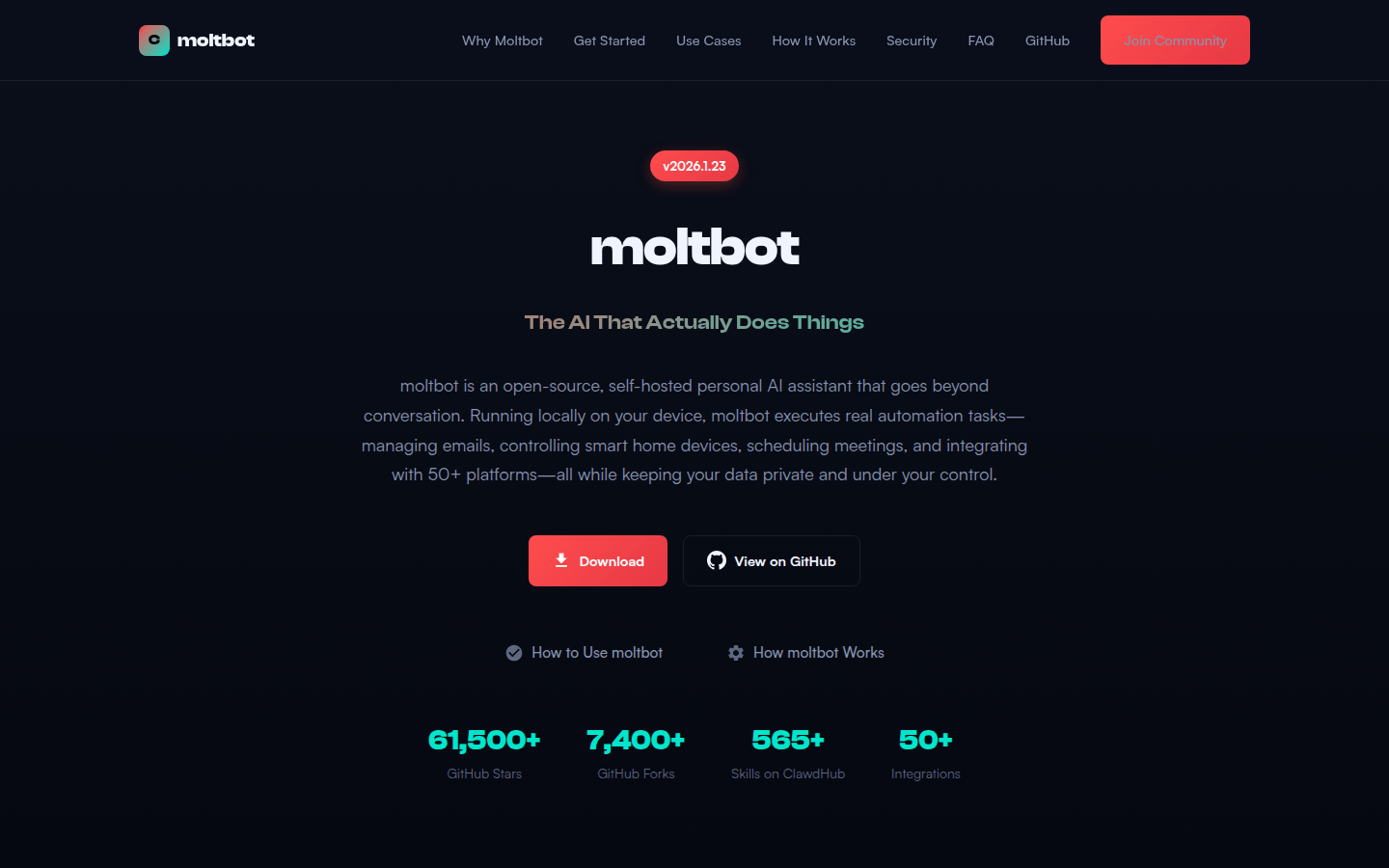
Screenshot archived from the listing page, for preview only.