
MojoMake All
One-stop AI video and image studioMany models in one dashboard, start free
Highlights
What you can do with it
- Make a product video for e-commerce without hiring editors.
- Animate a logo or image for a client.
- Generate images and short clips for social posts.
How to use it
- 1 Visit mojomake.com and register for 10 free credits.
- 2 Pick a feature like image to video or text to video.
- 3 Enter text or upload images as prompted.
- 4 Wait for generation, then preview and download.
Who it is for
Pros
- 10 free credits for new users.
- Several models in one place, no separate subscriptions.
- No design skills required.
Limitations
- Free credits are limited and pricing can change.
- Each model has its own terms, so commercial rights can differ by provider.
- Output still needs review to look right for your brand.
What MojoMake All is
MojoMake All is a one-stop AI creative platform that puts several image and video models in one dashboard. It brings together models such as Google Veo, Runway, Kling AI, and Sora, so you can make videos and stills without juggling separate subscriptions or learning complex software. You can go image to video, text to video, reference to video, text to image, and image to image, with options like Nano Banana and Flux for pictures. New users get 10 free credits to try it. The site pitches it at creators and e-commerce sellers who want fast visuals without design skills or a big budget.
What you can do with it
- Turn a photo into a short video with motion effects.
- Create a video from a text prompt.
- Generate images from text or restyle an existing photo.
- Keep a character's face and clothing consistent across scenes.
Who it is for
- Social creators who need fast video and image content.
- E-commerce sellers making product visuals.
- Freelance designers adding motion to client work.
What to watch out for
The free credits are limited and pricing can change, so check current plans before you scale up. Each model has its own terms, so commercial rights and usage rules can differ by provider even when the site states commercial use, so read those before you publish. Output still needs review to fit your brand, and generation can take time when models are busy. Keep backups of anything you download. For best results, start with a small test file and review the output carefully before working on anything important. Free tiers can change over time, so it is worth checking the current limits on the official page before you rely on the tool daily.
FAQ
Is it free to start?
New users get 10 free credits to try the tools.
Which models does it use?
Veo, Runway, Kling AI, Sora, and more.
Can I use results commercially?
The site states commercial rights, but check each provider's terms.
Why it is free
What the official page says: for freefree credits
Free limits, trial length and features are decided by the official site and can change at any time.
Product preview
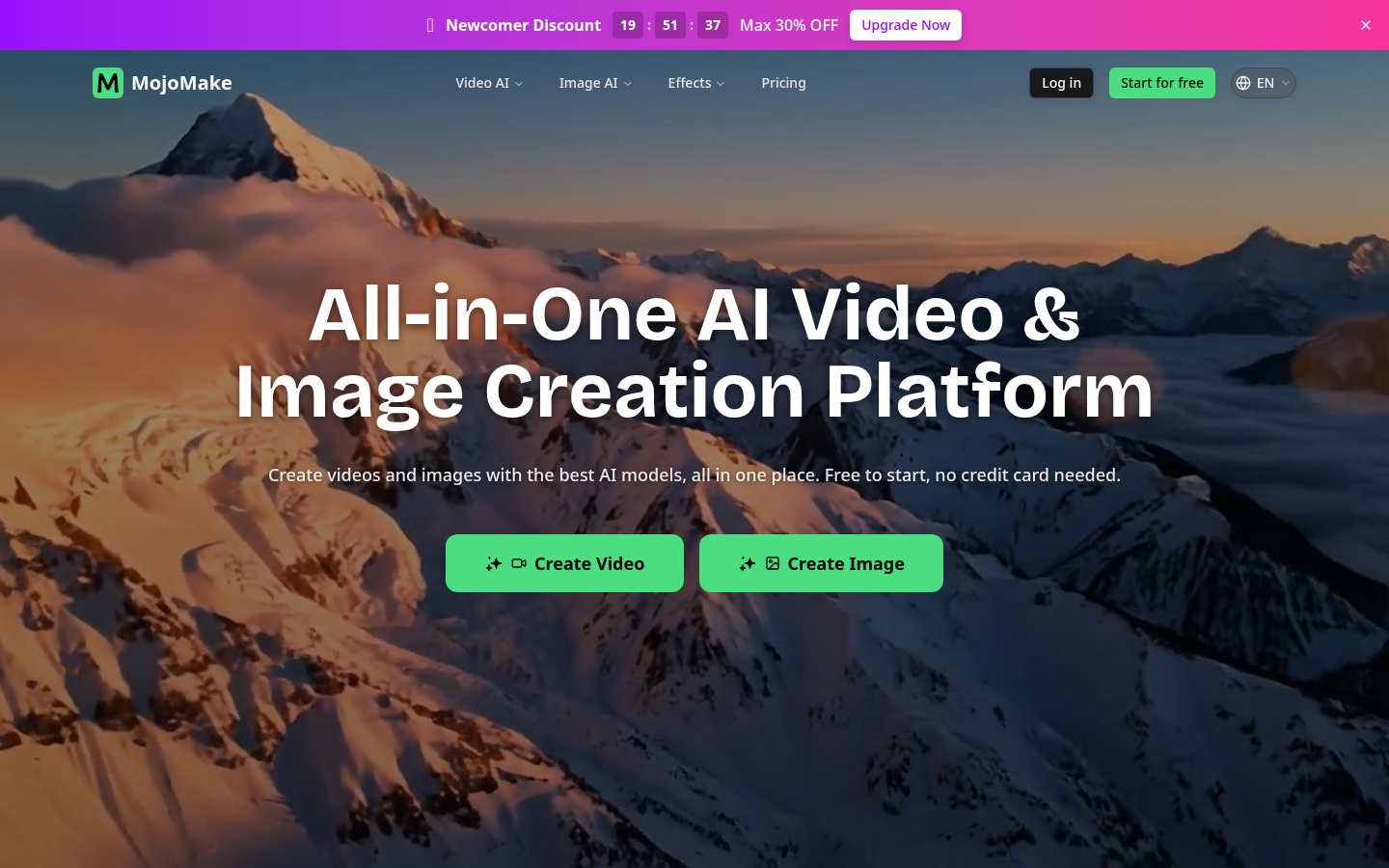
Screenshot archived from the listing page, for preview only.











