ModelBound
Context and skill manager for AI coding toolsReusable skills that make AI code like a senior engineer
Highlights
What you can do with it
- Individual developers build custom skills to speed up personal coding
- AI engineering teams standardize and share skills with evaluation
- Platform engineers wire MCP servers and context into one workflow
How to use it
- 1 Create skills, prompts, rules, and knowledge bases in the ModelBound cloud
- 2 Install the ModelBound extension in Cursor or VS Code and paste the API key
- 3 Let the IDE sync skills, rules, and knowledge bases automatically
- 4 Use, evaluate, and refine skills in the Playground as needed
- 5 Push skills to Git or share them live over MCP for team use
Who it is for
Pros
- Free version gives 25 credits and 500 MCP calls each month
- Reusable skills keep prompts and rules consistent across projects
- Built-in cost optimization helps reduce token spend
- Open-source IDE extension keeps skills synced with your editor
Limitations
- Free tier caps credits and MCP calls; heavier use needs a paid plan
- Best results need effort to write and evaluate good skills
- Tied to AI coding tools and MCP, so it is developer-focused
- Free plan terms and limits may change over time
What ModelBound is
ModelBound is an AI context management platform for system prompts, RAG documents, and MCP configuration. It is designed to help developers use AI coding tools more effectively by packaging reusable skills, rules, and knowledge bases into portable files that agents can load. You can bundle system prompts, Cursor rules, project descriptions, reference material, and scripts into a single skill, then run an evaluation suite to audit it against clear metrics such as passed rules, token budgets, and conflict checks. It works with clients that support the Model Context Protocol, such as Claude Code, Cursor, and Kiro. A free version includes 25 credits per month and 500 MCP calls, with a paid professional tier for more.
What you can do with it
- Create reusable skills that combine prompts, rules, and knowledge into one file.
- Audit and refine skills with an evaluation suite that checks rules, budgets, and conflicts.
- Share skills with a team by pushing to Git or delivering them live over MCP.
- Trim context with instruction distillation, redundancy removal, and format compression to cut token cost.
Who it is for
- Individual developers who want to build and manage their own AI coding skills.
- Professional AI engineering teams that need shared, evaluated, version-controlled skills.
- Platform engineers connecting MCP servers, API keys, and context into one system.
What to watch out for
The free tier caps credits and MCP calls, so heavier or team use will likely need a paid plan. Getting real value takes effort, because you have to write and evaluate good skills rather than expect instant results. The product is tightly focused on AI coding tools and MCP, so it is not a general-purpose assistant. Free plan terms and limits may change over time, so confirm current pricing and quotas before you build a workflow that depends on them.
FAQ
What is ModelBound for?
It is an AI context management platform for system prompts, RAG documents, and MCP configuration, helping developers use AI coding tools more effectively.
What does the free version include?
The free version includes 25 credits per month and 500 MCP calls, with a paid professional tier for more capacity.
Which tools does it work with?
It supports clients that use the Model Context Protocol, such as Claude Code, Cursor, and Kiro, through skills and an IDE extension.
Why it is free
What the official page says: free version
Free limits, trial length and features are decided by the official site and can change at any time.
Product preview
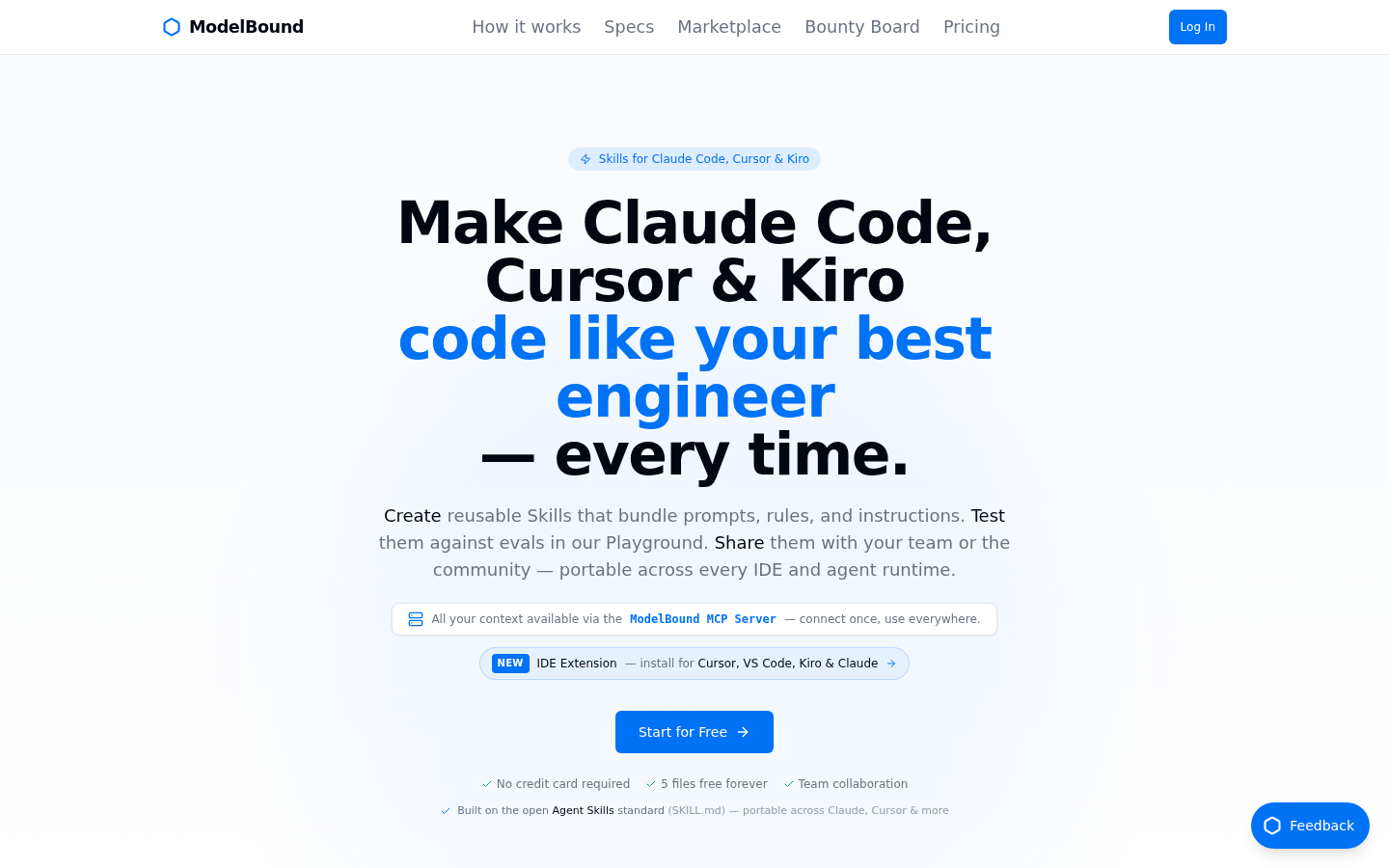
Screenshot archived from the listing page, for preview only.











