MODCAR.ai
AI car modification previewSee the wheels, wrap and kit before you buy
Highlights
What you can do with it
- An enthusiast comparing wheel and body kit combinations
- A used-car dealership standardising inventory photo backgrounds
- A wrap shop showing film colours before application
How to use it
- 1 Upload a single car photo or a batch from inventory
- 2 Add wheels, decals, colours and body kits, or standardise the whole set
- 3 Upload custom parts if you want to preview specific items
- 4 Generate variants and angles, then download high-resolution files
Who it is for
Pros
- Cheap way to reject a bad combination before spending money
- Batch mode suits dealer inventory work
- Background replacement makes listing photos consistent
- Custom part upload covers parts not in the presets
Limitations
- The free trial is limited and paid usage follows
- A preview is not a guarantee of the real finished result
- Photo angle and lighting limit how believable the preview is
- Fitment, legality and safety still need real-world checking
What MODCAR.ai is
MODCAR.ai is an AI car modification preview tool. You upload a photo of a car and then try combinations: new paint colours, wheel styles, decal patterns and body kits. The point is to see the result on your actual vehicle before money is spent, rather than guessing from a catalogue image. Batch upload extends this to a single car or an entire dealership inventory, which is useful for standardising listing photos. Background replacement puts a car into a clean studio, street or landscape scene, and style presets cover street, track, VIP, off-road and widebody directions for anyone unsure where to start. Custom parts can be uploaded to check how they fit, multiple angles and variants can be generated, and high-resolution files can be downloaded individually or in batch. A free trial is offered.
What you can do with it
- Preview paint, wheels, decals and body kits on your own car
- Upload custom parts to see how they sit on the vehicle
- Replace cluttered backgrounds with studio, street or landscape scenes
- Apply style presets when you have no clear direction
- Generate multiple angles and export high-resolution files
Who it is for
- Car enthusiasts planning a modification before buying parts
- Used-car dealers standardising inventory photography
- Wrap and modification shops showing customers options in advance
What to watch out for
The free trial is limited and paid usage follows, so confirm pricing if you plan regular work. A preview is a guide, not a promise: real fitment, paint finish and lighting behave differently on an actual car, so do not treat a rendered image as a contract with a shop. Photo quality sets the ceiling, since a poor angle or harsh lighting makes any overlay look artificial. Most importantly, modifications still need real-world checking for fitment, safety and local road legality, and those decisions remain yours.
FAQ
Is MODCAR.ai free?
It offers a free trial. Pricing after the trial is not stated in the source material, so check the site.
Can I preview parts you do not stock?
Yes. You can upload photos of your own wheels, kits, decals or accessories and preview how they sit on the car.
Can I process many cars at once?
Batch upload supports a whole dealership inventory, including background replacement and batch export.
Why it is free
What the official page says: free trial
Free limits, trial length and features are decided by the official site and can change at any time.
Product preview
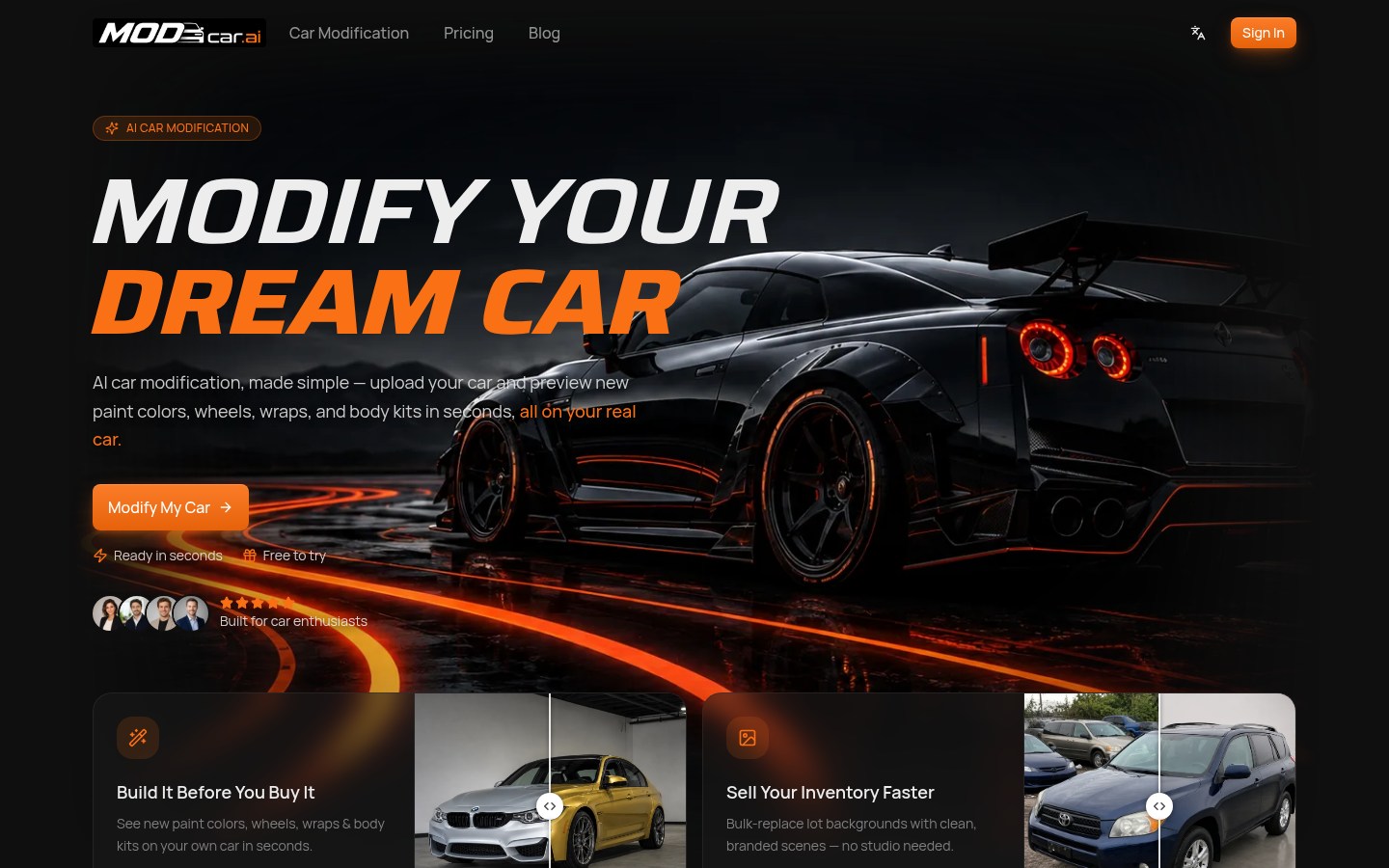
Screenshot archived from the listing page, for preview only.











