
Mockuplabs
Free online AI mockup generatorTurn any image into a product mockup
Highlights
What you can do with it
- Creating T-shirt mockups for client presentations or sales
- Designing cup patterns for company promotions
- Turning ad designs into poster mockups for client review
How to use it
- 1 Upload your product image or browse the template library
- 2 Select the image and click the Mockup button to make it editable
- 3 Drag your design onto the model, or use platform assets or AI designs
- 4 Adjust position and size, then download the high-quality result
Who it is for
Pros
- Free to use with a large template library
- Extra AI tools for patterns, backgrounds, and erasing
- No complex design software required
Limitations
- A free tool, so its terms and availability can change
- Results depend on how well your design fits the template
- Browser-heavy editing needs a reasonably capable device
What Mockuplabs is
Mockuplabs is a free online AI mockup generator. You upload an image, choose a template, and the tool places your design onto a product scene you can download. The library covers clothing, accessories, home decor, packaging, and technology, so a T-shirt design, a cup pattern, or a poster can all be previewed without a photoshoot. Alongside the templates, the platform includes smart color change, an AI pattern generator, background removal, an AI eraser, image enlargement, and text design, all aimed at making product visuals faster to produce.
What you can do with it
- Convert your own images into editable product mockups
- Drag designs onto templates and have them adapt automatically
- Change colors, generate patterns, and remove backgrounds with AI tools
- Add text and download high-quality mockup images for presentations
Who it is for
- Designers who need to show concepts to clients quickly
- E-commerce sellers who want better product images without a studio
- Corporate marketers and entrepreneurs preparing promotional material
What to watch out for
The tool is free, which means its terms and availability can change, so keep local copies of important mockups. Results depend on how well your design fits the chosen template, so some adjustment of position and size is usually needed. The editor runs in the browser with several AI features, so a slow device or connection can make editing feel heavy. Mockups are previews: before you commit to production, check the real product, because lighting and fabric behavior will differ from the generated scene. Generated suggestions are for reference only, so verify anything that affects professional judgment or important data. Start with a small sample to confirm the output meets your expectations before processing the full batch.
FAQ
Is Mockuplabs free?
Yes, the AI mockup generator is described as a free online tool.
How many templates are there?
The platform offers over 20,000 free and customizable templates across clothing, accessories, home decor, packaging, and technology.
What editing tools are included?
It includes smart color change, an AI pattern generator, background removal, image enlargement, an AI eraser, and text design.
Why it is free
What the official page says: 免费
Free limits, trial length and features are decided by the official site and can change at any time.
Product preview
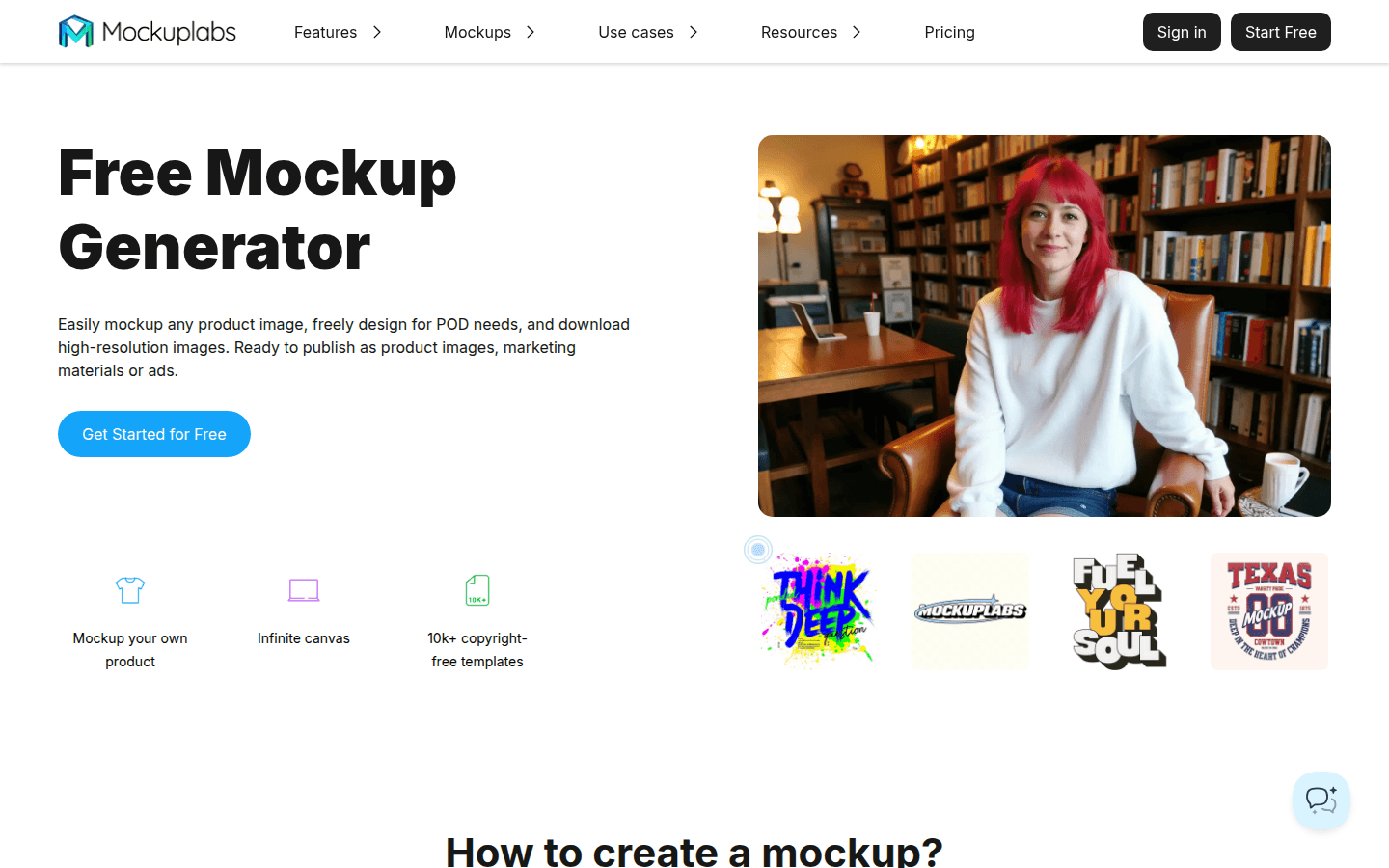
Screenshot archived from the listing page, for preview only.











