
Mochi 1
Open-source video modelPrompt to video, with open weights
Highlights
What you can do with it
- Effect and trailer shots for film work
- Dynamic background video inside games
- Instructional or historical reenactment clips
How to use it
- 1 Open the Genmo site and go to the Mochi 1 page.
- 2 Enter the online Playground.
- 3 Type a prompt describing the video you want.
- 4 Generate and review the preview.
- 5 Adjust, download, or take the weights for local use.
Who it is for
Pros
- Open weights allow local and customized use
- Playground lets you test without setup
- Focused on motion quality and prompt following
Limitations
- It is a research preview, so results and stability vary
- Detailed pricing is not published on the page
- Local use needs suitable hardware and setup
What Mochi 1 is
Mochi 1 is a video generation model from Genmo, released as a research preview. It takes a text prompt and produces video, with the stated focus on motion quality, prompt adherence, and coherent human movement and expression rather than the stiff results that earlier video models often produced. There are two ways to use it. The online Playground lets you type a prompt and see a result quickly, and because the model is open source you can also download the weights and run or customize it in your own environment. A free trial is currently available, and the page does not publish detailed pricing.
What you can do with it
- Generate video from a text prompt describing characters, scenes, and actions
- Experiment in the Playground without local setup
- Download the open weights for local deployment and modification
- Produce clips aimed at film, game, and educational use cases
- Iterate on a prompt until the motion and framing look right
Who it is for
- Researchers and developers studying video generation models
- Filmmakers and game developers who need generated footage
- Educators building reenactments or visual explanations
- Hobbyists who want to experiment with open video models locally
What to watch out for
This is a research preview, which means output quality, clip length, and stability will vary and may change between versions, so do not build a production pipeline on a single release. Detailed pricing is not listed, so treat commercial plans as unconfirmed until the provider publishes them. Running the weights locally requires appropriate hardware and some setup, including storage for the model files and time to learn the workflow. Generated footage also still needs review for quality, accuracy, and rights before it goes into a released project, and prompts should avoid asking for real people or protected characters.
FAQ
Is Mochi 1 open source?
Yes, it is described as an open-source model, and weights can be downloaded.
Can I try it without installing anything?
Yes, an online Playground is provided for quick experimentation.
What is it best at?
The model is presented around motion quality, prompt following, and coherent human movement.
Why it is free
What the official page says: free trial
Free limits, trial length and features are decided by the official site and can change at any time.
Product preview
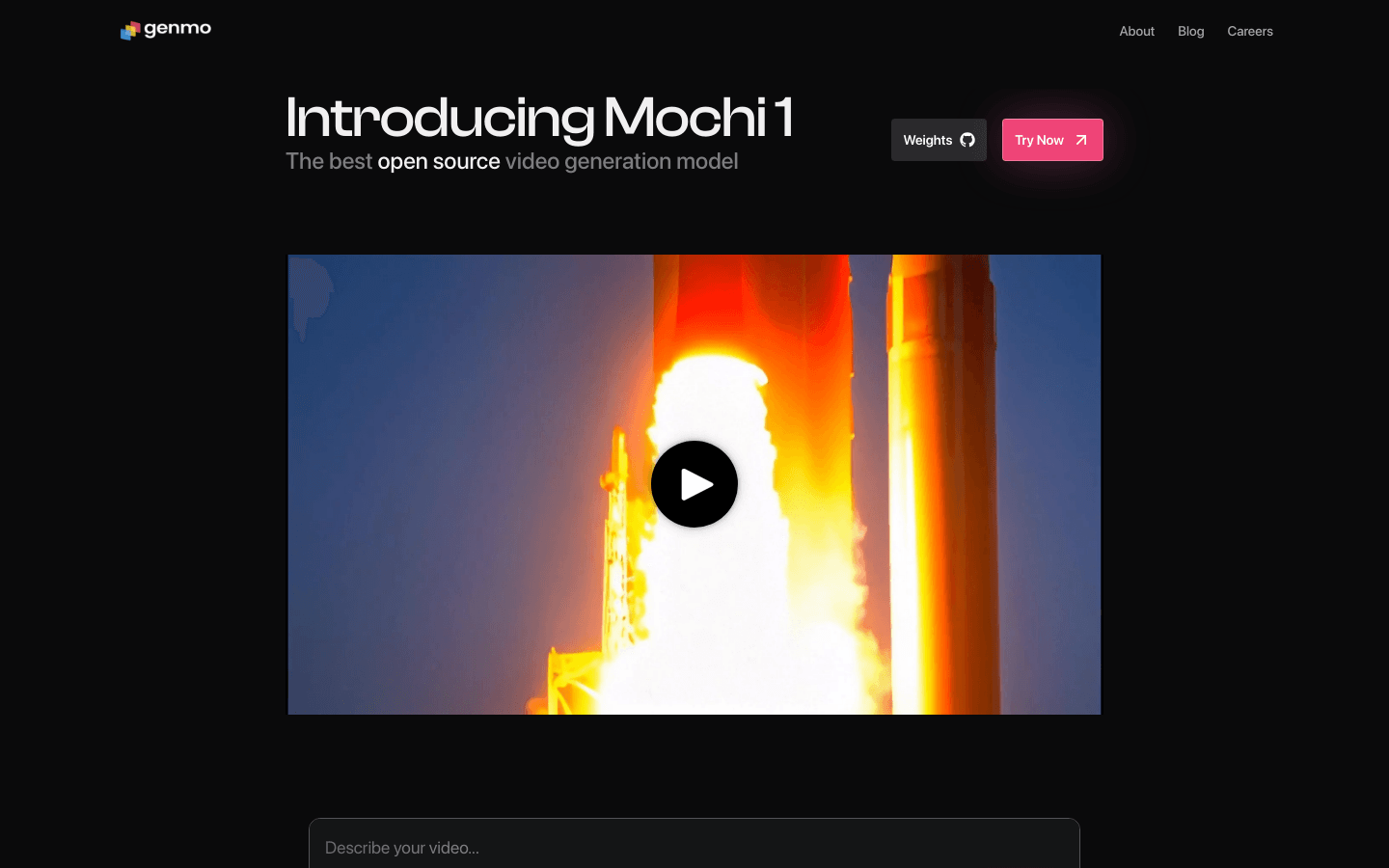
Screenshot archived from the listing page, for preview only.











