MnogoReels
AI short video auto-editorLong video into many vertical clips
Highlights
What you can do with it
- Turn a 60-minute interview into many highlight clips
- Cut long course videos into short key-movement clips
- Edit a product launch into short feature videos via API
How to use it
- 1 Register and log in to MnogoReels
- 2 Create a project and upload a video or paste a link
- 3 Set the target platform and number of outputs
- 4 Preview the clips and adjust subtitles and B-roll
- 5 Export or publish, then track performance in analytics
Who it is for
Pros
- Turns one long video into many short clips
- Subtitles and effects are added automatically
- Publishing and analytics are built in
Limitations
- A free trial, then paid plans
- Auto-cuts can miss context and need review
- Publishing needs access to your social accounts
- Best for vertical short-form content only
What MnogoReels is
MnogoReels is an AI video auto-editing tool built for social media creators. You upload a long video, such as a podcast, lecture, gameplay stream, or news report, and the AI analyses the content and cuts it into several vertical short videos of 60 seconds or less, sized for TikTok, Instagram Reels, and YouTube Shorts. It uses speech recognition, semantic understanding, and rhythm analysis to find highlight moments. The tool then adds dynamic subtitles with keyword highlights, emojis, B-roll footage, transitions, and covers, and it removes silent segments automatically.
What you can do with it
- Turn one long video into many short vertical clips
- Add dynamic subtitles, emojis, and animated covers
- Remove silence and insert B-roll and transitions
- Export up to 4K at 60 frames per second
- Publish to several platforms and track performance data
Who it is for
Individual creators such as YouTubers, podcasters, and influencers who want more output from one recording, social media operations teams that need fresh content for several platforms, and educators or brands with large libraries of long video all benefit from MnogoReels. It is positioned as a content generation factory for anyone who needs a steady stream of short clips. News and media teams that cut interviews into highlights also find it useful.
What to watch out for
MnogoReels offers a free trial and then paid plans, so it is not free long term, and the Business features such as team collaboration and API access cost more. Automatic cuts can miss context or choose weak moments, so review clips before you post. Publishing requires access to your social accounts, which means trusting a third-party tool with that access. The tool is built for vertical short-form video, so it is not a general-purpose editor for other formats.
FAQ
Is there a free trial?
Yes, MnogoReels offers a free trial, with paid Creator and Business plans.
What does it do?
It splits long videos into short vertical clips with subtitles and effects.
Which platforms does it target?
TikTok, Instagram Reels, and YouTube Shorts.
Can teams use it?
Yes, the Business plan adds team collaboration and API access.
Why it is free
What the official page says: free trial
Free limits, trial length and features are decided by the official site and can change at any time.
Product preview
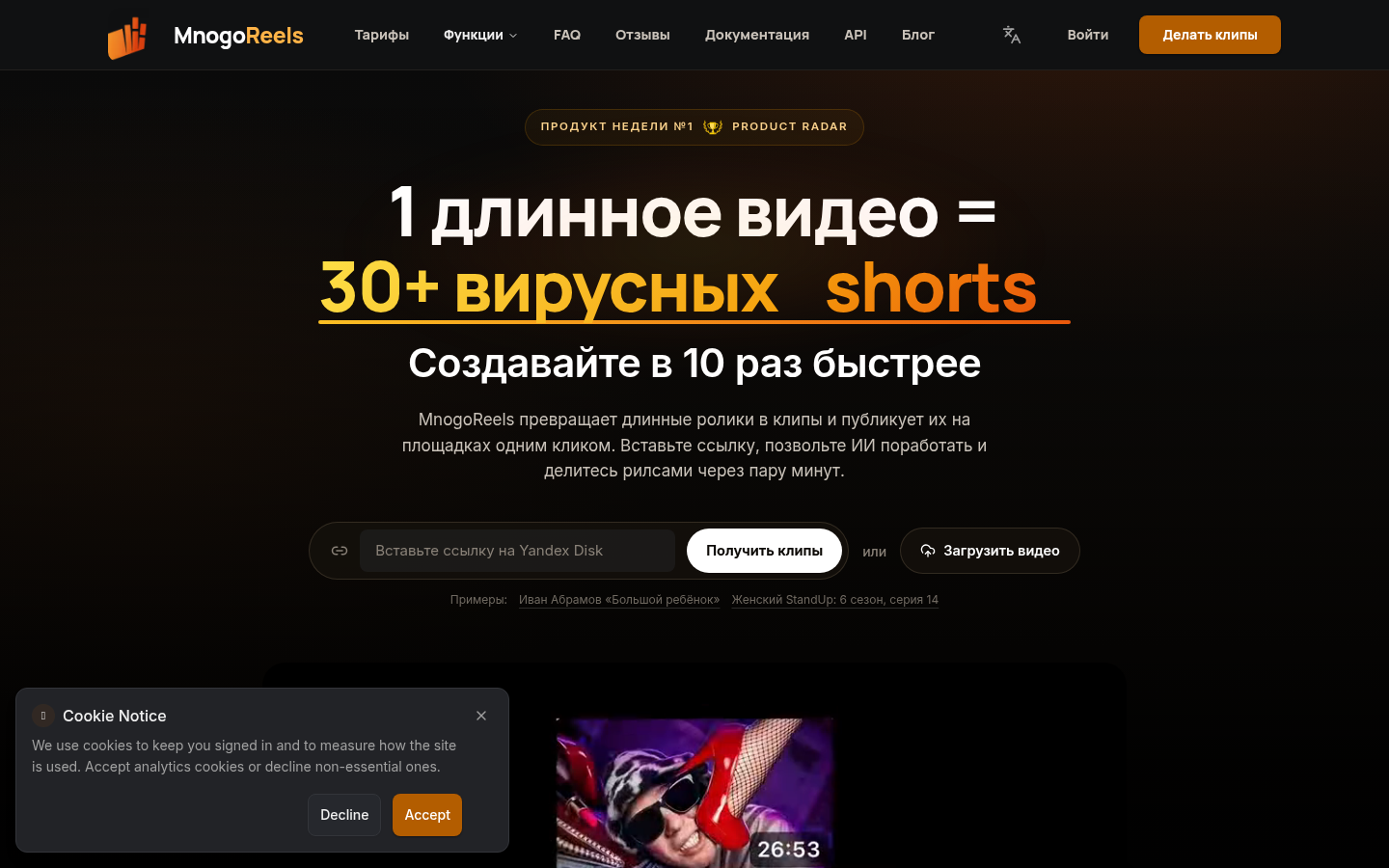
Screenshot archived from the listing page, for preview only.