
Highlights
What you can do with it
- Generating video, images, or chat output from one account
- Trying AI creation without design or coding skills
- Using free features before deciding on paid options
How to use it
- 1 Open MixHub AI and pick the model you want, such as video, image, or chat.
- 2 Describe what you want to create in the input box.
- 3 Let the cloud engine process it, using parallel models for speed.
- 4 Start with the free features and upgrade only if you need more.
Who it is for
Pros
- Several model types in one platform
- Easy for people with no technical or design experience
- Fast generation through parallel cloud processing
- Some features are free without limits
Limitations
- Only some features are free; others may require payment
- Free feature rules and limits can change over time
- Quality can vary between the different models offered
What MixHub AI is
MixHub AI is an integrated AI platform that puts several models behind one interface. It combines video generation models with a range of image and chat models, so you can move between different kinds of creation without switching services. The design goal is accessibility: the platform is meant to be simple enough that you do not need technical or design experience to get a usable result. Generation runs on a cloud AI engine that uses multi-model parallel processing, which is how it tries to keep output fast even when several models are involved. On pricing, some features are free and can be used without limits, giving you room to experiment before you spend anything.
What you can do with it
- Generate video content using the built-in video models.
- Create images and chat output from the same account.
- Work across several model types without design or coding skills.
- Rely on parallel cloud processing to keep generation quick.
Who it is for
- Beginners who have never used design or coding tools.
- Creators who want video, image, and chat in one platform.
- Users who want to test free features before paying.
- Anyone who prefers a simple interface over a complex workflow.
What to watch out for
Only some features are free and unlimited; the rest may require payment, so read what is included before you rely on it for regular work. Free feature rules and usage limits can change over time, so treat the current free offer as the state of the product today rather than a permanent promise. Because the platform mixes several different models, output quality and style can vary between them, and you may need to try more than one to get the look or tone you want. Confirm current model availability on the site before building a workflow around a specific one.
FAQ
What is MixHub AI?
It is an integrated platform that combines AI video generation models with image and chat models in one place.
Do I need design or coding skills?
No, it is designed to be simple and requires no technical or design experience.
Are there free features?
Yes, some features are free and can be used without limits.
How fast is generation?
It uses a cloud AI engine with multi-model parallel processing to speed up generation.
Why it is free
What the official page says: 免费
Free limits, trial length and features are decided by the official site and can change at any time.
Product preview
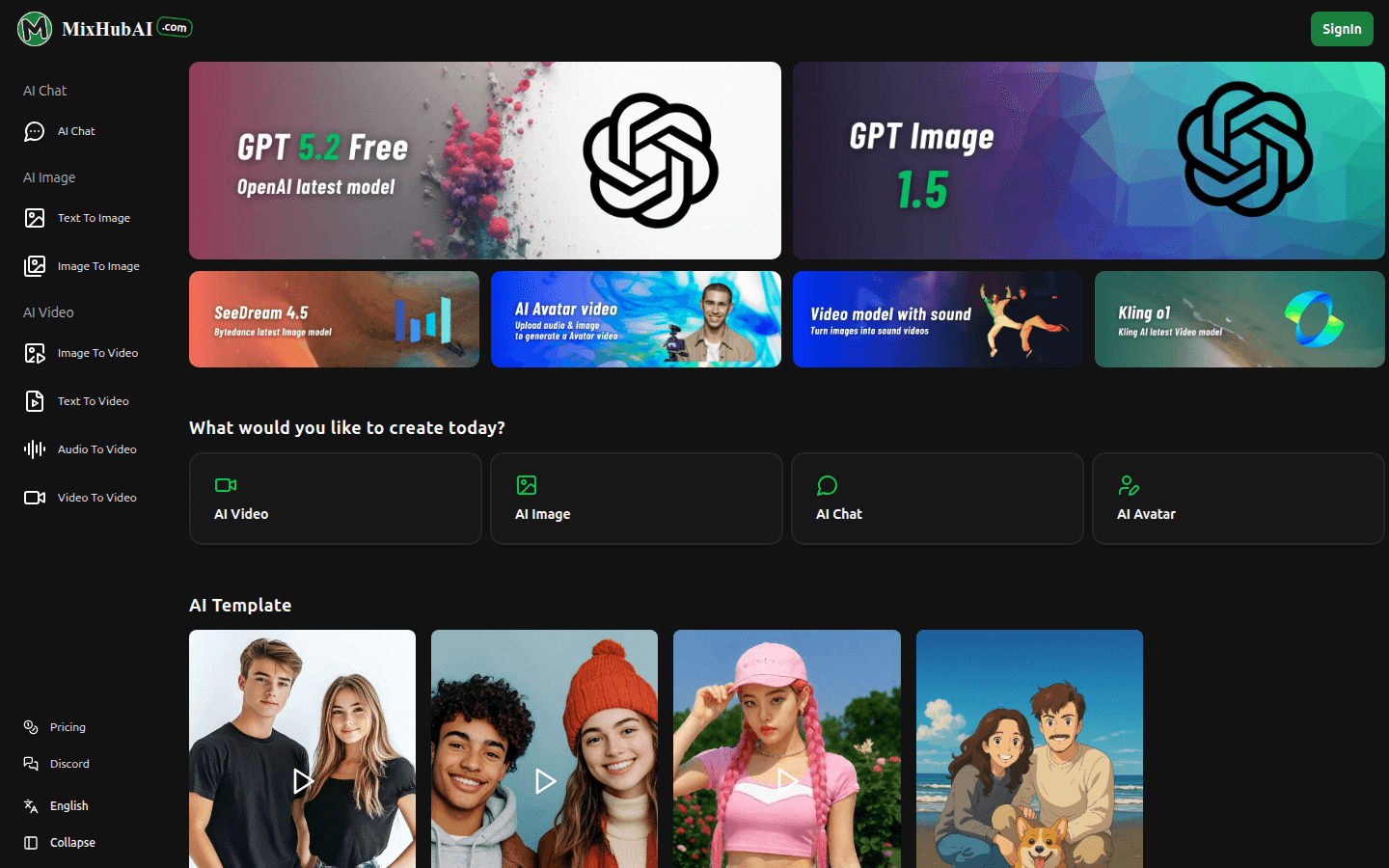
Screenshot archived from the listing page, for preview only.