
Mireka
Multi-model AI portrait and image generatorGenerate and edit AI portraits in one place
Highlights
What you can do with it
- E-commerce sellers create promotional product images quickly
- Social media operators generate posters and SNS materials
- Illustrators test different painting styles across models
- Individual creators build a portfolio of AI-assisted works
How to use it
- 1 Open mireka.io and register or log in
- 2 Select an image model such as GPT Image 2 or Midjourney
- 3 Enter a text prompt and optionally upload a reference photo
- 4 Choose the image size and aspect ratio for your use case
- 5 Generate, then edit the result before saving it locally
Who it is for
Pros
- Free trial credits let you test models before paying
- Multiple models on one platform avoids switching services
- Text and reference photo input covers many styles
- History and credit tracking keeps usage organized
Limitations
- Credit costs vary by model and settings, so spend is hard to predict
- Commercial use depends on the plan and model you use
- Free trial credits are limited and pricing can change
- Generation time varies with model and image complexity
What Mireka is
Mireka is an online AI image tool built around portrait generation and editing. It puts several major image models, including GPT Image 2, Nano Banana and Midjourney, on one platform, so you can switch models without opening a different service for each style. You describe what you want in text or upload a reference photo, choose a size and aspect ratio that fits the channel you are posting to, and generate the image. After generation you can keep editing, for example changing a background or adding and removing elements. A free trial comes with free generation credits, and the site notes that credit costs vary by model and settings. Example galleries are provided so you can see what each type of model produces before you spend credits.
What you can do with it
- Generate AI portraits and illustrations from text prompts or reference photos
- Create product images, social media materials and processed photos
- Switch between models to compare styles and results
- Pick sizes and composition ratios such as square posts or wide banners
- Edit results after generation and manage credits and history in one place
Who it is for
- Professional designers who work across many styles and volumes
- Social media operators who need a constant flow of visuals
- E-commerce sellers who produce product imagery in bulk
- Individual creators who want to experiment with AI art before spending money
What to watch out for
Free trial credits are limited, and the cost of each generation changes with the model and the settings you pick, so a session of experiments can use up an allowance faster than expected. Commercial use is not automatic: the site says images made under a paid plan can generally be used commercially, but the exact terms depend on the plan and model, so read them before client work. Generation time varies with model load and image complexity, which matters when you are on a deadline. Free credits, model availability and pricing can all change, so confirm current terms on the site before you rely on them for a project.
FAQ
Is Mireka free?
There is a free trial that provides free generation credits; continued use runs on credits that vary by model and settings.
Which models does it support?
It lists major image models including GPT Image 2, Nano Banana and Midjourney.
Can I use the images commercially?
Images made under a paid plan can generally be used commercially, but the exact conditions depend on the plan and model.
Can I edit images after generating them?
Yes, you can change backgrounds and add or remove elements after generation.
Why it is free
What the official page says: for freefree trial
Free limits, trial length and features are decided by the official site and can change at any time.
Product preview
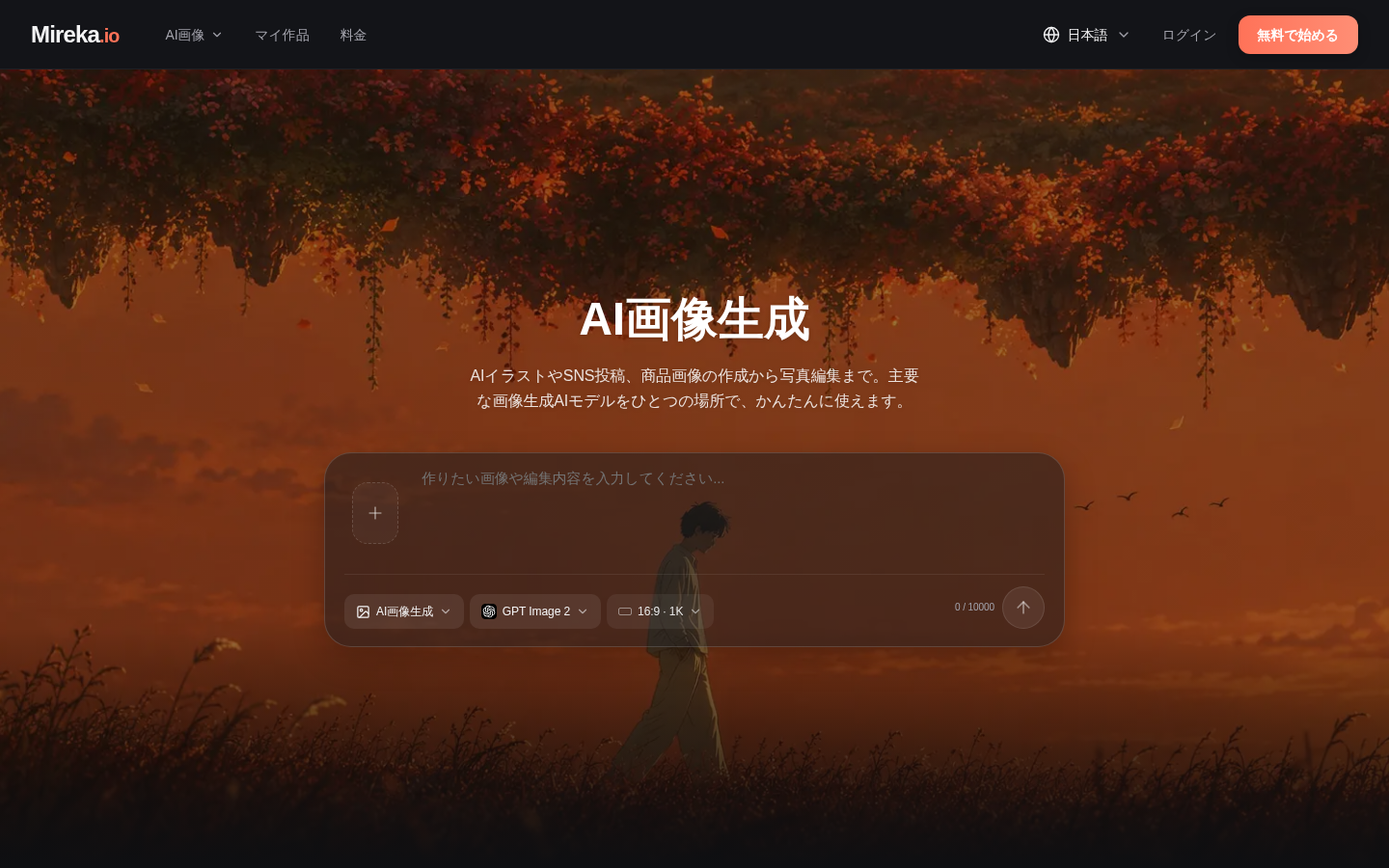
Screenshot archived from the listing page, for preview only.











