
Miraa
AI subtitle study helperTranscribe, translate and learn
Highlights
What you can do with it
- Watching a foreign language film with dual language subtitles
- Building a subtitle based lesson or course as a teacher
- Translating conference or meeting content during a trip
How to use it
- 1 Open Miraa and load the video or audio you want to study.
- 2 Let it transcribe the media and generate dual language subtitles.
- 3 Play at your own pace and repeat lines that are hard to follow.
- 4 Ask the AI for an explanation when a phrase is unclear.
- 5 Turn the subtitle track into study material for later review.
Who it is for
Pros
- Free to use, with paid extras layered on top
- Combines transcription, translation and explanation in one place
- Subtitles follow playback at your own pace
- Turns passive watching into reviewable study material
Limitations
- The free tier is limited and what it covers can change
- Accuracy depends on source audio, so noise and accents cause errors
- Machine translation should not be treated as authoritative
- Most useful for language learning rather than general note taking
What Miraa is
Miraa is an AI powered dual language subtitle and learning assistant. It transcribes video and audio into subtitles, tracks those subtitles as you play, and adds AI explanations plus real time translation. The idea is to learn from media you already watch: the subtitles follow along at your own pace, you can repeat a line, ask the AI what it means, and see it in another language. It can also turn subtitles into learning material. Miraa is free to use, with value added paid services on top, and it is aimed mainly at language learners and educators.
What you can do with it
- Transcribe a video or audio file into subtitles automatically.
- Follow subtitles at your own pace and repeat difficult lines.
- Ask the AI for an explanation when a phrase is unclear.
- Translate subtitles into another language in real time.
- Turn a subtitle track into study material.
Who it is for
- Language learners who study through films and podcasts.
- Educators building subtitle based lessons or courses.
- Professionals who need quick translation during meetings or trips.
What to watch out for
Free use is real but limited: value added services are paid, and what the free tier covers can change. Transcription and translation quality depend on the source audio, so heavy accents, background noise or overlapping speech will produce mistakes. Because the output is machine generated, treat it as a study aid rather than an authoritative translation for anything official. Check the current plan terms before you build a study routine around the tool. For best results, start with a small test file and review the output carefully before working on anything important.
FAQ
Is Miraa free?
The page says it is free to use, with value added paid services available on top. What the free version includes can change.
What can it transcribe?
It transcribes video and audio media content into subtitles, then tracks those subtitles as you play the file.
Who is it aimed at?
The page points to language learners and educators as the main audience, along with professionals who need real time translation.
Can I rely on the translation?
Treat it as a study aid. Machine output can be wrong, so check anything important against a reliable source.
Why it is free
What the official page says: free to use
Free limits, trial length and features are decided by the official site and can change at any time.
Product preview
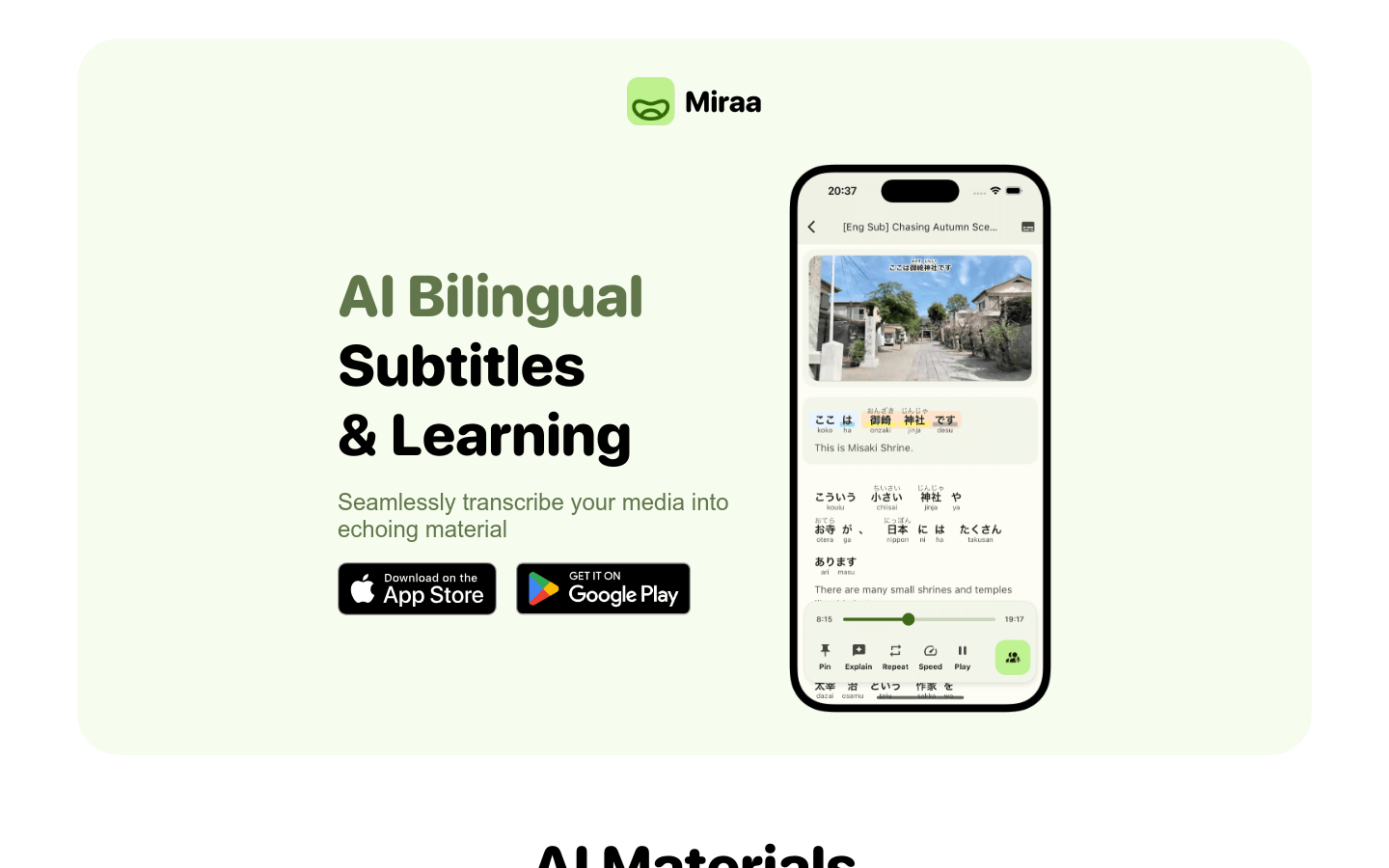
Screenshot archived from the listing page, for preview only.











