
MINISTER AI
Free AI art generatorStable Diffusion models, free to use
Highlights
What you can do with it
- Create realistic images and artwork
- Train a personal model for your own style
- Share a good model with the community
How to use it
- 1 Open the MINISTER AI website
- 2 Browse or upload a model you want to use
- 3 Enter your prompt
- 4 Generate the image
- 5 Save it or share your model with others
Who it is for
Pros
- The model library is free to use and download
- Many models mean many styles
- Training and sharing are part of the product
Limitations
- Prompt skill has a large effect on output
- Community models come with their own usage terms
- Site availability and free rules can change
What MINISTER AI is
MINISTER AI is a free AI drawing software built on the Stable Diffusion framework. It supports multiple models, so artwork can appear in a wide range of styles, and it hosts a large library of Stable Diffusion models, both those provided officially and those shared by users. According to the site, all of these models are free to use and download. Users can also train personalized models or share their own models with the community, which makes the platform part tool and part model hub.
What you can do with it
- Generate realistic images and artwork from prompts.
- Switch between models for different visual styles.
- Train a personalized model that matches your own taste.
- Share a model you like with the community.
Who it is for
- Digital artists who work with Stable Diffusion.
- Hobbyists creating art from text prompts.
- Users who want to train and reuse a personal model.
What to watch out for
Prompt skill matters a lot, and weak prompts give weak images, so expect a learning curve. Community models carry their own usage terms, so read them before commercial use. As a free online service, access and rules can change, so keep local copies of anything important. Processing speed depends on file size and network conditions, so retry later if a task stalls during peak hours. Run one full task end to end first, then expand once you are comfortable with the workflow and the result quality. Save a backup of the original file before large batch jobs, and keep an exported copy of key results in case the page or service becomes temporarily unavailable.
FAQ
Is MINISTER AI free?
The site describes it as free AI drawing software with free model use and download.
What models does it use?
It is built on Stable Diffusion and hosts official and community shared models.
Can I train my own model?
Yes, training personalized models is listed as a feature.
Can I use the art commercially?
Check the terms of each model, since community models can carry their own rules.
Why it is free
What the official page says: for free
Free limits, trial length and features are decided by the official site and can change at any time.
Product preview
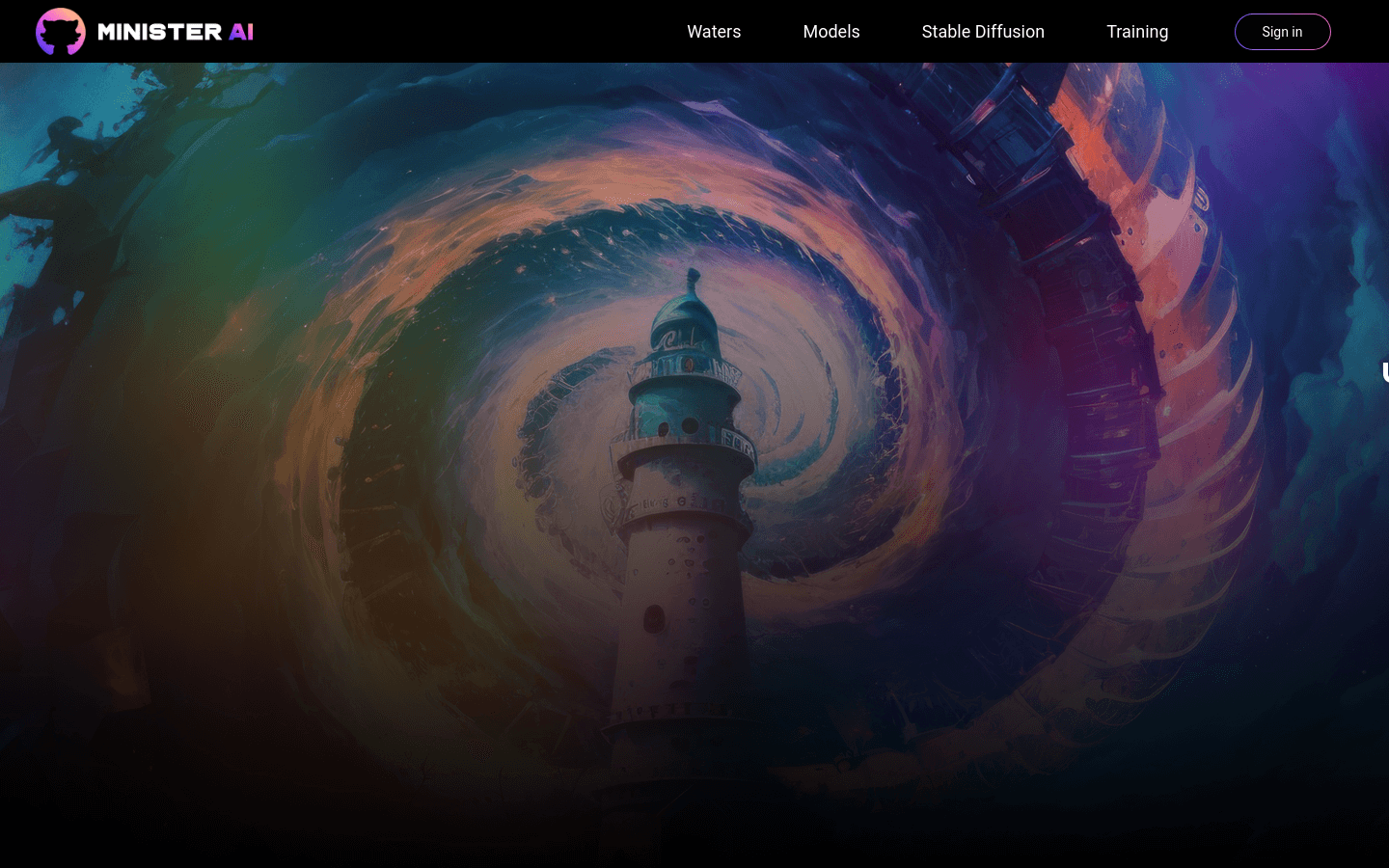
Screenshot archived from the listing page, for preview only.











