
Minimax H3 MAX
Multimodal AI video generator with native audioTurn text and references into 5 to 15 second clips with sound built in
Highlights
What you can do with it
- A brand team generates a 15 second beverage ad using a text prompt plus a product image reference, with sliding water droplets and ambient sound.
- A director builds a 5 second previsualization clip from a live-action first frame and a character end frame, paired with dialogue audio.
- A short drama creator keeps one character consistent across 9:16 shots by uploading multi-angle images and a voice reference, then running batches.
How to use it
- 1 Open the site and register or log in to claim new user free credits.
- 2 Select MiniMax H3 Max in the model picker.
- 3 Choose a mode: text-to-video, first and last frame animation, or reference guidance.
- 4 Enter your prompt, up to 7,000 characters, and upload any image, video or audio references.
- 5 Set duration (5 to 15 seconds), resolution (480p, 768p or 1080p), aspect ratio and how many versions to make.
- 6 Click generate and wait; failed generations refund credits automatically.
- 7 Preview the versions, download the one you like, or adjust the prompt and references and rerun.
Who it is for
Pros
- All-in-one generation: visuals, motion and sound come out together, so you skip stitching separate tools.
- Generous input control: up to 9 images, 3 videos and 3 audio references plus 7,000-character prompts.
- Free credits for new users and automatic refunds on failed runs lower the trial risk.
- Runs entirely online with no client install.
Limitations
- Credits are billed by video length, roughly 0.12 credits per second, so long 1080p clips drain the 50 free credits fast.
- The free credit amount and pricing can change, and more credits require payment.
- Output quality depends heavily on prompt and reference setup, which takes practice to get right.
- Clips are short (5 to 15 seconds), so longer stories still need multiple generations.
What MiniMax H3 MAX is
MiniMax H3 MAX is an online AI video generator that creates short clips with sound built in. You describe a scene in text, drop in reference images, video or audio, and it renders a 5 to 15 second video in one pass. It outputs at 480p, 768p or 1080p and produces dialogue, sound effects and ambience in sync with the on-screen action, so you do not need a separate audio pass. It runs in the browser with no client install, and new users who register receive 50 free credits to try the workflow. The service is aimed at people who want finished short videos, such as brand ads, film previsualization and character stories, without stitching several tools together.
What you can do with it
- Text-to-video: write a detailed prompt and get a clip, useful for quick concepts and mood tests.
- First and last frame animation: set an opening and closing frame and let the model fill the motion between them.
- Reference guidance: combine up to 9 images, 3 videos and 3 audio files to steer characters, camera moves and sound.
- Batch and refine: generate 1 to 4 versions at once, preview them side by side, and rerun only the ones you like.
Who it is for
- Brand and growth teams making campaign videos, product shorts and social ads.
- Filmmakers and editors who need fast storyboard previsualization before shooting.
- Character story writers and animators who must keep appearance, costume and voice consistent.
- Social media creators producing vertical 9:16 clips for short-video platforms.
What to watch out for
Credits are billed by video length, about 0.12 credits per second, so a long 1080p clip uses up the 50 free credits quickly. The free credit offer and pricing can change, and extra credits require payment. Prompt and reference quality drive the result, so expect a learning curve before output matches your vision. Clips are capped at 15 seconds, and longer narratives need several generations stitched later. Failed runs refund credits, but plan prompts carefully to save them.
FAQ
Is MiniMax H3 MAX free to use?
New registered users get 50 free credits, and no install is needed. Beyond that, generation is billed by video length, about 0.12 credits per second.
How long can a generated video be?
Each generation runs 5 to 15 seconds, with six aspect ratios and 1 to 4 versions per batch.
Does it add sound automatically?
Yes. Dialogue, sound effects and ambience are generated in sync with the picture, so no separate audio step is required.
What happens if a generation fails?
Credits for failed generations are refunded automatically.
Why it is free
What the official page says: free credits
Free limits, trial length and features are decided by the official site and can change at any time.
Product preview
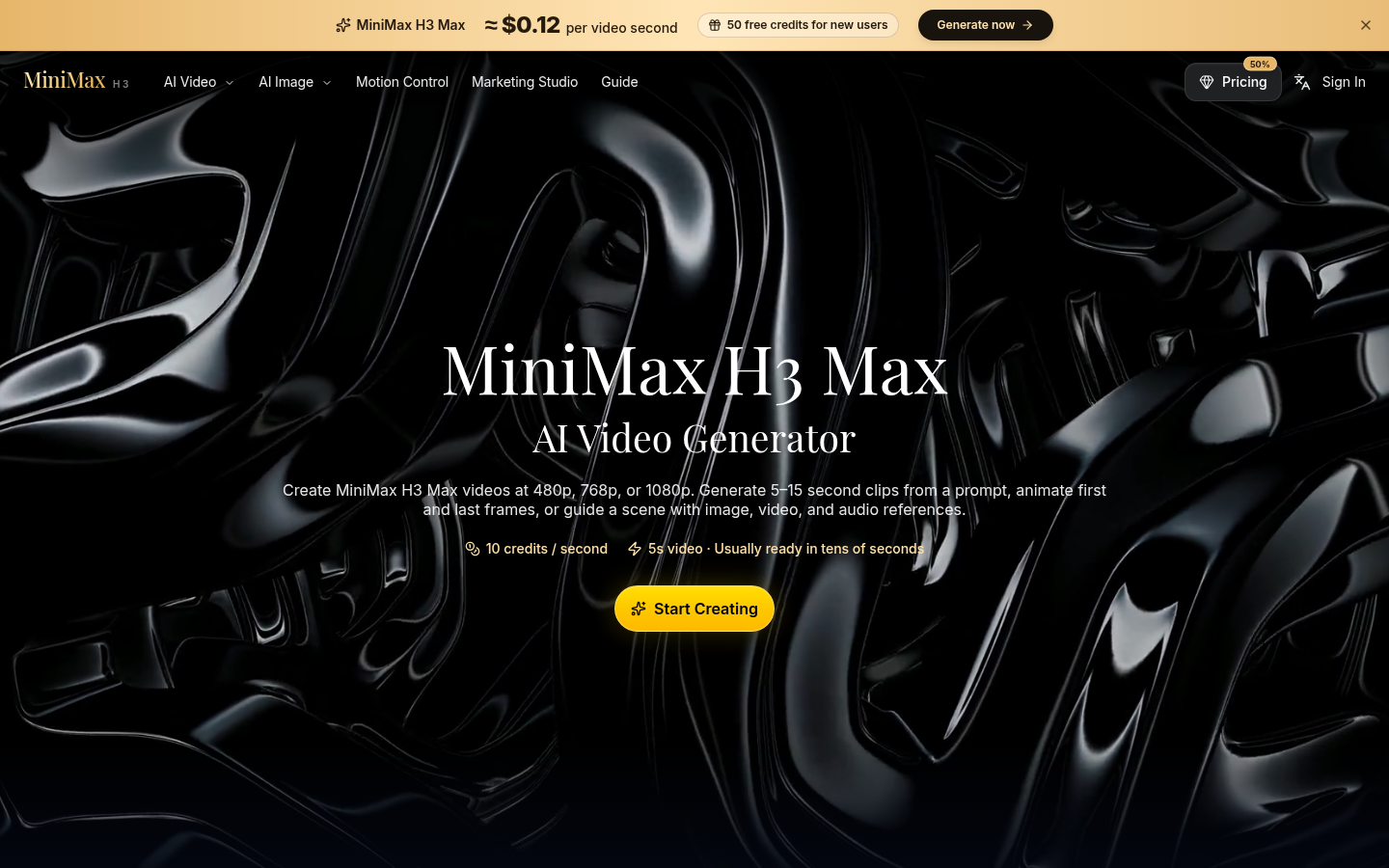
Screenshot archived from the listing page, for preview only.











