
MiniMax H3
Multimodal video model with synchronized audioText or frames to video with dialogue and sound
Highlights
What you can do with it
- Create short videos from text or first and last frames
- Add synchronized dialogue and ambient audio to a clip
- Test multimodal video generation before scaling up
How to use it
- 1 Create an account to receive the 20 free credits
- 2 Enter a text prompt or supply first and last frames
- 3 Choose an output resolution such as 480P, 720P, or 1080P
- 4 Generate the video and review the synchronized audio
Who it is for
Pros
- Native synchronized audio for dialogue and sound effects
- Free starting credits of 20 on new accounts
- Flexible output from 480P up to 1080P
Limitations
- The 20 free credits only cover a couple of short generations
- Longer or higher-resolution videos will consume more credits
- Audio and motion quality still need human review
What MiniMax H3 is
MiniMax H3 is a general-purpose multimodal video model launched by MiniMax. It can interpret text and reference media, plan camera movements, and generate videos with synchronized dialogue, sound effects, and ambient audio. Compared with its predecessor, it adds native synchronized audio, richer multimodal reference control, longer instruction support, higher native resolution capability, and open weights. It is designed to help users easily and quickly generate high-quality videos from text or images, and it suits any scenario that requires video content. On access, users can try it for free, and new accounts have 20 credits, which can be used for two default 480P, five-second video generations.
What you can do with it
- Generate short videos from text or first and last frames
- Add synchronized dialogue, sound effects, and ambient audio
- Plan camera movement through text and reference media
- Output at 480P, 720P, or 1080P depending on your needs
Who it is for
- Creators who need short videos with built-in synchronized audio
- Users exploring multimodal text and frame based generation
- Anyone testing video generation with free starting credits
What to watch out for
The 20 free credits only cover a couple of short generations, so the free tier is for evaluation rather than sustained production. Longer or higher-resolution videos will consume more credits, so costs scale with use. Audio and motion quality still benefit from human review, since generated dialogue and ambient sound may need adjustment. Credit rules and free allowances can change, so confirm the current details before you rely on them. For best results, start with a small test file and review the output carefully before working on anything important.
FAQ
What makes MiniMax H3 different?
It adds native synchronized audio, richer multimodal reference control, longer instruction support, higher native resolution, and open weights.
How many free credits do new accounts get?
New accounts get 20 credits, which can be used for two default 480P, five-second video generations.
What resolutions can it output?
It offers output options of 480P, 720P, or 1080P.
Why it is free
What the official page says: 免费试用免费
Free limits, trial length and features are decided by the official site and can change at any time.
Product preview
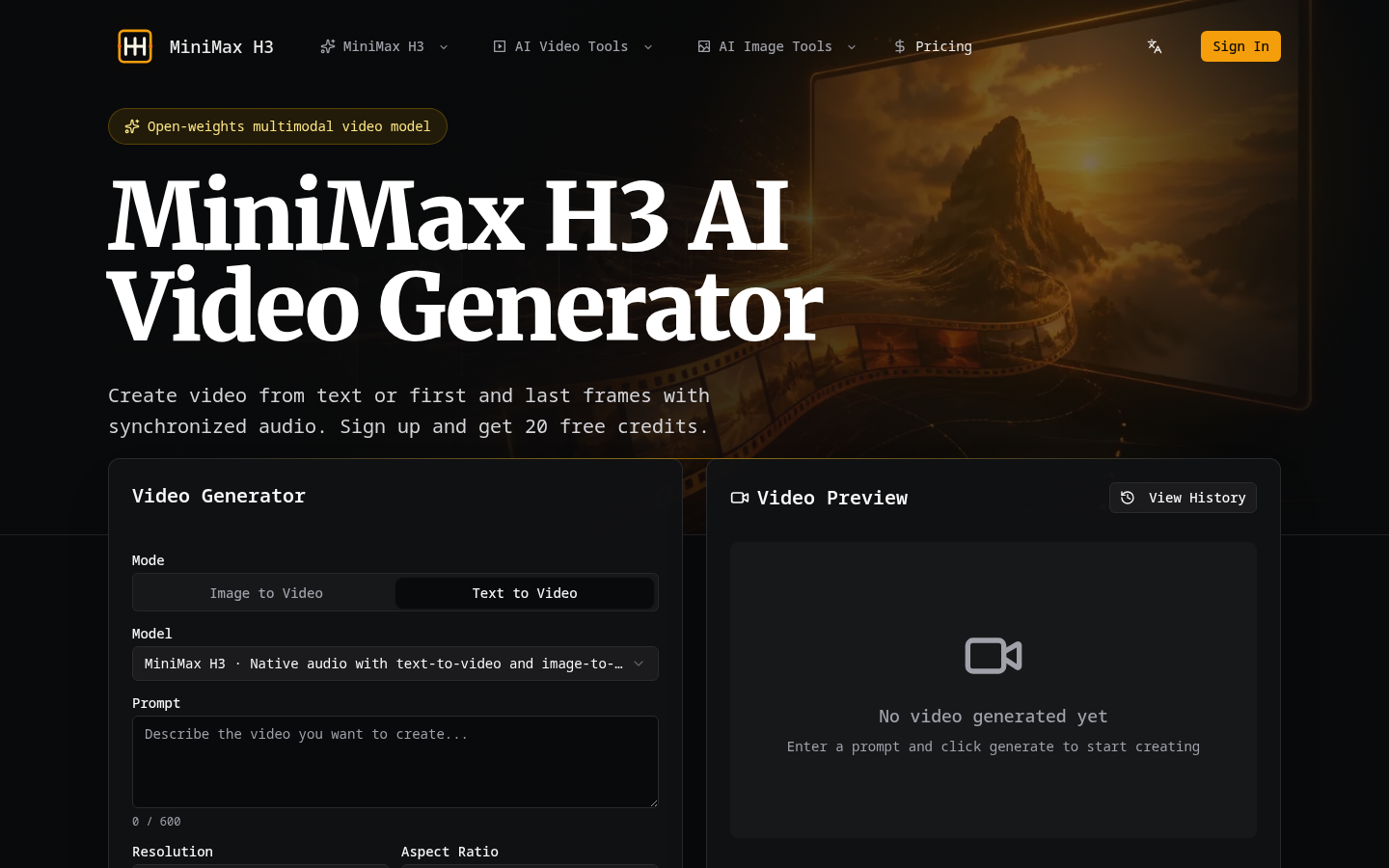
Screenshot archived from the listing page, for preview only.