
Miniloop
No-code AI workflow automationDescribe tasks, AI runs them
Highlights
What you can do with it
- Automate blog research, writing, and publishing
- Route and score new leads into your CRM
- Run outreach sequences automatically
How to use it
- 1 Register on the Miniloop website
- 2 Describe the task you want automated
- 3 Connect the tools Miniloop needs
- 4 Run the task and check the result
- 5 Save it as a repeatable scheduled workflow
Who it is for
Pros
- Automates repetitive work without code
- Works with many common tools
- Model choice per step adds flexibility
Limitations
- Pricing is not published
- Automation needs correct tool permissions
- Workflow quality depends on your description
What Miniloop is
Miniloop is an AI workflow platform designed for startups. Its approach is conversational: you describe what you want done in plain English, and Miniloop connects the necessary tools and executes the workflow. No code is required. The platform integrates with common tools such as HubSpot, Salesforce, Slack, Gmail, Google Sheets, Notion, Sanity, and Airtable, and it can connect to other APIs. It supports AI models from OpenAI, Anthropic, and Google, so you can choose a different model for each step. Pricing is not stated on the page, and a free trial followed by a paid model is likely.
What you can do with it
- Automate blog publishing from topic to live post
- Enrich, score, and route new leads into your CRM
- Run outreach sequences that find prospects and draft emails
- Aggregate data from Stripe, Google Analytics, and HubSpot for reports
The agent-based design means the workflow can adapt when data or requirements change, rather than following a rigid path. Templates cover common jobs like personalized cold emails, lead scoring, and automatic blog publishing, so you can start from something instead of a blank page. Saved workflows can run on a schedule, which removes weekly rebuild work.
Who it is for
- Startups with small teams and repetitive marketing or sales work
- Marketers handling content publishing and lead nurturing
- Salespeople doing prospect research and follow-up
- Operators coordinating day-to-day processes
Teams that spend hours on the same weekly tasks are the main audience, because that is where automation pays back fastest.
What to watch out for
Pricing is not published, so confirm costs before building important workflows. Automation requires correct permissions in every connected tool, and mistakes in setup can send wrong data to real systems. Workflow quality depends heavily on how clearly you describe the task, so vague instructions produce vague automation. Test workflows on a small scale before scheduling them to run unattended.
FAQ
What does Miniloop automate?
Marketing, sales, and operational workflows such as blog publishing, lead routing, and outreach.
Which tools does it connect?
HubSpot, Salesforce, Slack, Gmail, Google Sheets, Notion, Sanity, Airtable, and APIs.
Do I need to code?
No. You describe the task in English and Miniloop builds and runs the workflow.
Why it is free
What the official page says: free trial
Free limits, trial length and features are decided by the official site and can change at any time.
Product preview
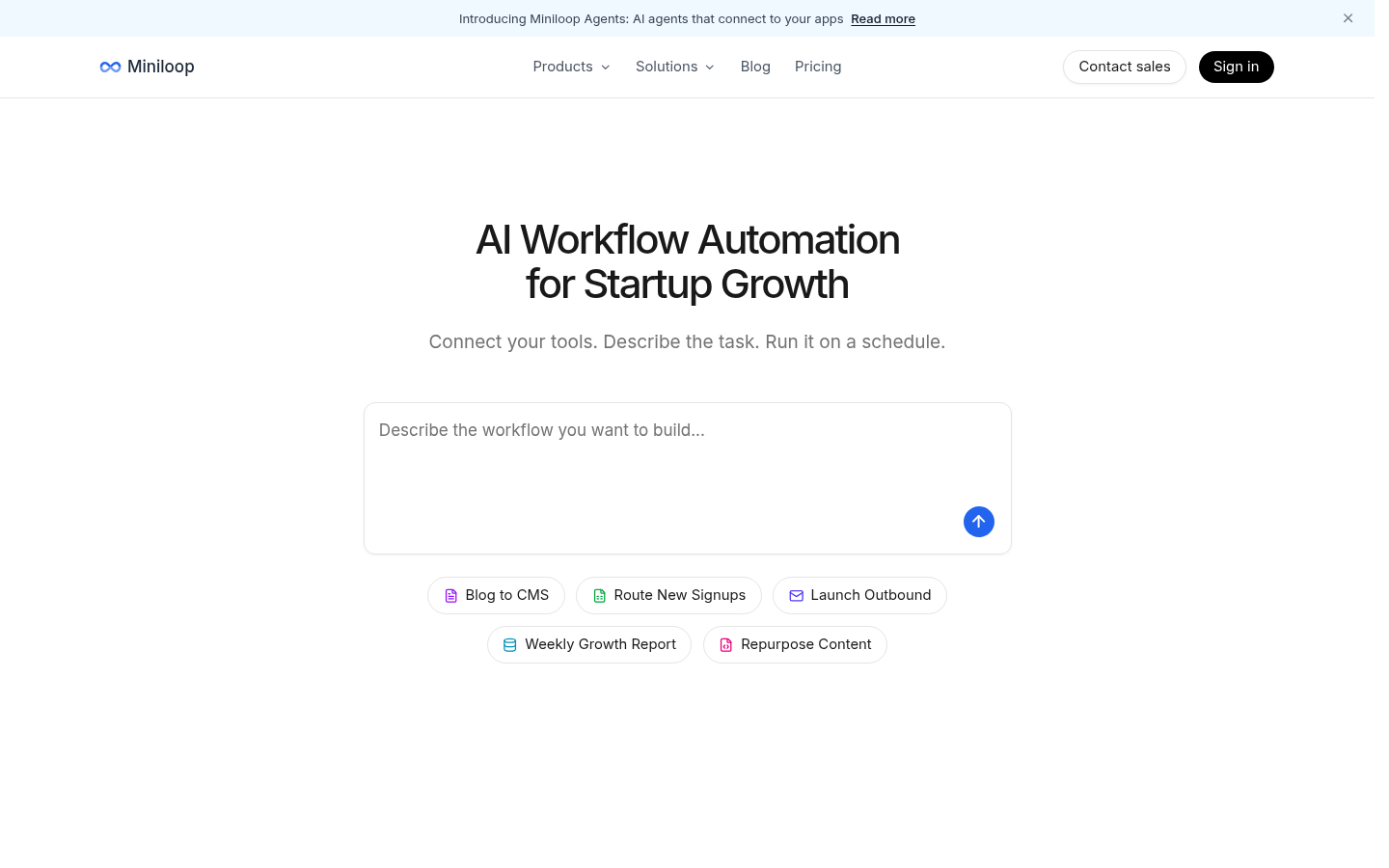
Screenshot archived from the listing page, for preview only.











