
MindVideo AI
Free AI video generatorAI videos from text and images
Highlights
What you can do with it
- Make short-form videos for platforms like YouTube Shorts
- Turn product photos into demonstration videos
- Transform sketches into animated videos
How to use it
- 1 Visit the MindVideo AI website.
- 2 Select the text-to-video or image-to-video generator.
- 3 Enter a text description or upload an image.
- 4 Choose the video effects you want and generate.
- 5 Download or share the finished video.
Who it is for
Pros
- Free to use according to the site
- Many models and styles in one place
- Fast generation with no queuing
Limitations
- Free use terms can change at any time
- Output quality depends on the model and prompt
- Effect templates with people need consent and care
What MindVideo AI is
MindVideo AI is a free online AI video generator that turns text or images into videos. It offers a text-to-video generator with styles such as cyberpunk, retro, realistic, and cartoon, plus an image-to-video generator that keeps scenes consistent while adding motion. The site says it supports up to 4K resolution, needs no queuing, and gives access to models like Kling AI, Runway, and Luma AI. It also provides special effect templates such as kiss and hug video generators. Free use is the current offer, and free terms can change at any time.
What you can do with it
- Create videos from text prompts in different styles
- Turn static images into short dynamic story videos
- Add special effects such as kiss and hug video templates
- Export up to 4K without waiting in a queue
Who it is for
- Social media creators making short vertical videos
- Businesses turning product photos into demo videos
- Hobbyists who want to animate sketches and ideas
What to watch out for
Free use can change at any time, and output quality depends on the model and prompt you choose. Some effect templates involve people, so only use images you have the right to edit, get consent when needed, and keep content within the rules of the platforms where you publish. Generation results vary, so preview carefully before you share anything publicly. For best results, start with a small test file and review the output carefully before working on anything important. Free tiers can change over time, so it is worth checking the current limits on the official page before you rely on the tool daily.
FAQ
Is MindVideo AI free?
The site presents it as a free online AI video generator. Free terms can change, so check the site for current details.
What can it generate?
It creates videos from text prompts or static images, in styles such as cyberpunk, retro, realistic, and cartoon, with scene consistency.
Which models does it use?
The site says you can access multiple AI video generation models such as Kling AI, Runway, and Luma AI, with output up to 4K.
Why it is free
What the official page says: 免费使用免费
Free limits, trial length and features are decided by the official site and can change at any time.
Product preview
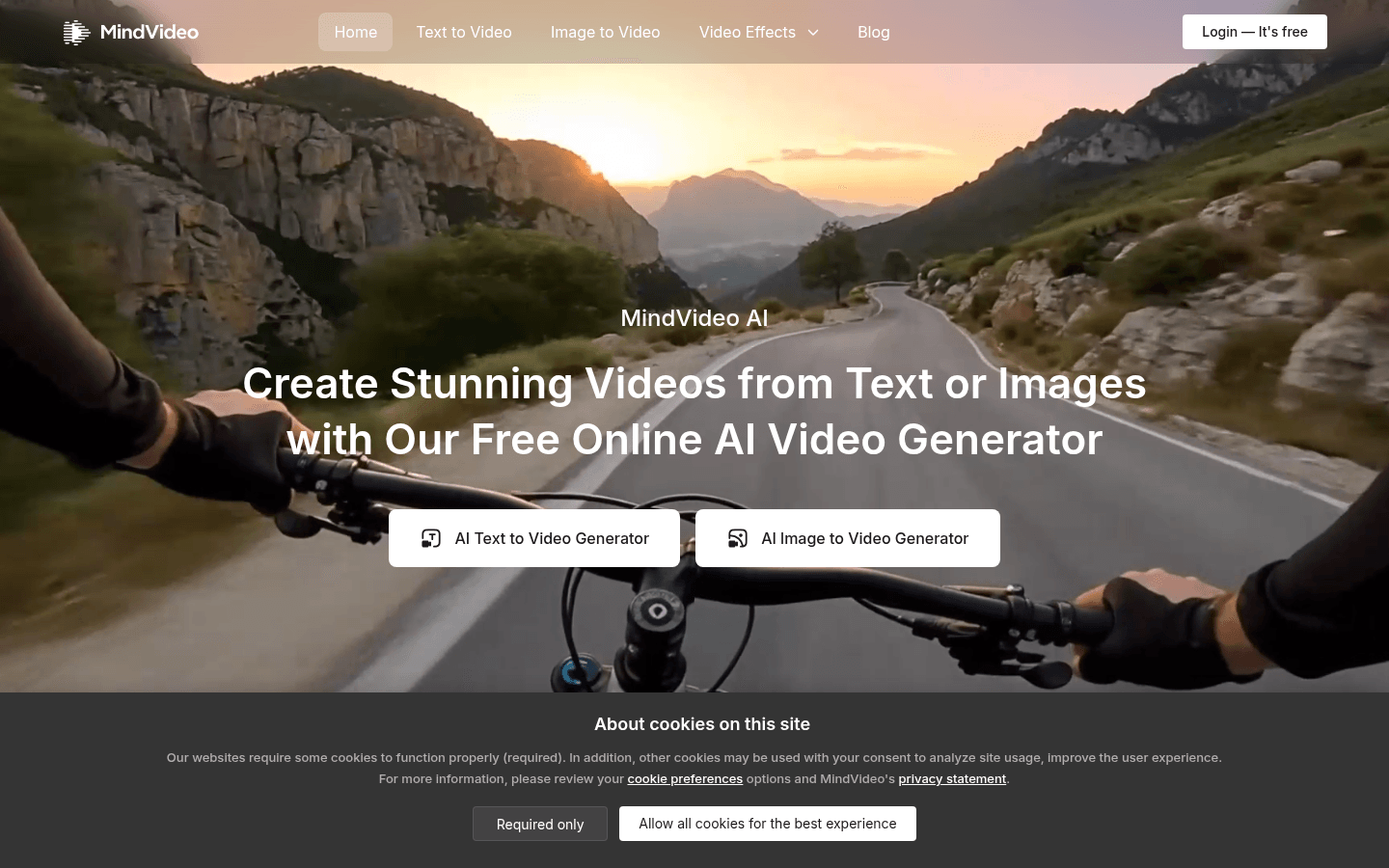
Screenshot archived from the listing page, for preview only.











