MimicTalk
Generate personalized 3D talking facesPersonalized 3D talking faces in minutes
Highlights
What you can do with it
- Realistic 3D character facial animation for film and games
- Virtual avatars in VR that sync with speech
- Interactive learning materials for education
How to use it
- 1 Visit the official MimicTalk website.
- 2 Install dependencies and prepare the target's data.
- 3 Train and adapt with the provided models, then generate the video.
Who it is for
Pros
- Fast adaptation, personalized in minutes rather than hours
- Imitates both appearance and speaking style
- Free for research and development use
Limitations
- It can imitate a real person's face and voice, so misuse could break school or platform rules and the consequences fall on the user
- Aimed at researchers, so it needs real technical setup, not a web form
- Free availability can change; it is a research release, not a supported product
What MimicTalk is
MimicTalk is a research technology that generates personalized 3D talking faces. It is built on Neural Radiance Fields (NeRF) and can learn the static appearance and dynamic speaking style of a specific identity in minutes, then produce video in which the face moves naturally with the audio. It works from a generic 3D face model and applies a static-dynamic hybrid adaptation process, plus a Contextual Stylization Audio-to-Motion (ICS-A2M) model, so the generated motion matches the way the target person speaks. Its strength is combining a generic base model with personalized adaptation to keep quality high while staying fast. The project is currently offered free to the research and development community. Because it can reproduce a real individual's face and voice, it must be handled with care and only used with proper consent.
What you can do with it
- Create personalized 3D talking faces from an identity's data
- Imitate both a person's look and their speaking style
- Produce expressive facial animation that syncs with speech
- Adapt a generic model to a new target within minutes
Who it is for
- Researchers working on facial synthesis and animation
- Film, game, and VR developers who need talking avatars
- Educators creating interactive visual learning material
What to watch out for
MimicTalk is a research release, not a polished consumer app, so expect to install dependencies, prepare data, and run training yourself. It is aimed at people comfortable with code and machine learning. Most importantly, it can imitate a real person's face and voice. Using it to create misleading or non-consensual content may violate school or platform rules and can carry legal and reputational consequences, all of which fall on the user. Only work with identities you have permission to use. Free availability may change, since it is an ongoing research project, and output quality depends heavily on the amount and quality of source data you provide.
FAQ
What is MimicTalk?
A NeRF-based method that generates personalized 3D talking faces by learning an identity's appearance and speaking style.
Is MimicTalk free?
The project is currently made freely available to the research and development community.
Can I use it on anyone?
No. It imitates a real identity, so only use it with consent and in line with school or platform rules. Misuse is the user's responsibility.
Why it is free
What the official page says: 免费
Free limits, trial length and features are decided by the official site and can change at any time.
Product preview
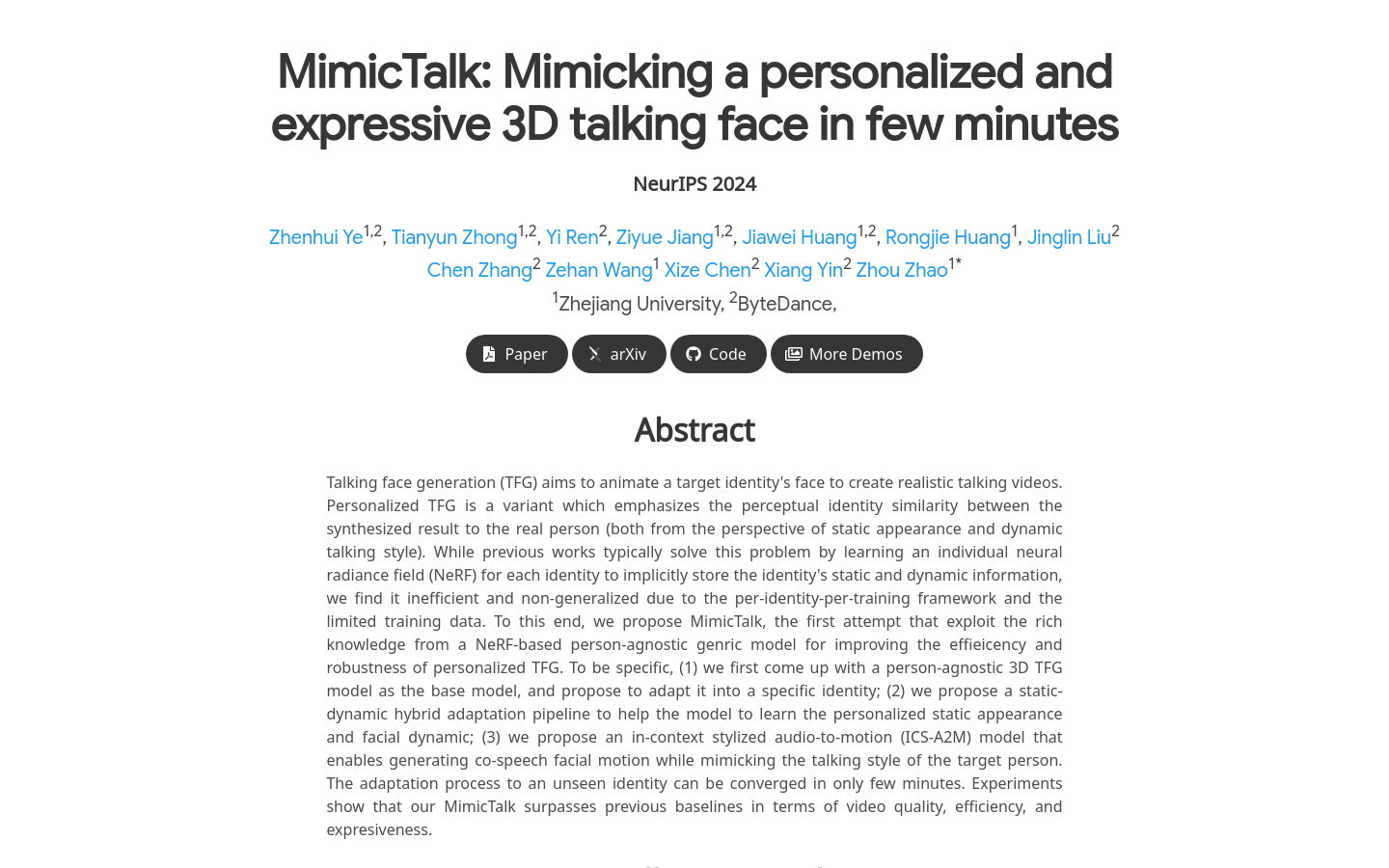
Screenshot archived from the listing page, for preview only.











