
Mikrotakt
AI audio splitter for vocals and instrumentsPull vocals, drums, piano, and bass out of any song
Highlights
What you can do with it
- Musicians isolating parts for focused practice
- Creators cleaning audio in their videos
- Educators breaking songs into teachable pieces
How to use it
- 1 Register and log in to the Mikrotakt site
- 2 Upload the audio file you want to process
- 3 Select the tracks you want to isolate
- 4 Let the AI analyze and separate the audio
- 5 Export and download the tracks
Who it is for
Pros
- Many separation options in one tool
- 24/7 customer support advertised
- Supports common audio formats
Limitations
- Free trial first, then paid tiers
- Separation quality depends on the source
- Large or dense mixes can be harder to split
What Mikrotakt is
Mikrotakt is an audio separation tool powered by AI. It pulls vocals, accompaniment, guitar, piano, bass, drums, and other parts out of songs or video files. The service lists an AI stem splitter, a mix studio for custom mixes, an AI voice cleaner, an AI mastering tool, a vocal remover, and a karaoke maker. It supports common formats such as MP3, WAV, and FLAC, and it advertises 24/7 customer support. The site reports over 100,000 active users and more than 70,000 hours of processed audio. A free trial is available alongside tiered paid plans.
What you can do with it
- Split a track into vocals and instrument stems
- Clean noisy recordings with the AI voice cleaner
- Build and export custom mixes in the mix studio
- Make karaoke tracks by removing vocals
Who it is for
- Musicians isolating parts for practice
- Content creators cleaning up audio for videos
- Music educators breaking songs into teachable pieces
What to watch out for
The service runs on a free trial and paid tiers, so ongoing use costs money and the page does not list the prices. Separation quality depends on the source recording, and dense mixes or low quality files will not split cleanly. The accuracy figure on the site comes from the company itself, so treat it as a claim rather than a guarantee. Long files can take time to process, and uploading copyrighted material raises rights questions you need to sort out yourself. For team use, agree on naming and editing conventions in advance to avoid version conflicts or duplicated work. Name and archive exported files consistently so you can find and reuse them, and keep a backup copy of key data.
FAQ
What can Mikrotakt separate?
It can split vocals, accompaniment, guitar, piano, bass, drums, and other parts from songs or videos.
Is there a free option?
The service offers a free trial along with tiered paid plans.
Which formats are supported?
It supports common formats such as MP3, WAV, and FLAC.
Why it is free
What the official page says: free trial
Free limits, trial length and features are decided by the official site and can change at any time.
Product preview
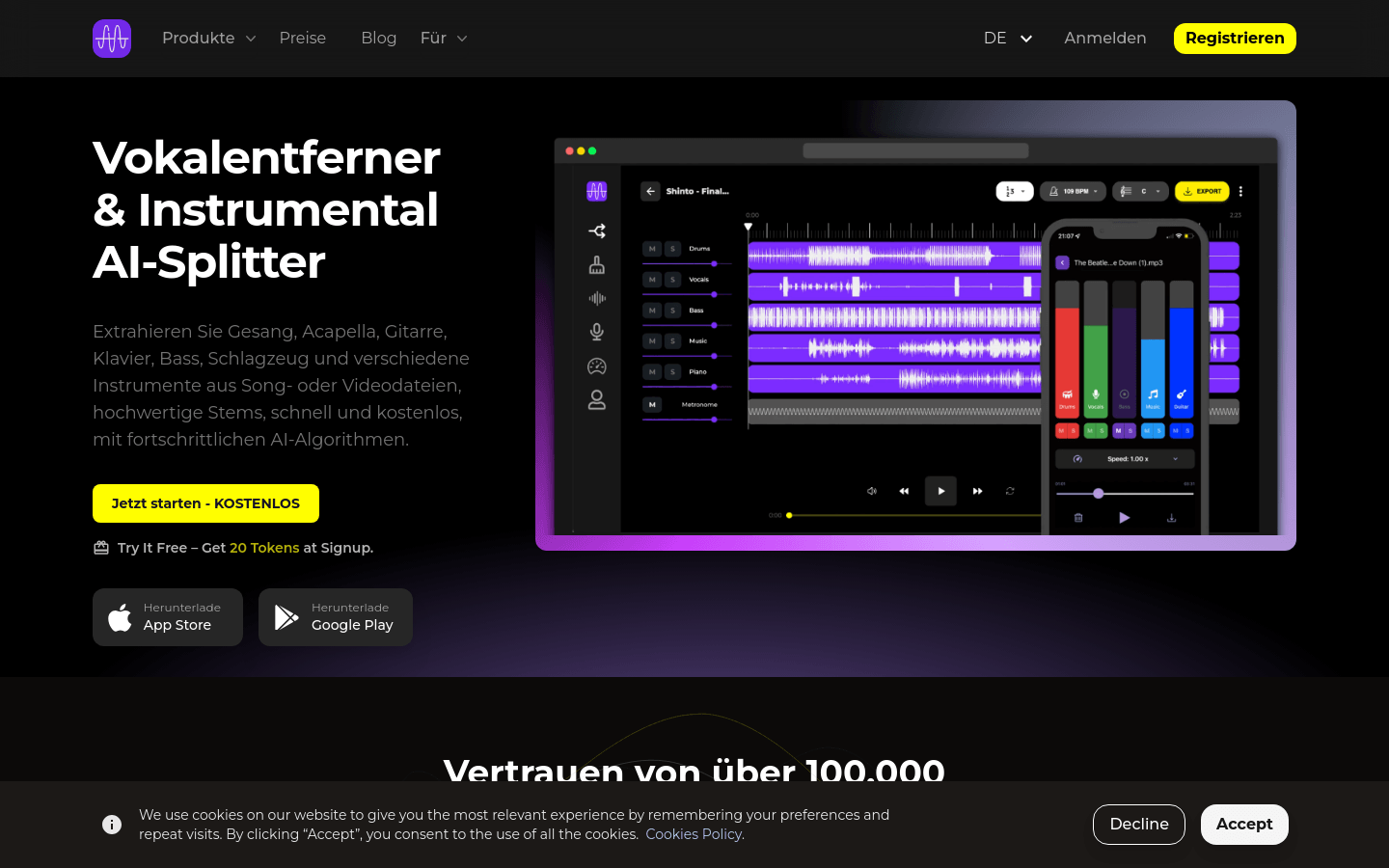
Screenshot archived from the listing page, for preview only.











