
Midjourney for Slack
Midjourney image generation inside SlackCreate images with your team, right in Slack
Highlights
What you can do with it
- A marketing team generates campaign visuals together in Slack
- A design group collects feedback and approvals in one thread
- A company gives employees a fun creative outlet during busy projects
How to use it
- 1 Add the Midjourney for Slack app to your workspace
- 2 Run a Midjourney command in a Slack channel
- 3 Review the generated image with your team
- 4 Collect feedback and approvals in the same thread
Who it is for
Pros
- Stays inside Slack, avoiding app switching
- Real-time collaboration and approvals in one place
- Familiar commands for anyone who knows Midjourney
Limitations
- Only 5 free generations before a paid subscription is required
- Unofficial community project, so support and uptime are not guaranteed
- Needs a Slack workspace, so admins control installation
What Midjourney for Slack is
Midjourney for Slack is an unofficial community-created Slack app that brings Midjourney image generation into your company's Slack workspace. Instead of switching between tools, your team can create images, share them, and discuss them in the same channels you already use every day. The app supports the familiar Midjourney commands and parameters, so anyone who has used Midjourney before can get started quickly. New users get 5 free image generations on first use, and after that a paid subscription is required.
What you can do with it
- Create images directly within your Slack workspace
- Collaborate with teammates in real time on joint creative projects
- Collect feedback and approvals in the same Slack thread
- Run familiar Midjourney commands without learning a new interface
Because everything happens inside Slack, creative work can stay next to the conversation about it. A designer can post a generated image, and the team can react, comment, and approve it right there. That removes the back-and-forth of moving files between chat and an image tool. The app also gives team members a fun creative outlet, which can help with team bonding during busy projects.
Who it is for
- Teams that already use Slack and want image generation in the same place
- Managers who need a simple feedback and approval flow for visual work
- Groups that want a shared creative activity without adding another login
If your team communicates in Slack and needs visuals for campaigns, social posts, or internal projects, this app keeps the process in one window. It is especially useful when several people need to weigh in on an image, since approvals and comments stay attached to the conversation.
What to watch out for
This is an unofficial community project, not an official Midjourney product, so long-term availability, updates, and support are not guaranteed. The free tier is small: you get 5 free image generations, and continued use requires a paid subscription. Since it installs as a Slack app, your workspace admin has to approve it, and company policies on third-party apps may apply. It is best to test it with your team before relying on it for important work.
FAQ
Is Midjourney for Slack an official Midjourney product?
No. It is an unofficial community-created Slack app that connects to Midjourney.
How many free images do I get?
You get 5 free image generations on first use. After that a paid subscription is required.
Do I need to leave Slack to use it?
No. The app runs inside your Slack workspace and uses familiar Midjourney commands.
Why it is free
What the official page says: 免费
Free limits, trial length and features are decided by the official site and can change at any time.
Product preview
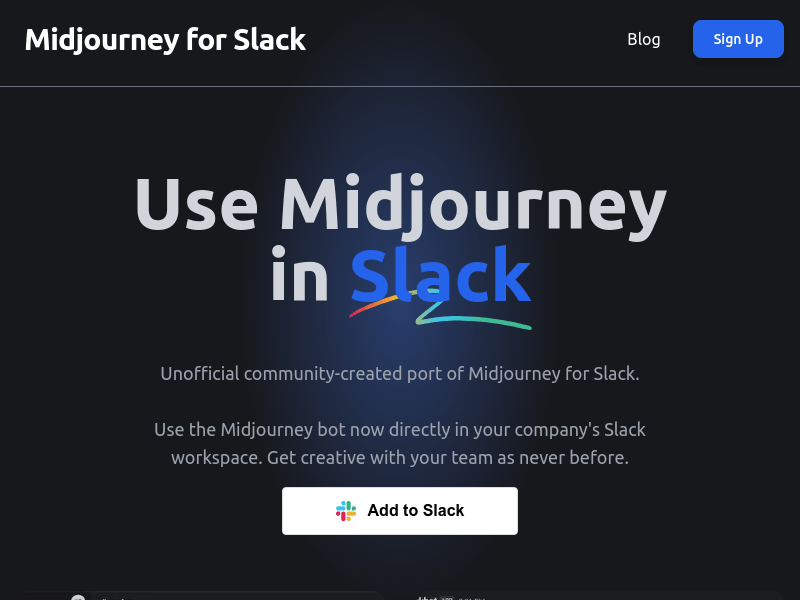
Screenshot archived from the listing page, for preview only.











