Midjourney AI
Text to AI art generatorTurn prompts into AI artwork
Highlights
What you can do with it
- Generate a logo concept from a short description
- Create portrait artwork for a project
- Sketch building and architecture ideas
How to use it
- 1 Open the site in a browser
- 2 Write a text description or start from a pre-set prompt
- 3 Choose an aspect ratio
- 4 Generate the image and download it
Who it is for
Pros
- Free trial available
- No Discord required
- You retain ownership of the artwork you generate
Limitations
- The free trial covers 20 uses, so heavy use needs another route
- The site runs on its own domain, so read its own terms before relying on it
- Availability and image quality depend on the underlying model
What Midjourney AI is
Midjourney AI is an AI art generator that creates images from text descriptions. You can make artwork for logos, portraits, and buildings, choose from several aspect ratios, and start from pre-set prompts instead of writing one from scratch. The site offers a free trial of 20 uses, with another 20 free uses available inside the Midjourney app. Generated artwork comes with full ownership retained by the user, and high-resolution images can be downloaded at no charge. It runs in a browser with no Discord required, which suits people who would rather skip the chat-based workflow entirely.
What you can do with it
- Turn a text description into a finished image.
- Pick the aspect ratio that fits your project.
- Start from a pre-set prompt when you are unsure what to write.
- Download high-resolution artwork and keep ownership of it.
Who it is for
- Hobbyists making art from prompts for fun.
- Designers who need quick concept images to react to.
- People who want AI art without going through Discord.
What to watch out for
The free trial is a sample, not a workspace. Twenty uses will get you a feel for the tool, and anything beyond that needs another route, whether that is the additional uses in the Midjourney app or a paid plan elsewhere. This site runs on its own domain, so read its own terms and privacy position before you upload anything sensitive or rely on the files staying available. As with any generator, output depends on the underlying model, so the same prompt can shift in quality between visits. For best results, start with a small test file and review the output carefully before working on anything important.
FAQ
How does it work?
You describe what you want in text and the generator returns an image.
Is there a free trial?
Yes, a free trial of 20 uses, with another 20 free uses in the Midjourney app.
Do I need Discord?
No. Everything happens on the site itself.
Why it is free
What the official page says: free trialfree of charge
Free limits, trial length and features are decided by the official site and can change at any time.
Product preview
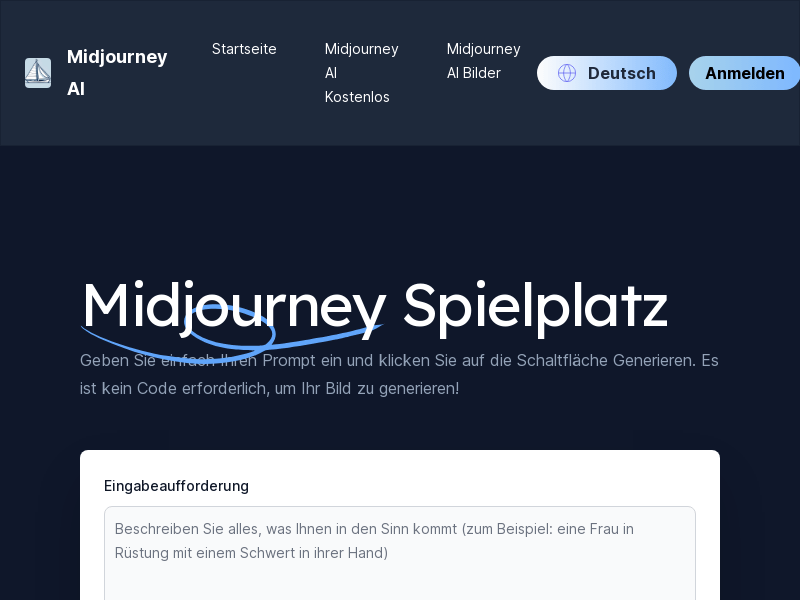
Screenshot archived from the listing page, for preview only.











