
Microsoft Copilot
Microsoft's AI companion across its productsAI help inside Windows, Edge, and Microsoft 365
Highlights
What you can do with it
- Get answers to work and study questions
- Draft content and summaries
- Find actionable next steps from your files and the web
How to use it
- 1 Update to the supported Windows 11 version
- 2 Open Copilot from the taskbar, Edge, or a Microsoft 365 app
- 3 Ask a question or give an instruction
- 4 Review and edit the result before using it
Who it is for
Pros
- Available across several Microsoft surfaces
- No separate subscription is needed for the Windows 11 integration
- Context-aware answers inside the apps you already use
Limitations
- Feature depth differs by product and region; some capabilities need a paid Microsoft 365 plan
- Answers can be wrong and should be checked
- Requires a supported Windows 11 setup
- Rollout and availability vary by market
What Microsoft Copilot is
Microsoft Copilot is an AI companion integrated into Windows 11, Microsoft 365, Edge, and Bing. It combines large language models with web intelligence to give personalized help based on your context and needs, producing intelligent answers, creative content, and actionable insights for work, study, and everyday tasks. The design choice that matters is placement: rather than living in a separate tab, Copilot arrives inside the products you already have open, so assistance shows up next to the document or browser page you are working on. Microsoft states that Copilot launches through a free Windows 11 update and will gradually expand across its product line.
What you can do with it
- Ask questions and get answers grounded in web information
- Draft content, summaries, and rewrites inside Microsoft 365 apps
- Get suggestions based on the context of your current work
- Use the same assistant across Windows, Edge, and Bing
Who it is for
- Windows users who want AI help without installing another app
- Microsoft 365 users working in documents, spreadsheets, and email
- Researchers and students using Edge or Bing
- Organizations already standardized on Microsoft tooling
What to watch out for
Feature depth is not uniform. The Windows 11 integration is described as free, but some of the richer Microsoft 365 capabilities sit behind paid plans, and availability differs by region and product, so what you get depends on your setup and license. Answers can also be wrong: treat output as a draft to verify rather than a final answer, especially for factual or numerical claims. You need a supported Windows 11 installation, and the rollout is gradual, so not every device sees every feature at the same time. Check Microsoft's current documentation for what applies to you.
FAQ
Where is Copilot available?
It is integrated into Windows 11, Microsoft 365, Edge, and Bing.
Does it cost anything?
Microsoft states Copilot launches in a free Windows 11 update. Some deeper Microsoft 365 capabilities may require a paid plan.
Will it work on my PC?
You need a supported Windows 11 setup, and rollout varies by region and product.
Why it is free
What the official page says: 免费
Free limits, trial length and features are decided by the official site and can change at any time.
Product preview
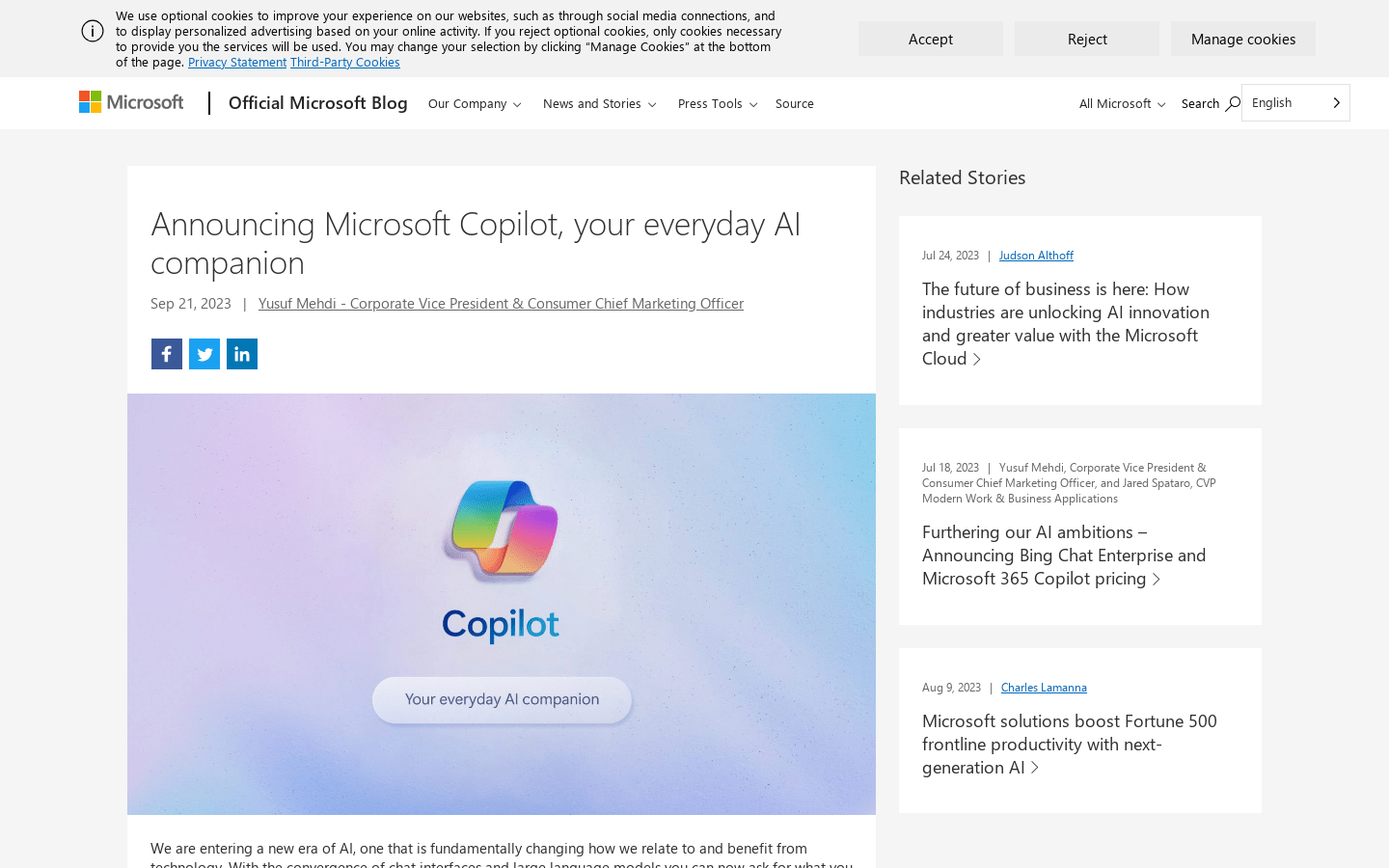
Screenshot archived from the listing page, for preview only.











