
Mica
Excel by natural languageAutomate Excel with plain language
Highlights
What you can do with it
- Generate a student attendance sheet with monthly summaries and a calendar view
- Analyze sales data by looking up product prices and building a regional bar chart
- Organize a task list by priority, highlight items due soon, and add a progress bar
How to use it
- 1 Visit the Mica site and click Download for Free to get the Windows installer (Windows 7 or higher).
- 2 Launch the app and grant authorization so Mica can access your local Excel files.
- 3 Type a plain-language request in the input box, such as sorting Sheet A by date and filtering large sales.
- 4 Review the step-by-step output Mica shows, including formulas and results, and adjust if needed.
Who it is for
Pros
- Runs locally, so spreadsheet data stays on your machine
- No need to memorize formulas or learn VBA
- Handles repetitive tasks like reports, dashboards, and attendance sheets in seconds
- Transparent step-by-step output helps you check and learn the logic
- Free to download, with support for Excel 2007 through Office 365
Limitations
- Windows only, and it needs Excel installed to work
- The free download model and any future paid features can change over time
- Complex or unusual requests may still need manual review and fixes
- Local processing means performance depends on your own computer
What Mica is
Mica is an AI desktop client for Excel, developed by MINDLINK TEC LTD. It is built for people who work in spreadsheets every day but do not want to memorize formulas or learn VBA. Instead of writing code, you type a request in plain language, such as sorting data by date or building a monthly attendance summary, and Mica carries it out inside Excel. The application runs locally on your own computer, so your files and data stay with you rather than being uploaded somewhere else. It is free to download and supports Windows with Excel versions from 2007 through Office 365. The goal is simple: cut the time spent on repetitive spreadsheet work and let you focus on the decisions the data supports. Mica also shows each step it takes, so you can follow the logic instead of trusting a black box.
What you can do with it
- Generate attendance sheets, financial reports, and data analysis dashboards from one instruction.
- Write complex nested formulas, including VLOOKUP, HLOOKUP, and conditional aggregation, without typing them yourself.
- Analyze sales data, look up product prices, and build charts such as a regional bar chart.
- Sort and filter task lists, apply conditional formatting, and add progress bars.
Who it is for
- Finance professionals who process large reports and summaries.
- Data analysts who need quick cleaning, transformation, and aggregation.
- Administrative staff who build attendance sheets and project statistics.
- Students and educators working on coursework, data analysis, and charts.
What to watch out for
Mica is a Windows desktop app, so it will not run on macOS or Linux, and it needs a compatible Excel version installed to be useful. Because processing happens on your own machine, very large files or heavy calculations may be slower than a cloud service, and performance depends on your computer. The current offer is a free download, but free rules and any future paid features can change, so treat the free version as the deal available today rather than a permanent promise. Finally, while Mica writes formulas for you, it is still worth checking the output on important files, since unusual or complex requests may need a manual fix.
FAQ
Is Mica free?
Yes, it is free to download. Any future pricing for extra features is not detailed and could change.
Does Mica send my data to the cloud?
No. Mica runs locally and keeps all data on your own computer.
Which Excel versions does it support?
It supports Windows systems and Excel versions from 2007 through Office 365.
Do I need to know formulas or VBA?
No. You describe the task in everyday language and Mica writes the formulas for you.
Why it is free
What the official page says: for free
Free limits, trial length and features are decided by the official site and can change at any time.
Product preview
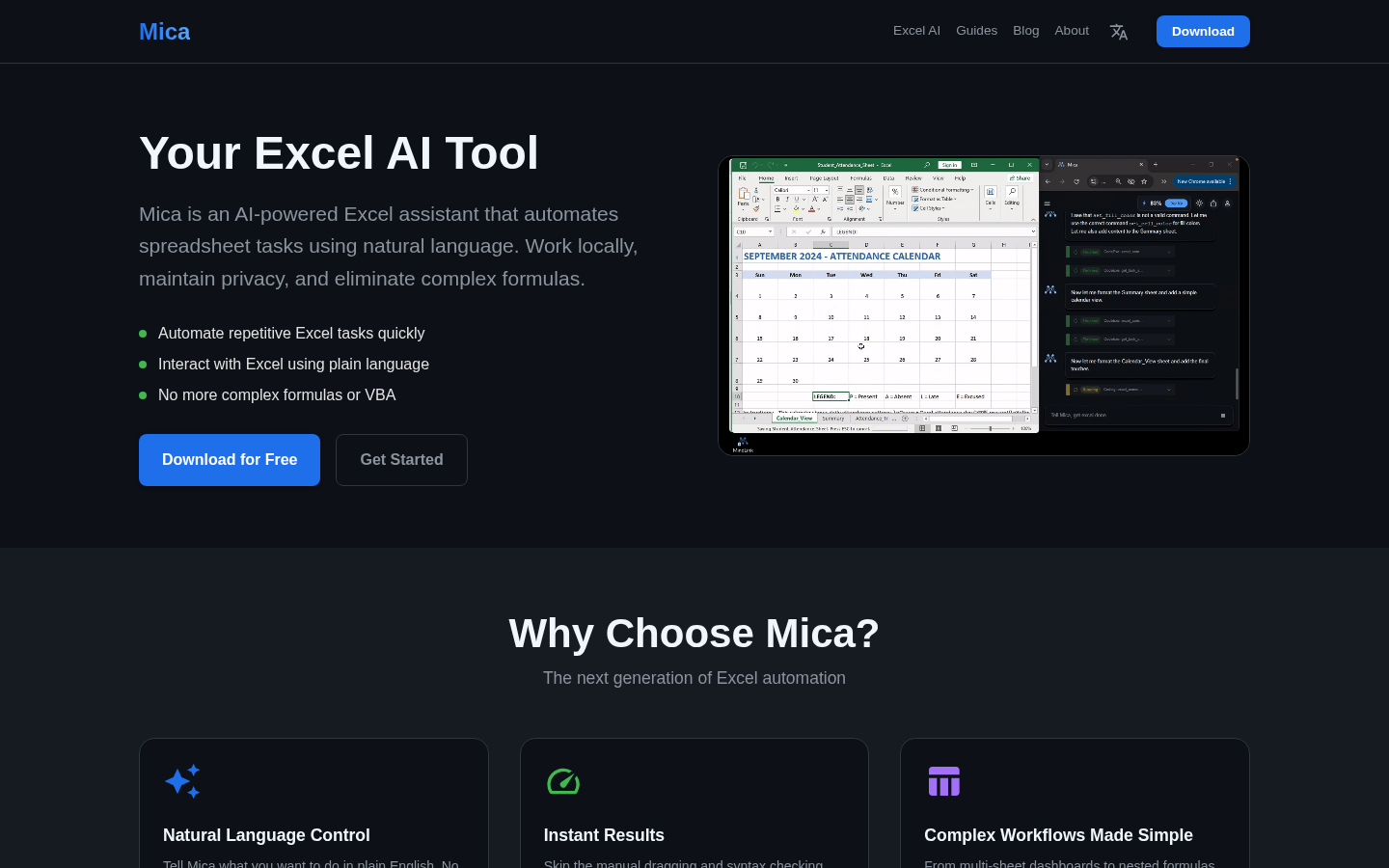
Screenshot archived from the listing page, for preview only.











