
MiaDance
AI video and image generatorText, images or clips into new content
Highlights
What you can do with it
- Turning written copy into a social media video
- Animating client photo material for an ad
- Turning personal photos into a video album
How to use it
- 1 Open the MiaDance website
- 2 Register or log in if it is your first visit
- 3 Choose Create Video or Create Image
- 4 For video, pick text-to-video or image-to-video and supply the input
- 5 For images, type a description and generate
- 6 Use the AI editing tools to refine, then save
Who it is for
Pros
- Covers both video and image generation
- Restyling preserves original motion and structure
- First and last frame control gives coherent results
- No professional editing skill required
Limitations
- Pricing is not documented in the source material
- AI models vary, so results are inconsistent
- Complex reference work still needs manual checking
What MiaDance is
MiaDance is an AI content platform covering both video and image generation. You can start from text, from a still image, or from an existing clip, and it will produce new content from that input. Beyond straight generation it restyles video while keeping the original motion, animates stills, supports reference-based synthesis and first-and-last-frame control, and includes AI editing for retouching. Pricing is not documented in the material available.
What you can do with it
- Convert a written description into a video.
- Animate a static image into a moving clip.
- Restyle an existing video while preserving its motion and structure.
- Combine reference material of several subjects into one video.
- Set first and last frames and let the platform fill the motion between.
- Retouch and restyle images and video with AI editing.
Who it is for
Individual creators, self-media publishers who need a steady stream of content, design teams processing large asset libraries, and marketers producing promotional video and imagery.
What to watch out for
Pricing is not documented, so budget blind until you check the site. Results depend on which underlying model handles your request, so quality is inconsistent between runs. Reference-based and motion-controlled output still needs a human pass before it goes out, particularly where faces or brand assets are involved. Features and interface details may change between versions, so review the latest notes on the page before you start. For team use, agree on naming and editing conventions in advance to avoid version conflicts or duplicated work. Processing speed depends on file size and network conditions, so retry later if a task stalls during peak hours.
FAQ
What does MiaDance do?
It generates AI video and AI images from text or images, restyles existing video, animates stills and provides AI editing tools.
Does it cost anything?
Pricing is not stated in the material available, so check the site directly for current plans.
Can it keep motion consistent when restyling?
Yes. The motion control feature is designed to retain the movement and structure of the original video while changing style or format.
Who is it for?
Individual creators, self-media publishers, design teams and marketers who need video and image content without professional editing skills.
Why it is free
What the official page says: free trial
Free limits, trial length and features are decided by the official site and can change at any time.
Product preview
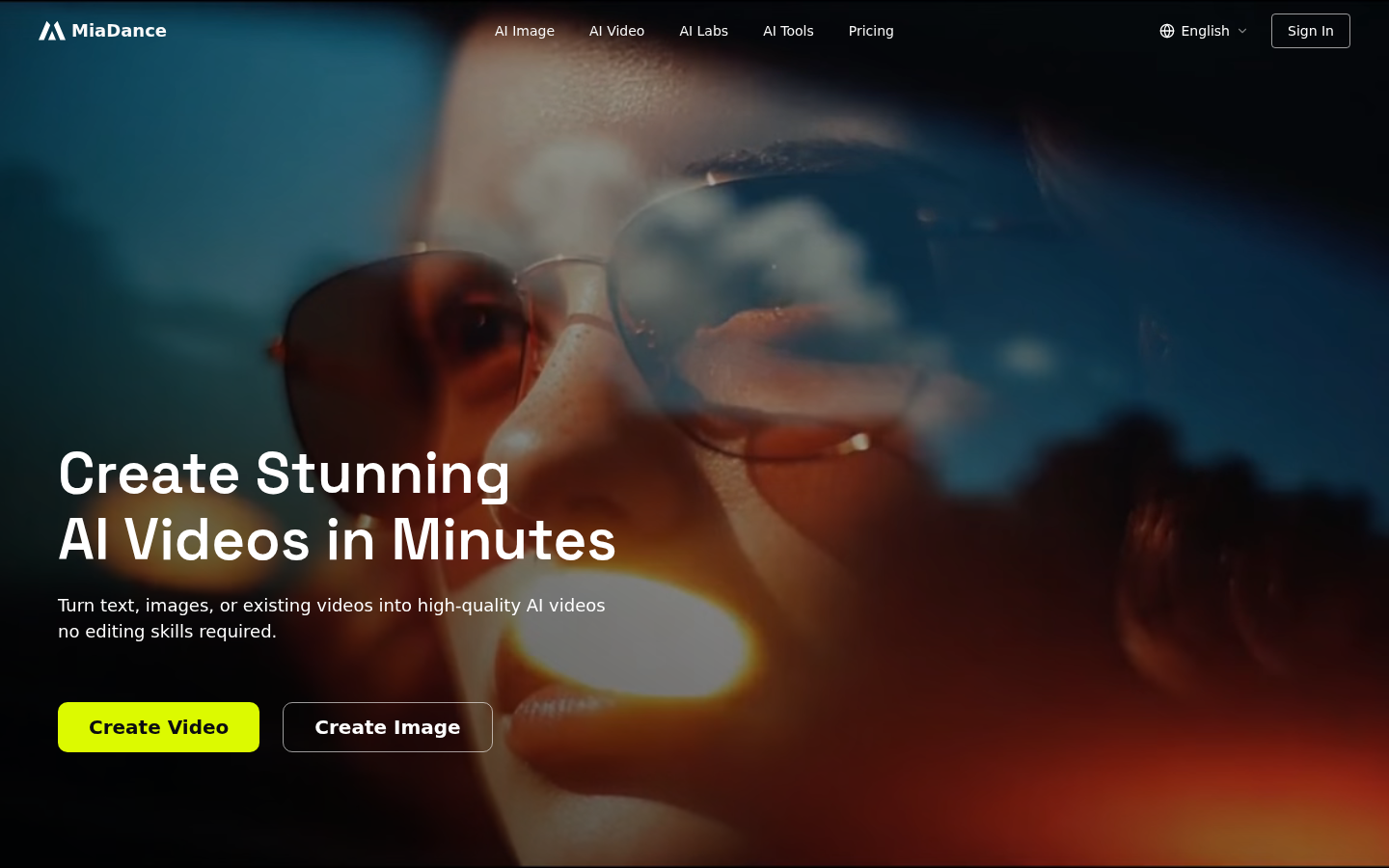
Screenshot archived from the listing page, for preview only.











