
Meta AI
Free Meta assistant for answers, images, and searchAsk, create, and search with one assistant
Highlights
What you can do with it
- Ask for quick facts like the weather
- Create an image for a design idea
- Practice conversation in another language
How to use it
- 1 Visit the Meta AI site or open the app.
- 2 Register or log in as prompted.
- 3 Type your question or request in the chat.
- 4 Review the answer or download the image.
Who it is for
Pros
- Free to use
- Answers, images, and search in one place
- Supports multiple languages
Limitations
- Availability is limited to specific countries and regions
- Answers can still need verification
- Depends on Meta accounts and apps
What Meta AI is
Meta AI is a smart assistant from Meta that offers a conversational experience to answer questions, give suggestions, create images, and search the web. It supports multiple languages and offers personalized recommendations through a clean, intuitive interface that is updated on a regular basis. It is currently available to users for free. One important limit is that Meta AI serves users in specific countries and regions, so availability can vary depending on where you are.
What you can do with it
- Ask conversational questions and get answers.
- Create images from a description.
- Search the web for information quickly.
- Get personalized suggestions and recommendations.
Who it is for
- Anyone who wants quick answers and help.
- Creative workers who need simple image creation.
- Language learners practicing conversation in another language.
What to watch out for
Availability is limited to specific countries and regions, so it may not work everywhere. Answers are generated and can still contain errors, so verify important information before you rely on it. Access is tied to Meta apps and accounts, which means you need the right app and a Meta account to use it. Generated suggestions are for reference only, so verify anything that affects professional judgment or important data. Start with a small sample to confirm the output meets your expectations before processing the full batch. Free tiers and usage limits can change, so check the current rules on the official page before relying on it long term. Processing speed depends on file size and network conditions, so retry later if a task stalls during peak hours. Keep a backup of the original file before running large batches so you can restart if anything goes wrong midway.
FAQ
Is Meta AI free?
Yes, Meta AI is currently available to users for free.
What can it do?
It answers questions, creates images, gives suggestions, and searches the web.
Is it available everywhere?
No, it serves users in specific countries and regions.
Why it is free
What the official page says: for free
Free limits, trial length and features are decided by the official site and can change at any time.
Product preview
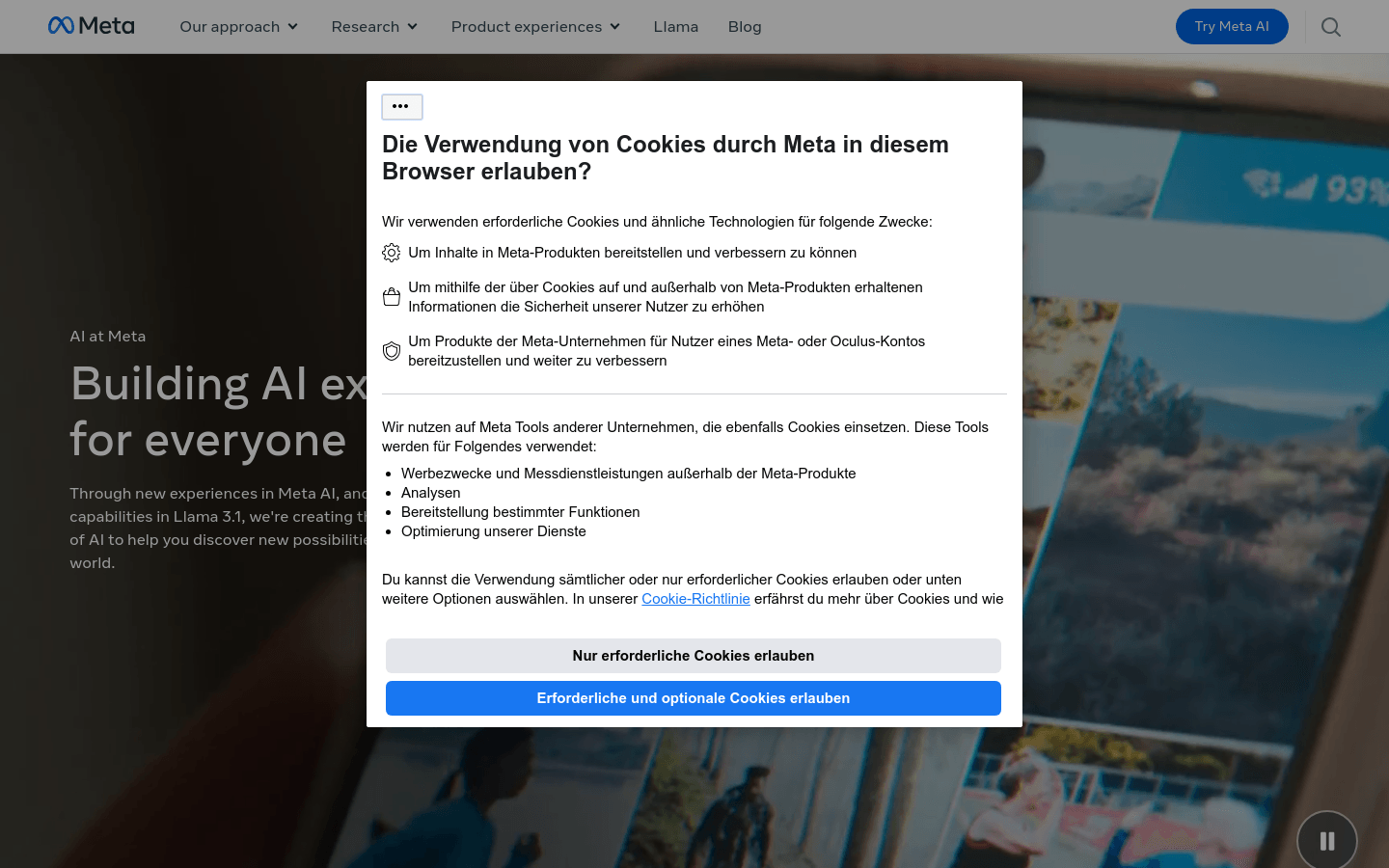
Screenshot archived from the listing page, for preview only.











