
Mesh
AI financial manager for startupsReal time reconciliation and cash flow insights
Highlights
What you can do with it
- Founders monitoring cash flow in real time
- Teams planning financing ahead of time
- Businesses cutting manual accounting work
How to use it
- 1 Register on the Mesh site or app
- 2 Connect your accounting and bank systems
- 3 Set categorization rules and budgets
- 4 Read real time data and insight reports
- 5 Use forecasts to plan ahead
Who it is for
Pros
- Automation saves manual bookkeeping time
- Real time data instead of month end surprises
- Forecasting supports planning
Limitations
- Free trial stage with pricing not final
- Setup requires connecting systems and rules
- Forecast quality depends on your data
What Mesh is
Mesh is an AI financial manager built for startups. It connects to your existing accounting and financial systems, reconciles accounts automatically around the clock, and updates data in real time. Founders get immediate views of cash flow, spending, and revenue, plus intelligent categorization of transactions and cash flow forecasting. The tool is aimed at startups that need solid financial management but do not have a dedicated accounting team. A free trial is offered, and final pricing has not been announced.
What you can do with it
- Reconcile accounts automatically, 24/7
- See cash flow, spending, and revenue in real time
- Categorize transactions without manual entry
- Forecast cash flow cycles for planning
Who it is for
- Startup founders watching cash closely
- Small teams without an accounting department
- Entrepreneurs who want faster financial decisions
What to watch out for
The service is in a free trial stage and pricing is not final, so costs may change once plans are set. Setup requires connecting financial systems and configuring rules, which takes time and care. Forecasts depend on the quality of the data you feed in, so messy books produce messy predictions. Financial data is sensitive, so review security and access controls before connecting accounts. Run one full task end to end first, then expand once you are comfortable with the workflow and the result quality. Behavior may vary across browsers and devices, so test before production use and consult the help docs if errors appear. Generated suggestions are for reference only, so verify anything that affects professional judgment or important data. Start with a small sample to confirm the output meets your expectations before processing the full batch.
FAQ
Who is Mesh for?
Startups, especially teams that need financial management but lack a dedicated accounting staff.
What does it automate?
Account reconciliation, transaction categorization, and real time financial data updates.
Is there a free trial?
Yes, Mesh offers a free trial, and final pricing has not been announced.
Why it is free
What the official page says: free trial
Free limits, trial length and features are decided by the official site and can change at any time.
Product preview
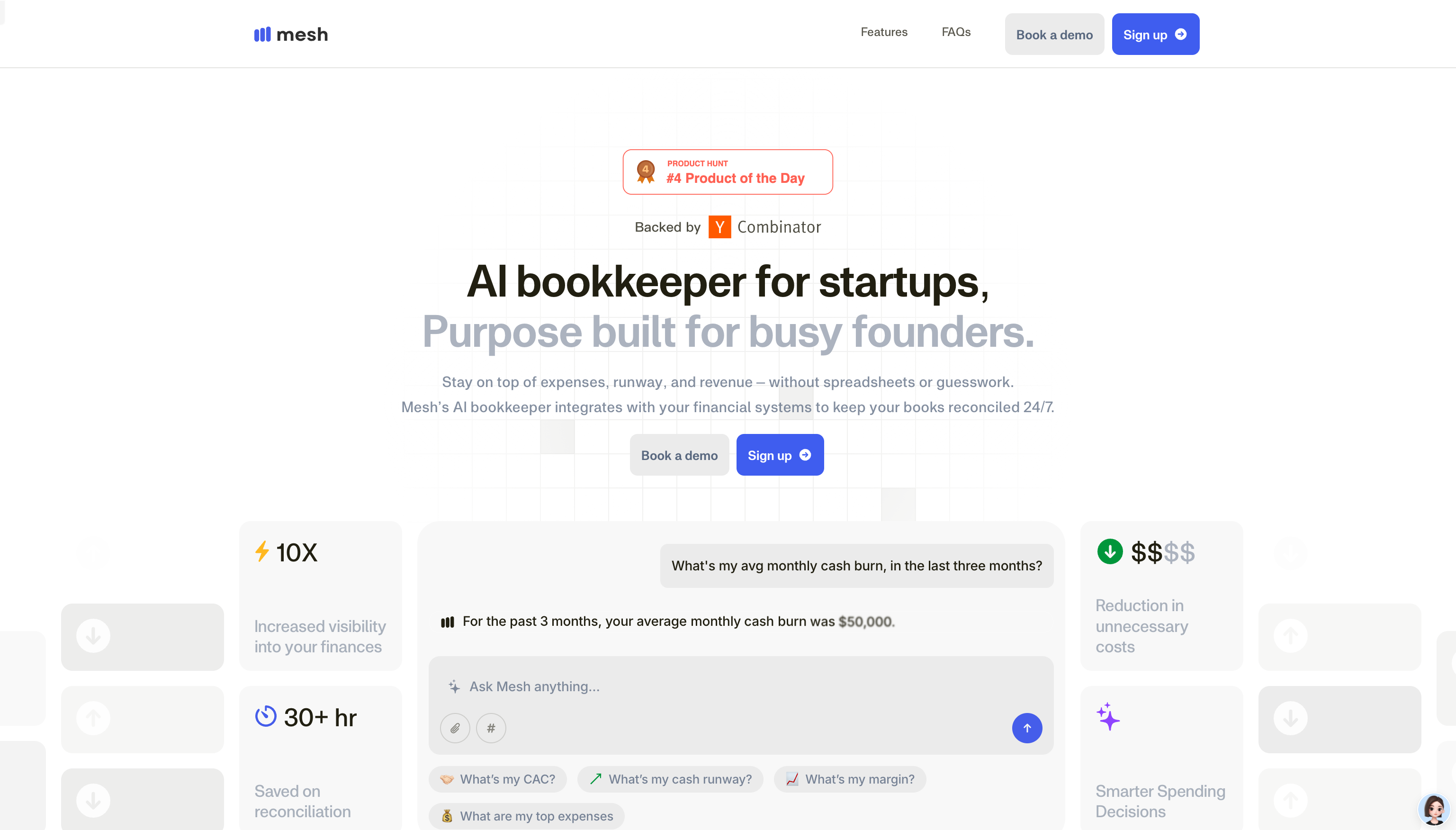
Screenshot archived from the listing page, for preview only.











