
Merlin AI Plugins
AI browser plugins for daily workOne click access to AI helpers
Highlights
What you can do with it
- Summarize a long video into key points
- Extract information from a web page
- Draft an email reply quickly
How to use it
- 1 Download and install the Merlin extension.
- 2 Start using it for free.
- 3 Open the plugin you need on the current page.
- 4 Let it process the video, page or email.
- 5 Review and edit the output before you use it.
Who it is for
Pros
- Several plugins in one extension
- Works in the browser where the content is
- Free to start
- Covers common daily tasks
Limitations
- Free access limits and paid terms are not detailed
- Depends on GPT-4 availability and quality
- Output needs review before sending or publishing
- Web scraping can conflict with site terms
What Merlin is
Merlin is a browser extension that bundles several AI plugins behind one click. The listed plugins cover video summarization, web scraping, email reply and social media growth, and the page says it is built on GPT-4 technology. The appeal is convenience: instead of copying content between tabs and tools, you trigger the plugin on the page you are already looking at. The extension is presented as a free download to start.
What you can do with it
- Summarize a video into key points.
- Pull information out of a web page.
- Draft a reply to an email.
- Use social media helpers for growth tasks.
Who it is for
- People who want AI help while browsing rather than in a separate app.
- Content creators who summarize video regularly.
- Professionals handling email and research in volume.
What to watch out for
Free access is the starting point, but limits and paid terms are not detailed, so check current pricing before depending on it. Output quality tracks the underlying model, which means confident sounding summaries can still miss the point, so review before you rely on them. Web scraping in particular can conflict with a site's terms of service or rate limits, so use it carefully and respect what a site allows. As with any extension that reads page content, be thoughtful about using it on pages with sensitive information. Generated suggestions are for reference only, so verify anything that affects professional judgment or important data. Start with a small sample to confirm the output meets your expectations before processing the full batch. Save a backup of the original file before large batch jobs, and keep an exported copy of key results in case the page or service becomes temporarily unavailable.
FAQ
What is Merlin?
An AI assistant that provides one click access to plugins such as video summarization, web scraping, email reply and social media growth.
Which technology does it use?
It is described as leveraging GPT-4 technology.
Is it free to start?
Yes. The page says you can download and start using it for free.
What can I do with the plugins?
Summarize videos, scrape web content, draft email replies and support social media growth.
Why it is free
What the official page says: for free
Free limits, trial length and features are decided by the official site and can change at any time.
Product preview
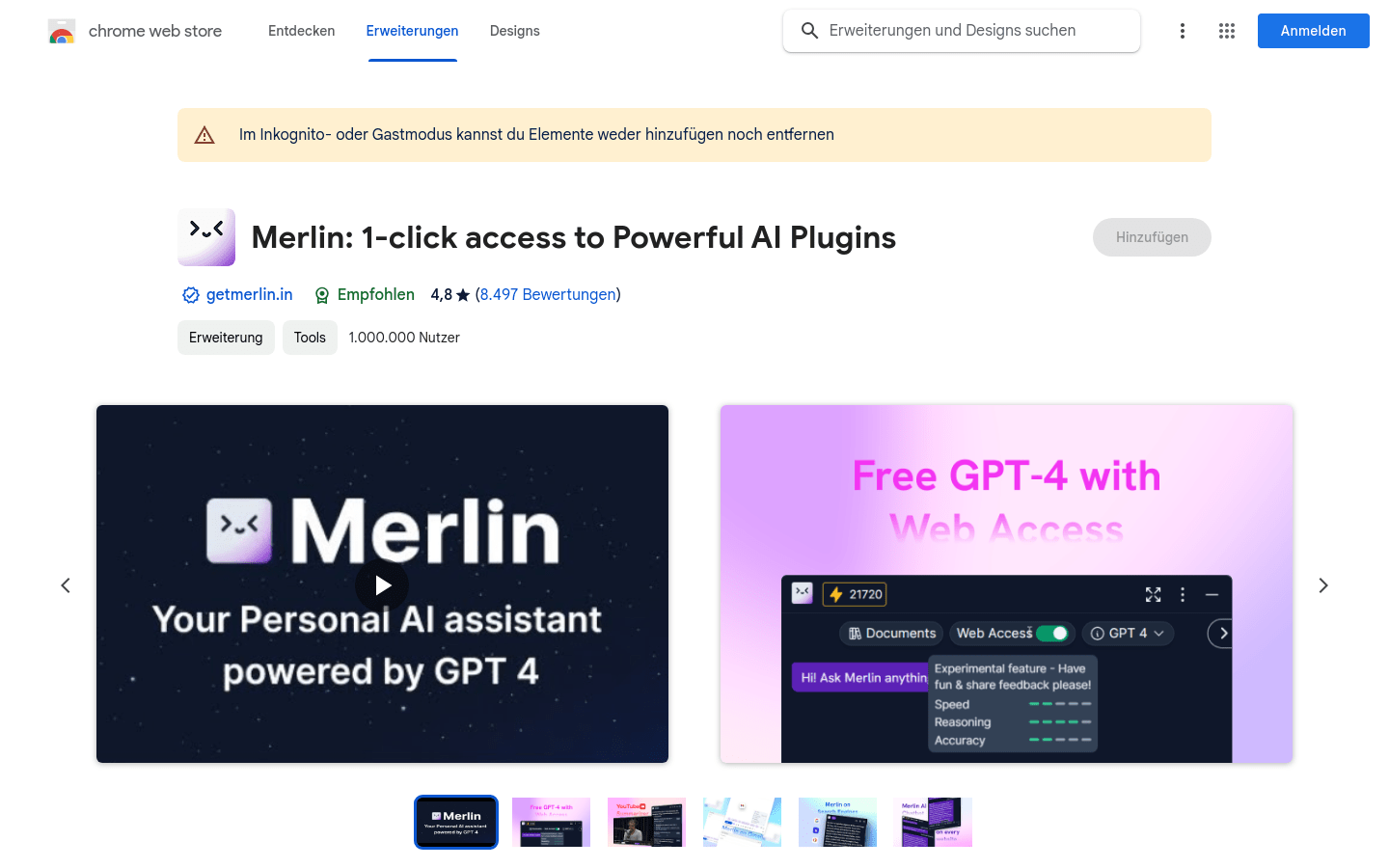
Screenshot archived from the listing page, for preview only.











