
Memorr.ai
Desktop AI chat with memory canvasLong projects without lost context
Highlights
What you can do with it
- Developers tracking decisions, bugs, and fixes across a long build
- Writers keeping character and plot notes consistent over a novel
- Marketers recording research and campaign results across quarters
How to use it
- 1 Download the desktop application for Mac or Windows
- 2 Install it, then register an account or log in
- 3 Set your own API keys in the application
- 4 Chat with a supported model and build memory nodes on the canvas
- 5 Switch models to compare answers, then export as JSON or Markdown
Who it is for
Pros
- Local storage keeps private material private
- A one time price instead of a monthly subscription
- Model switching lets you compare answers side by side
- Memory nodes make past context easy to retrieve
Limitations
- You pay model providers separately through your own keys
- Desktop only, so there is no mobile access
- $89 one time covers a lifetime license with a year of updates, so later update terms need checking
- Building and maintaining memory nodes takes effort
What Memorr.ai is
Memorr.AI is a desktop application for Mac and Windows built to solve one specific problem: context loss in long AI conversations. Anyone who has worked on a project for weeks with an assistant knows the pattern. By the third session the model has forgotten the decision you made on day one, and you spend your time re explaining instead of moving forward.
The app answers this with a split screen interface. Roughly thirty percent is the chat, and seventy percent is a visual memory canvas where you create, edit, and organize memory nodes as you work. Those nodes carry the context that would otherwise be lost, so a decision, a character setting, or a research finding stays retrievable months later. It supports many models, including GPT-3.5, GPT-4 and GPT-4 Turbo, Claude 3 Opus, Sonnet and Haiku, Gemini Pro and Ultra, and Perplexity, so you can switch between them and compare answers. Data is stored locally and is not sent to a server. It uses a bring your own API keys model, which means you pay model providers directly and keep control of cost. The listing states a one time payment of $89 for a lifetime license with free updates for the first year.
What you can do with it
- Keep a visual memory canvas beside every conversation
- Save decisions, settings, and research as retrievable nodes
- Switch between several AI models in one session
- Store conversations and memories locally on your machine
- Bring your own API keys and control spend
- Export conversations as JSON or Markdown
Who it is for
- Developers tracking decisions and bugs over a long build
- Writers keeping character and plot details consistent
- Marketers recording research and results across quarters
- Researchers assembling a body of notes over months
- Anyone whose AI conversations regularly outgrow one session
What to watch out for
The $89 payment covers the application, not the models. Under the bring your own keys model you pay each AI provider directly for usage, so heavy work carries a separate and ongoing cost. It is desktop only, so there is no mobile access and no sync between machines unless you move files yourself. The listing mentions free updates for the first year, which implies update terms after that period are worth checking before you rely on long term support. Finally, the memory canvas only helps if you actually use it: skipping node creation leaves you with the same context loss you were trying to escape.
FAQ
What problem does Memorr.AI solve?
It addresses context loss in long AI conversations by keeping a visual memory canvas alongside the chat.
Which models does it support?
The listing names GPT-3.5, GPT-4, GPT-4 Turbo, Claude 3 Opus, Sonnet and Haiku, Gemini Pro and Ultra, and Perplexity.
Where is my data stored?
Locally on your device. The listing says conversations, memories, and data are not sent to the server.
What does it cost?
A one time payment of $89 grants a lifetime license, with free updates for the first year.
Why it is free
What the official page says: 免费
Free limits, trial length and features are decided by the official site and can change at any time.
Product preview
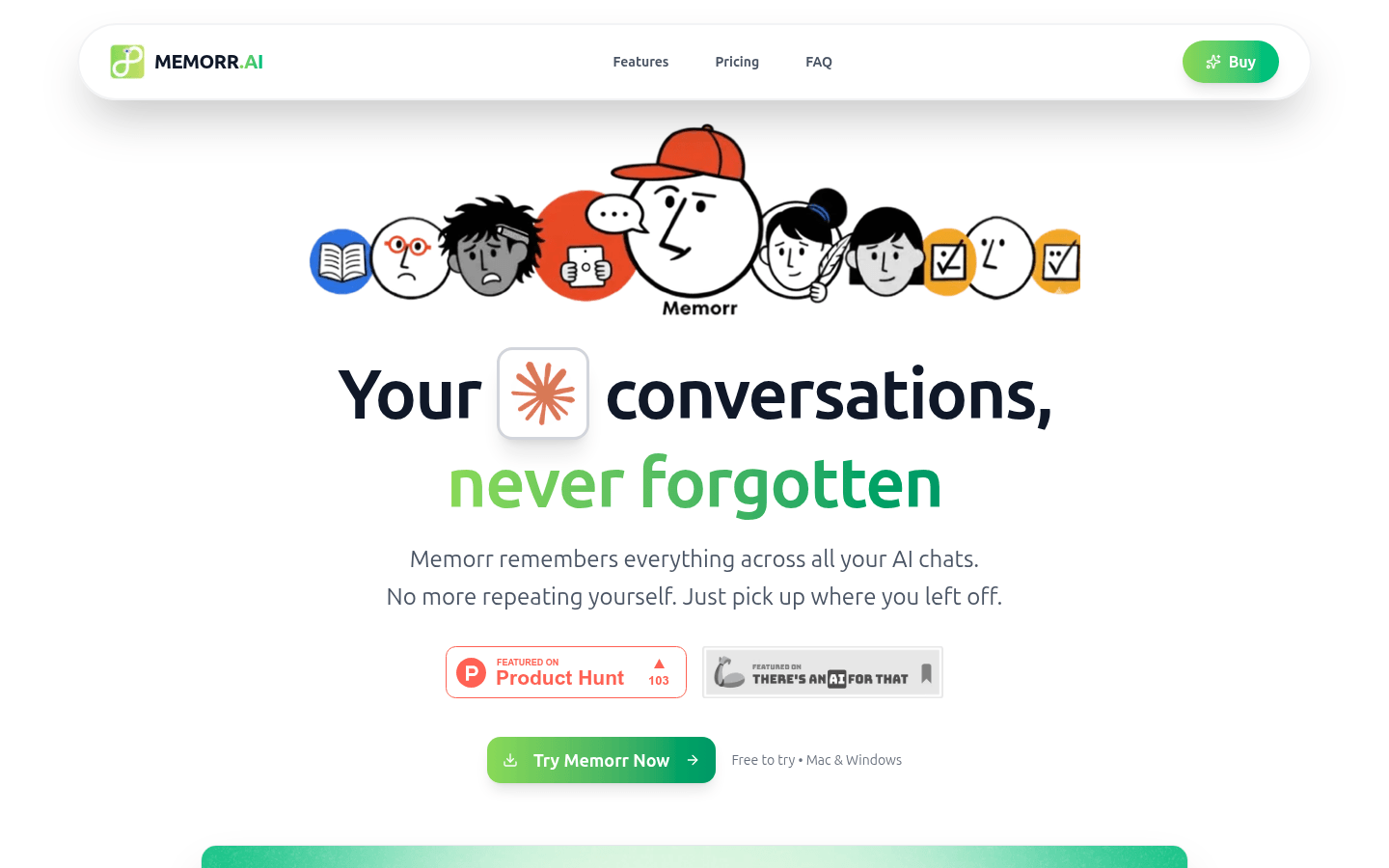
Screenshot archived from the listing page, for preview only.











