
Memmy Agent
Local-first AI agent that shares context across your toolsKeep one memory across every AI tool you use, stored on your device.
Highlights
What you can do with it
- Carry project context from Cursor to Claude without re-explaining
- Merge plans from different AI tools into one document
- Remember your style preferences so you stop repeating instructions
How to use it
- 1 Authorize Memmy to scan your AI tool history on the device
- 2 Let it collect and organize the conversations into structured memory
- 3 Switch to any AI tool and it supplies the most relevant memory
- 4 Give it tasks like organizing materials or merging plans
Who it is for
Pros
- Context follows you between tools, so less re-explaining
- Local-only storage keeps your data private
- Works as both a memory manager and a task agent
Limitations
- You must grant access to scan local tool history, a privacy trade-off to weigh
- Free trial terms and pricing are not fully detailed on the page
- Memory quality depends on what the scanned tools actually contain
What Memmy Agent is
Memmy is a local-first AI agent built around a self-evolving memory. It targets a common problem: when you switch between AI tools, the context you built in one tool is lost in the next. Memmy solves this by keeping your memory online as you move. With your permission, it scans the conversation history of tools such as Cursor, Claude, and Codex on your device, then turns scattered chats into structured, searchable memory. When you switch to another tool, it injects only the most relevant memory instead of everything. It can also act as a standalone agent and take tasks directly. All memory data stays on your device and is never uploaded to a remote server.
What you can do with it
- Carry project context and progress from one AI tool to the next
- Turn scattered conversations into structured, deduplicated memory
- Search across memory to find a past decision or detail
- Ask it to organize materials or merge plans into one document
- Rely on saved preferences instead of repeating instructions
Who it is for
- People who use several AI tools every day
- Users who need to keep long-term context, preferences, and technical decisions
- Anyone who wants memory stored locally for privacy
What to watch out for
To work, Memmy needs permission to scan your local AI tool history, and you should be comfortable with that level of access before you grant it. The free trial and pricing are not fully detailed on the page, so terms may change. Memory quality depends on what your scanned tools actually contain, so thin or messy histories give thinner results. Because it reads only what you authorize, tools it cannot access will not feed the memory. See it as a context layer that sits beside your tools, not a replacement for them.
FAQ
Where is my data stored?
All memory data stays on your local device and is not uploaded to a remote server.
Which tools can it read?
After you authorize it, it can scan history from tools such as Cursor, Claude, and Codex on your device.
Is there a free trial?
Yes. A free trial of MemmyGPT 5 6 Luna2M is available.
Does it do more than store memory?
Yes. It can take tasks directly, like organizing materials, merging plans, or continuing unfinished work.
Why it is free
What the official page says: free trial
Free limits, trial length and features are decided by the official site and can change at any time.
Product preview
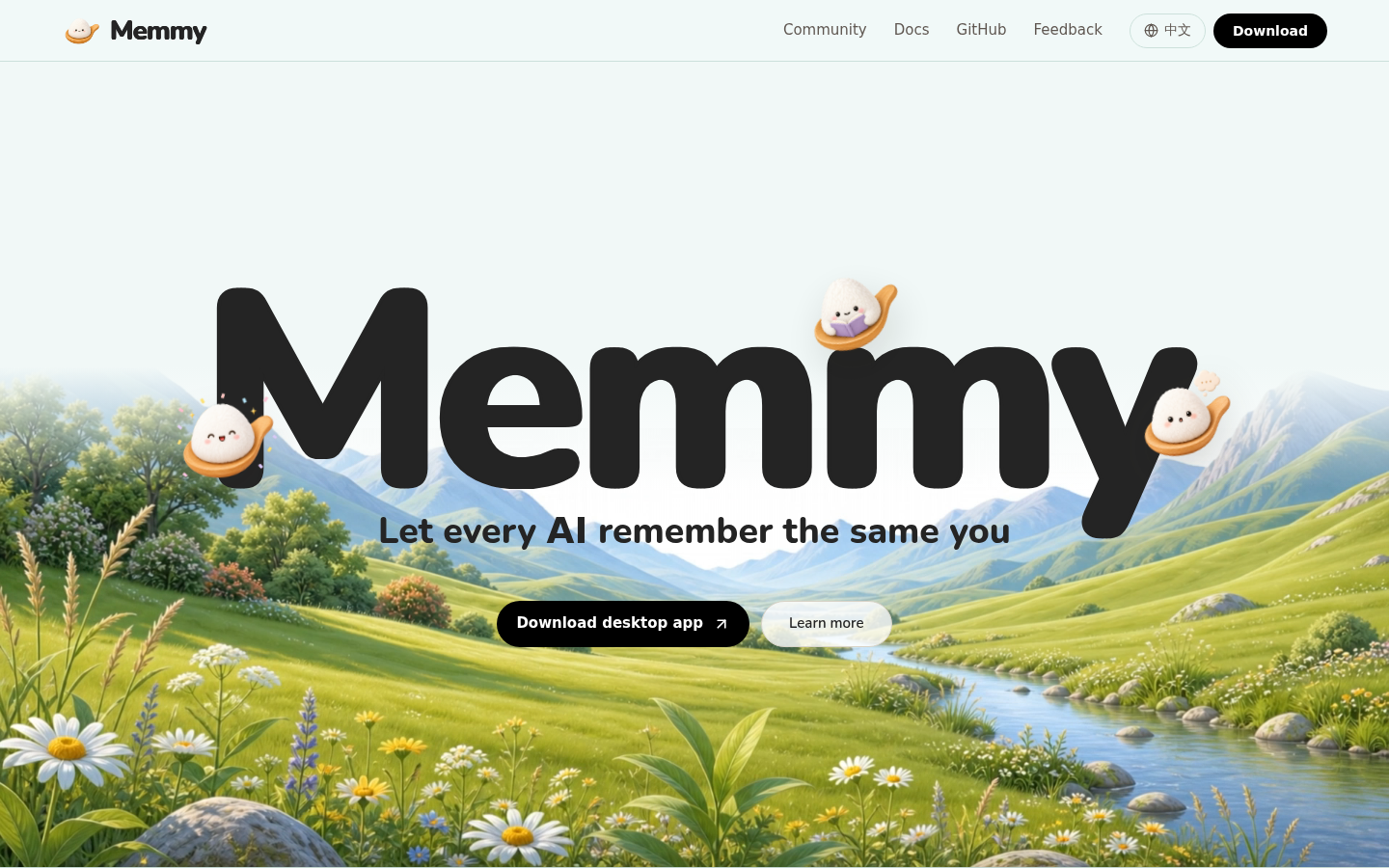
Screenshot archived from the listing page, for preview only.











