
MeltFlex AI
AI room design and virtual staging toolUpload a room photo and let AI furnish it
Highlights
What you can do with it
- A homeowner uploads a bedroom photo, picks a modern style, and previews furniture before buying.
- A real estate practitioner virtually stages an empty home in a warm family style to draw buyers.
- An interior designer generates multiple style options quickly to discuss with a client.
How to use it
- 1 Open the website at meltflexai.com/create.
- 2 Upload the room photo you want designed.
- 3 Select a style such as modern, Scandinavian, or farmhouse.
- 4 View the AI result with furniture filled in.
- 5 Adjust the style or details and save the plan when satisfied.
Who it is for
Pros
- Fast: the AI fills in real furniture within seconds
- Several built-in styles for different tastes
- Virtual staging helps market empty properties
- Visual previews make decisions easier
Limitations
- Full pricing is not clearly stated on the page, so confirm costs before relying on it
- Free trial availability may change, so verify current terms
- Results depend on the quality of the uploaded photo
- It is an AI suggestion tool, so final purchases still need your own judgment
What MeltFlex AI is
MeltFlex AI is an online interior design tool powered by artificial intelligence. The core idea is simple: you upload a photo of a room and the system redesigns it, filling the space with real furniture in just a few seconds. That speed lets you see a fresh look without moving anything or buying items first. The tool offers several styles, such as modern, Scandinavian, and farmhouse, so you can compare different aesthetics on the same room. It also supports virtual staging, which helps real estate practitioners present empty homes as furnished and inviting. The listing notes a free trial option, while the page does not clearly state full pricing.
What you can do with it
- Upload a room photo and receive an AI redesign with real furniture placed inside.
- Switch between styles like modern, Scandinavian, and farmhouse to compare looks.
- Use virtual staging to decorate an empty room for sale and attract potential buyers.
- Get design suggestions from intelligent analysis of your uploaded photos and preview the result before deciding.
Who it is for
- Individuals who want to renovate a room and preview the effect first.
- Real estate practitioners who need quick virtual staging for listings.
- Interior designers who want a fast way to produce concept options for clients.
What to watch out for
Full pricing is not clearly stated on the page, so confirm any costs before you depend on the tool. Free trial availability may change, so check current terms. Output quality depends heavily on the photo you upload, so clear, well-lit images work better. Treat results as suggestions rather than final plans, since real purchases and layout decisions still need your own judgment and measurements.
FAQ
How does it work?
You upload a room photo, choose a style, and the AI redesigns the room and fills in real furniture.
What styles are available?
Options include modern, Scandinavian, farmhouse, and others.
Can I use it for virtual staging?
Yes. Real estate practitioners can decorate empty rooms virtually to attract buyers.
Is there a free trial?
A free trial option is listed, but the page does not clearly state full pricing.
Why it is free
What the official page says: free trial
Free limits, trial length and features are decided by the official site and can change at any time.
Product preview
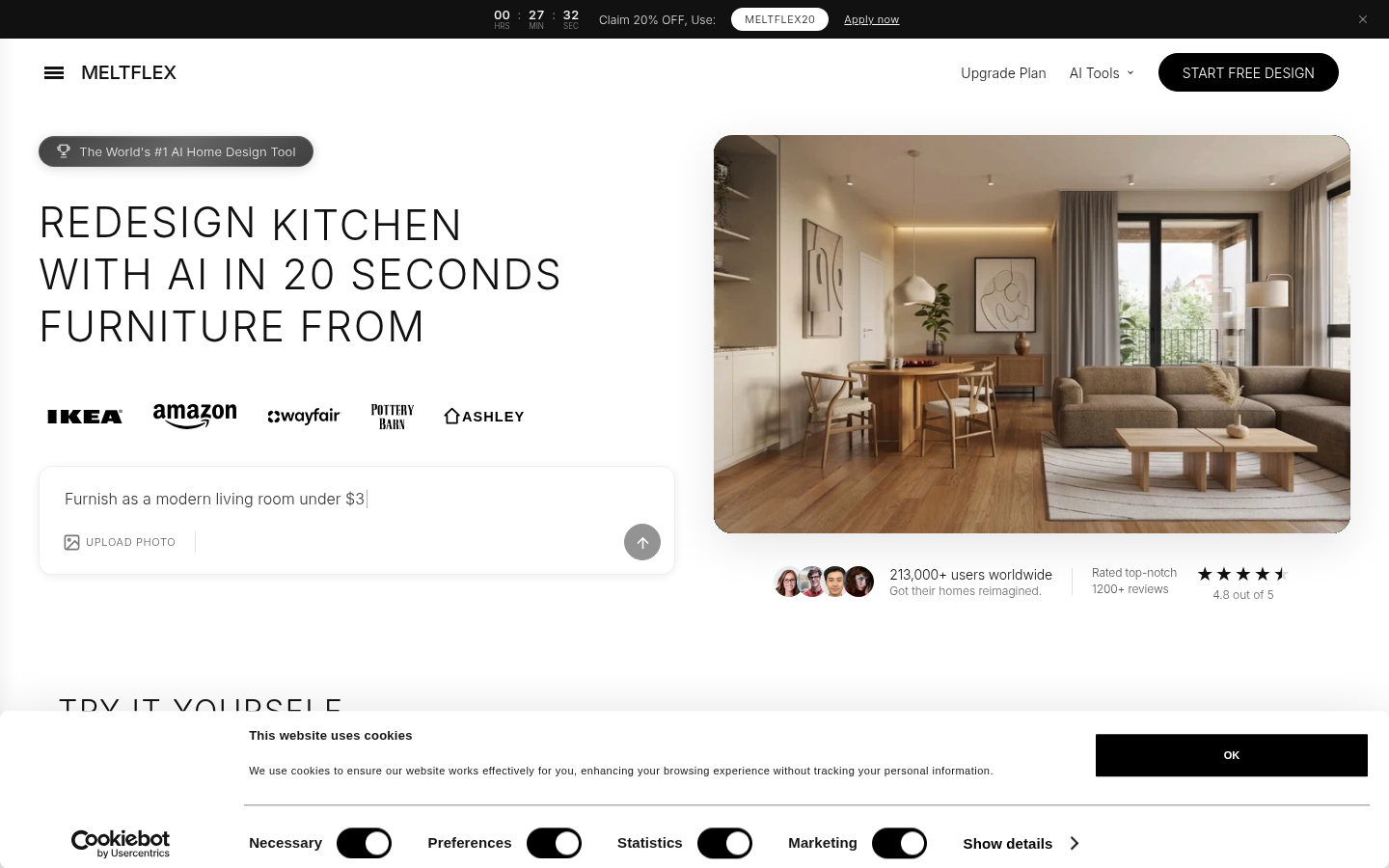
Screenshot archived from the listing page, for preview only.











