
MelodySeek
Online AI music recognition from links, files, or recordingFind the song in any video in seconds, free version available
Highlights
What you can do with it
- Finding the background song in a social media video
- Creators locating music that matches a video style
- Listeners identifying a song they hear in public
How to use it
- 1 Open the MelodySeek website
- 2 Paste a link, upload a file, or start a recording
- 3 Click Recognize and wait for analysis
- 4 Read the song name after a few seconds
- 5 Open the song on a music platform or save it to your history
Who it is for
Pros
- Free version available
- Works in the browser with no app install
- Fast recognition with direct platform links
Limitations
- Free version limits and paid package pricing may change over time
- Noisy or mixed audio can lower accuracy
- Trimming and some tools require a paid plan
What MelodySeek is
MelodySeek is an online music recognition tool that runs in the browser, so there is no app to install. It uses AI audio recognition to identify songs inside videos or audio files, and it usually returns a result in under 10 seconds. The tool can work with short fragments and lower quality recordings, which makes it useful for real world moments. You can recognize music in three ways: paste a link from a social platform, upload an audio or video file, or record a song with your microphone. After recognition, MelodySeek gives you playback links on mainstream music platforms and saves the result in your history. A free version is available, with trimming tools on paid plans.
What you can do with it
- Identify a song from a social media video link
- Upload your own audio or video files for recognition
- Record a short melody and find the matching song
- Open results directly on major music platforms
Who it is for
- Music lovers who hear a song but do not know its name
- Video creators who need music that matches a style
- Social media users who want to name the audio in a video
What to watch out for
Recognition accuracy drops with heavy background noise or mixed audio, so clean clips work best. The free version has limits, and paid package pricing can change, so review current plans. Some tools, such as the built in trimming feature, are only on paid plans. Because it depends on external music platforms for playback links, availability of a given song may vary by region and service. Processing speed depends on file size and network conditions, so retry later if a task stalls during peak hours.
FAQ
Is MelodySeek free?
It offers a free version, with paid packages that add more features.
How can I identify a song?
You can paste a social media link, upload an audio or video file, or record the song directly.
How fast is recognition?
Most songs are recognized within about 10 seconds.
Why it is free
What the official page says: free version
Free limits, trial length and features are decided by the official site and can change at any time.
Product preview
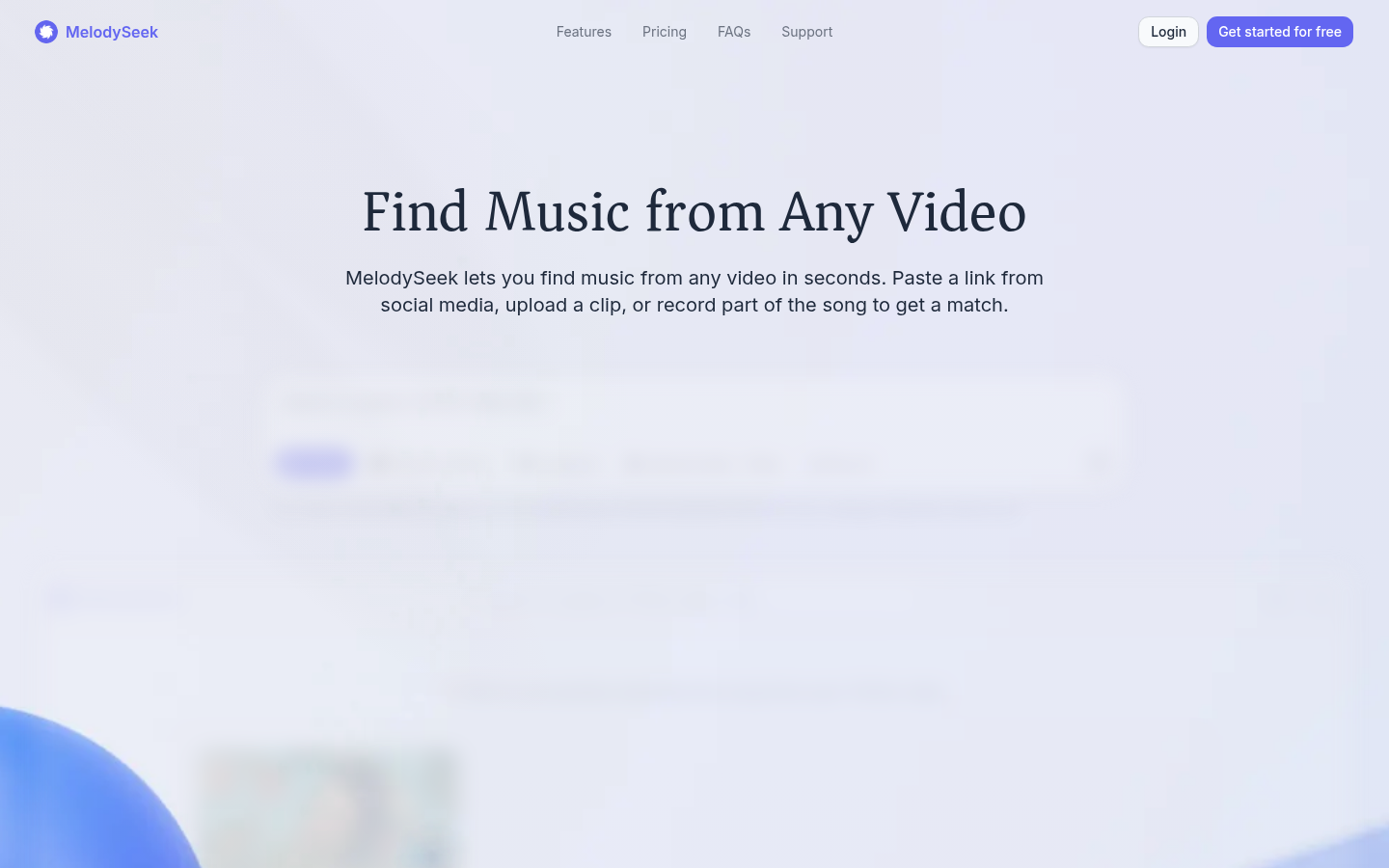
Screenshot archived from the listing page, for preview only.










