Meku
AI web app builderPrompt to a deployed web application
Highlights
What you can do with it
- Prototyping an idea into a working product fast
- Building a directory site with Supabase
- Standing up a simple site or dashboard without a dev team
How to use it
- 1 Describe the web application you want in plain language
- 2 Let Meku generate the first working version
- 3 Refine and extend it from the chat box
- 4 Connect a custom domain, download the files or push to GitHub
Who it is for
Pros
- Free to start, with pricing on a separate page
- Very fast path from idea to running version
- Modern interface generated from the first prompt
- Flexible deployment options
Limitations
- Free start does not mean free at scale
- Generated code still needs review before production
- Complex requirements need many refinement rounds
What Meku is
Meku is an AI web application builder aimed at developers. You describe what you want in plain language and it produces a working version within minutes, with a modern interface already in place. From there you keep refining from a chat box rather than editing files by hand. Starting is free, with full pricing on a separate page.
What you can do with it
- Describe an app and get a running version quickly.
- Refine and extend it continuously from the chat box.
- Build full-stack applications, from simple sites to SaaS dashboards and stores.
- Deploy by connecting a domain, downloading the files, or pushing to GitHub.
- Connect Supabase for backend functionality and GitHub for code sync.
- Preview changes in real time and undo as needed.
Who it is for
Developers who want to skip boilerplate, entrepreneurs validating an idea before investing in a build, and small business owners who need a site or tool without a development team.
What to watch out for
Free to start is not free at scale, so check the pricing page before you build something you intend to keep. Generated code still needs review before it goes to production, particularly around security and data handling. Complex requirements take many refinement rounds, and the speed advantage shrinks as the spec gets more specific. Name and archive exported files consistently so you can find and reuse them, and keep a backup copy of key data. When quality matters, export a small draft first to confirm the result before producing the final file. When quality matters, export a small draft first to confirm the result before producing the final file.
FAQ
Is Meku free?
You can start for free. Full pricing sits on a separate pricing page, so check that before committing to a project.
What can it build?
Anything from a simple website to a complex SaaS dashboard or e-commerce store, including full-stack applications.
How do I deploy?
Connect a custom domain, download the application as an offline file, or push the code to GitHub.
Does it integrate with other services?
Yes, it can connect GitHub for code sync and Supabase for full-stack functionality.
Why it is free
What the official page says: for free
Free limits, trial length and features are decided by the official site and can change at any time.
Product preview
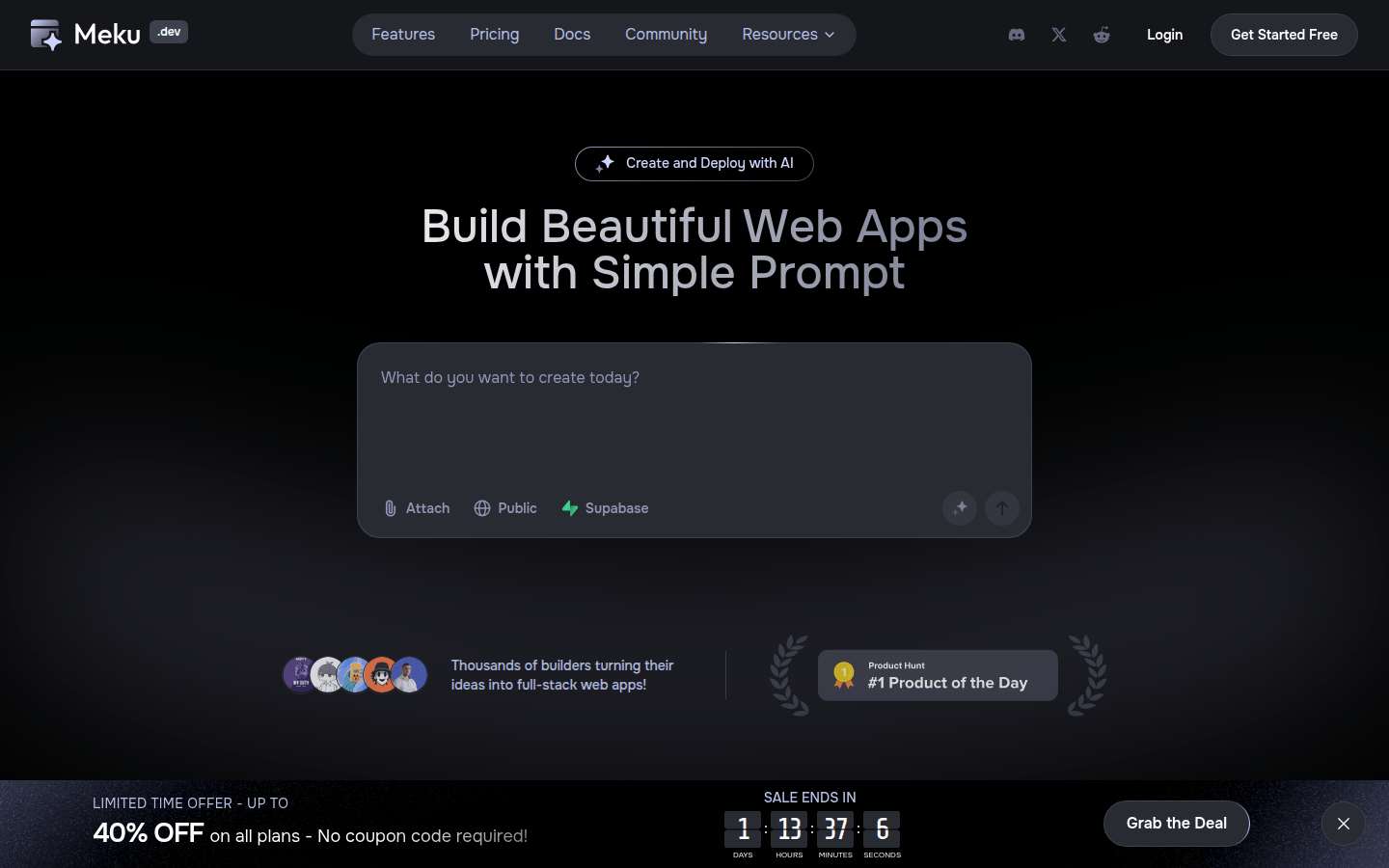
Screenshot archived from the listing page, for preview only.