
Meet AI for Slack
Launch Google Meet from inside SlackStart a Meet with the /meet command
Highlights
What you can do with it
- Pull a channel into a video call without leaving Slack
- Auto-update status so teammates know you are in a meeting
- Schedule calls using plain language in a chat
How to use it
- 1 Add Meet for Slack to your Slack workspace.
- 2 Type /meet in a chat, channel, or DM to start a call.
- 3 After the 7-day trial, subscribe to keep using it.
Who it is for
Pros
- One command starts a meeting without leaving Slack
- Automatic status updates reduce interruptions
- Free 7-day trial to test it
Limitations
- After the 7-day trial it is a paid subscription of $4.99 per year per host
- Needs Google Workspace and Google Calendar to work fully
- The service may not be reachable at times, so confirm it still operates
What Meet AI for Slack is
Meet for Slack is a small tool that brings Google Meet into Slack. Instead of switching apps to start a video call, you type the command /meet and the tool handles the rest: it creates the meeting so you can get colleagues on a call from inside a chat. It works in direct messages, group chats, and channels, which covers most of the places a Slack conversation turns into a call. The tool can also flip your Slack status to 'In a meeting' automatically so teammates know you are busy. It ties into Google Calendar, understands natural-language scheduling, and is built for Google Workspace accounts. The appeal is removing the small friction of leaving a conversation to set up a call.
What you can do with it
- Start a Google Meet from any chat with the /meet command
- Launch calls in direct messages, group chats, or channels
- Auto-set your Slack status so people know you are on a call
- Schedule meetings using plain language and sync with Google Calendar
Who it is for
- Slack-based teams that jump into video calls often
- Remote teams already using Google Workspace
- People who want fewer app switches during the workday
What to watch out for
The free part is a 7-day trial for each host. Once it ends, continued use is a paid subscription of $4.99 per year per host, or a discounted team plan, so budget for it if your team relies on it. The tool needs Google Workspace and Google Calendar to do its job, so it will not fit setups built on other stacks. Because it depends on both Slack and Google, changes to either platform can break parts of the integration. Before you lean on it for daily calls, confirm the service is still available and the pricing matches what is listed. If your team only meets occasionally, the yearly cost may still be worth comparing against creating Meet links by hand.
FAQ
How do I start a meeting?
Type /meet in Slack and the tool sets up a Google Meet for you.
Is Meet for Slack free?
Every host gets a free 7-day trial. After that it costs $4.99 per year, with a discounted team plan.
Does it work with Google Calendar?
Yes, it integrates with Google Calendar and supports natural-language scheduling.
Why it is free
What the official page says: 免费
Free limits, trial length and features are decided by the official site and can change at any time.
Product preview
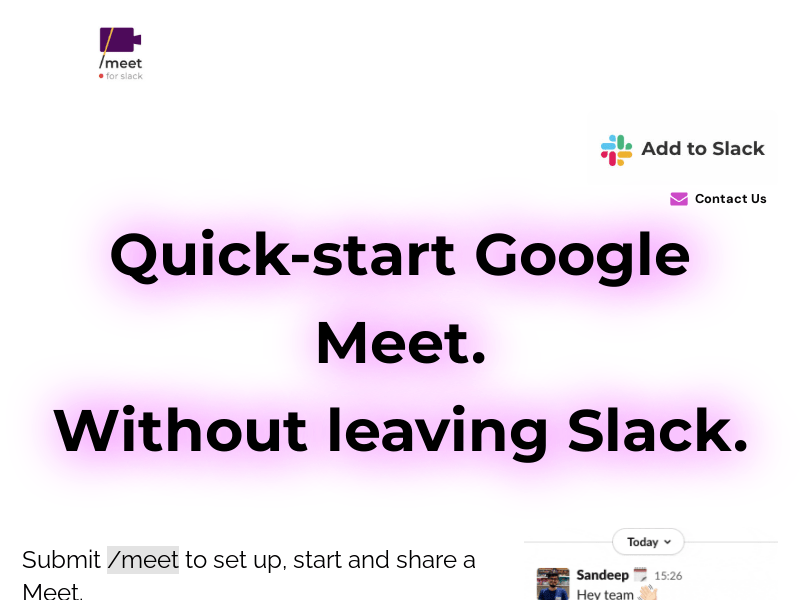
Screenshot archived from the listing page, for preview only.











