Meet
Free AI email scheduling assistantBook meetings by CCing an AI
Highlights
What you can do with it
- Individuals schedule with multiple people in one thread
- Startup teams arrange team meetings fast
- Collaborators who often shift meeting times
How to use it
- 1 CC Ting on the email thread
- 2 Review the suggested times it offers
- 3 Accept a time or let it reschedule
- 4 Let Ting send invitations to participants
Who it is for
Pros
- Works inside email, no new tool to learn
- Free to use
- Handles rescheduling automatically
Limitations
- Depends on email and calendar access
- Complex scheduling may still need a human
- The site was not reachable at the time of review
What Meet is
Meet-Ting is a free AI assistant for booking meetings through email. Rather than adding another scheduling tool, it works inside the email thread you are already using. You CC it on a message, it reads the content, checks calendars, and suggests meeting times. If a time needs to move, it can reschedule and send updated invitations to everyone involved. The design goal is to make the process feel natural and to remove any learning curve, so scheduling happens the way people already write emails.
What you can do with it
- Have email content read to understand the scheduling request
- Get calendar-checked time suggestions
- Reschedule a meeting without a new thread
- Send invitations automatically after a time is confirmed
The main benefit is that coordination stays in one place. Instead of pasting availability back and forth, the assistant proposes times directly. For a thread with several people, that removes a lot of back-and-forth. For teams that shift meetings often, the rescheduling feature handles the follow-up automatically.
Who it is for
- Individuals who schedule with multiple people by email
- Startup teams that need to arrange meetings quickly
- Collaborators who frequently adjust meeting times
If your organization already lives in email and does not want to adopt a separate booking tool, this fits that workflow.
What to watch out for
The assistant needs access to email and calendar data to work, so review the permissions you grant. Complex scheduling, such as large groups or conflicting constraints, may still require a human. The site was not reachable at the time of review, so availability may vary. Because it acts on your behalf, confirm times and recipients before it sends invitations, especially for external contacts.
FAQ
How does Meet-Ting work?
You CC it on an email, and it reads the thread, checks calendars, and suggests or reschedules times.
Is it free?
Yes. Meet-Ting is described as a free AI scheduling assistant.
Does it send invitations?
Yes. Once a time is confirmed, it sends invitations to participants.
Why it is free
What the official page says: 免费
Free limits, trial length and features are decided by the official site and can change at any time.
Product preview
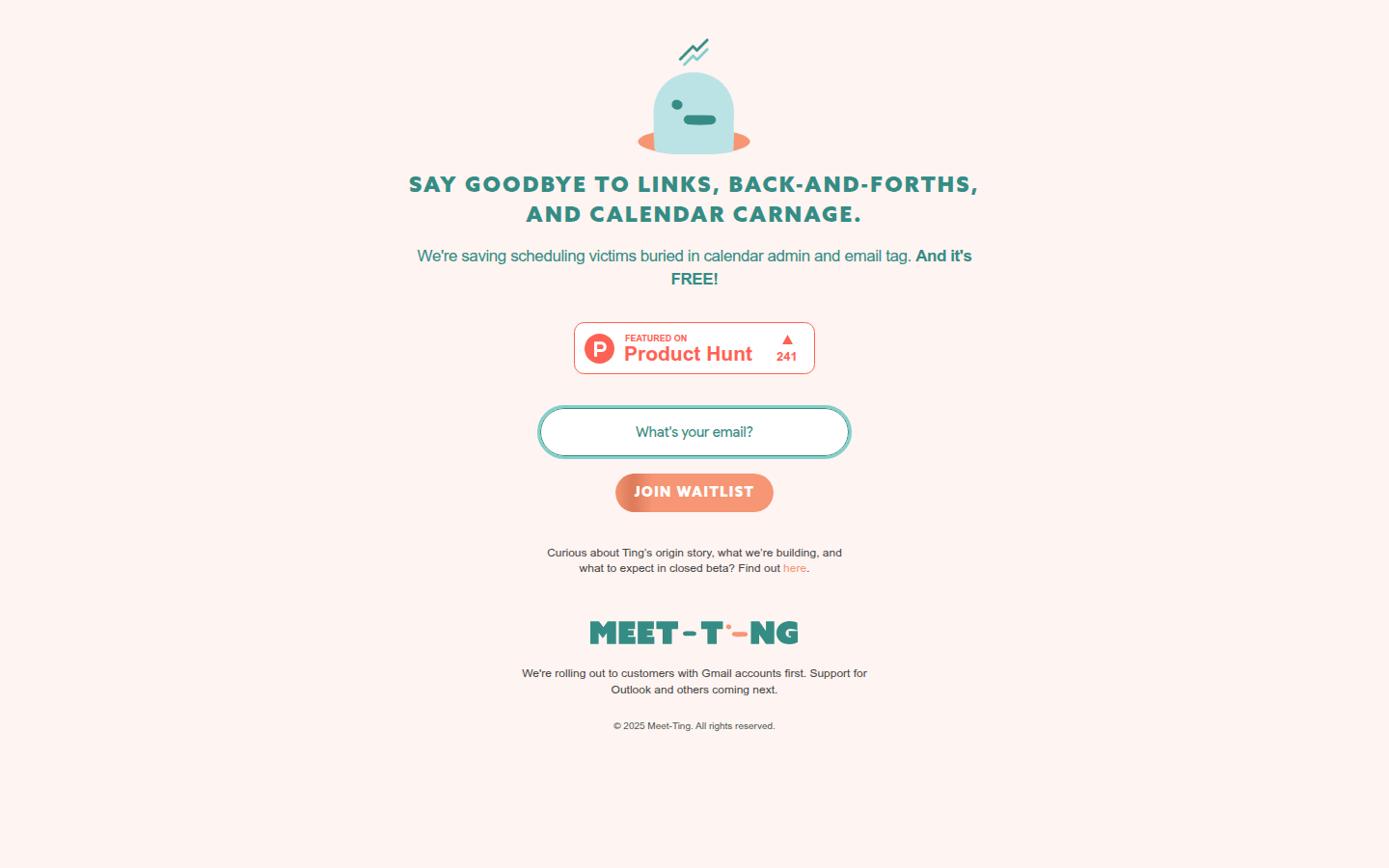
Screenshot archived from the listing page, for preview only.











