MBox AI Meet
Google Meet transcription and summary extensionAuto-transcribe Meet calls and get a summary by email
Highlights
What you can do with it
- Transcribe a meeting in real time while you talk
- Get an automatic summary of key points and decisions
- Review meeting notes emailed to you afterward
How to use it
- 1 Visit the MBox AI Meet site or the Chrome Web Store
- 2 Install the Chrome extension
- 3 Log in to Google Meet and start a meeting
- 4 Let MBox transcribe in real time during the call
- 5 Review the summary sent to your email after the meeting
Who it is for
Pros
- Free and easy to install as a Chrome extension
- Real-time transcription plus an automatic summary
- Does not store meeting audio or video
Limitations
- Works only with Google Meet for now
- Transcription accuracy can vary with audio quality
- Free extension, so features and availability can change
What MBox AI Meet is
MBox AI Meet is a free Chrome extension built specifically for Google Meet. It provides real-time transcription during the meeting and generates an automatic summary once the call ends, covering key points, decisions, and important topics. The idea is to let you focus on the discussion instead of taking notes, while still capturing every detail in text. Its privacy-first policy means it does not record or store meeting audio or video, which helps keep the content of your calls secure. The tool plans to add more AI features in future updates, such as speaker identification and a real-time assistant.
What you can do with it
- Transcribe Google Meet conversations in real time
- Get an automatic summary of key points and decisions
- Receive the summary by email after the meeting
- Focus on the talk instead of manual note-taking
- Capture details you might otherwise miss while listening
Who it is for
- Google Meet users who do not want to take notes
- Teams that need a record of decisions and topics
- Anyone who wants automatic call summaries
- People in back-to-back meetings who need quick recaps
What to watch out for
MBox AI Meet currently works only with Google Meet, so it will not help if you use Zoom, Teams, or other platforms, though more may be added later. Transcription and summary accuracy can vary with audio quality, accents, and overlapping speech, so review the output for important details. It is a free extension, so its features and availability can change, and because it processes meeting content, check that automated transcription fits your organization's privacy and recording rules before you use it on sensitive calls.
FAQ
Is MBox AI Meet free?
Yes. It is described as a free Chrome extension for Google Meet.
Does it store my meetings?
No. Its privacy-first policy means it does not record or store meeting audio or video.
Which platforms does it support?
It currently supports only Google Meet, with possible expansion to other video tools later.
Why it is free
What the official page says: 免费
Free limits, trial length and features are decided by the official site and can change at any time.
Product preview
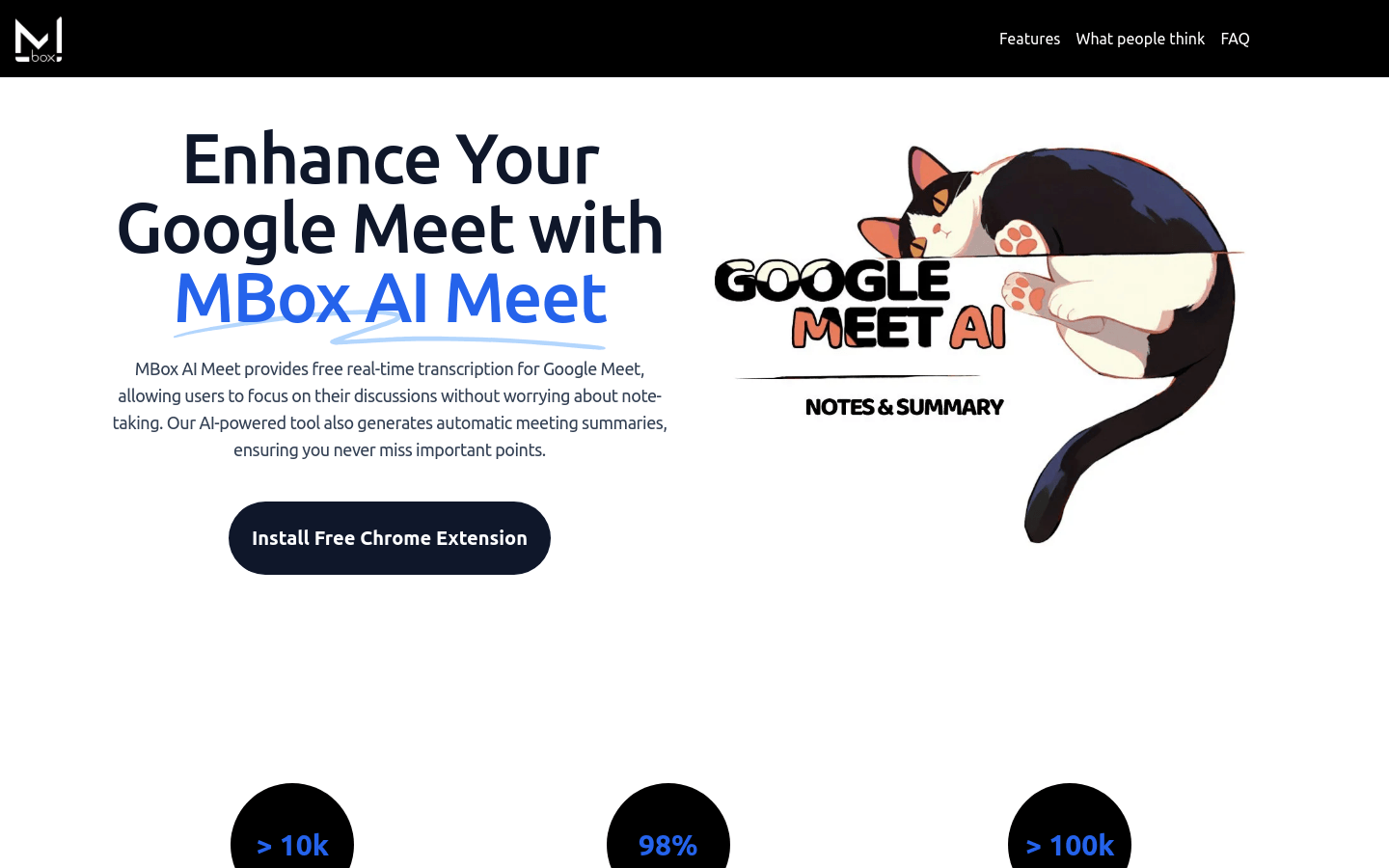
Screenshot archived from the listing page, for preview only.











