
Matterbase
Material procurement and spec softwareAI material search, boards, and live specs for designers
Highlights
What you can do with it
- Find materials matching a hotel's style and budget, then present the plan
- Keep material specs accurate on a commercial building project
- Share resources and progress across a multi-project design studio
How to use it
- 1 Register and log in on the Matterbase site
- 2 Start a project and set its parameters
- 3 Search materials with natural language descriptions
- 4 Build a material board and draft real-time specs
- 5 View virtual samples and assemble a client presentation
Who it is for
Pros
- Combines search, boards, specs, and samples in one place
- Virtual samples cut the cost and wait for physical orders
- Free registration to get started
Limitations
- Free registration is offered, but paid terms are not stated and can change
- Virtual samples may not match real material texture exactly
- Value depends on the breadth of the product catalog
What Matterbase is
Matterbase is material procurement and specification software built for interior designers and architects. It pulls material search, mood boards, real-time specs, and virtual samples into a single platform so the design process is less scattered. You can search materials in natural language through its AI, build a material board with simple drag and drop, view realistic virtual samples without ordering physical ones, and draft specifications in real time instead of juggling spreadsheets. It also supports client presentations, product catalog management, and project progress tracking. Free registration is offered.
What you can do with it
- Search materials with natural-language descriptions
- Build a material mood board by drag and drop
- View realistic virtual samples without physical orders
- Draft real-time specs and assemble client presentations
Who it is for
- Interior designers building boards and specs
- Architects managing material accuracy across projects
- Design studios coordinating teams and product catalogs
What to watch out for
Free registration is offered, but paid terms are not stated on the page and can change, so confirm current pricing before relying on it. Virtual samples are helpful but may not match the exact texture and finish of real material, so order physical samples for final decisions. The value depends on how broad and current the product catalog is for your market and style. Treat it as a productivity tool that speeds up early specification, not a replacement for hands-on material checks. Features and interface details may change between versions, so review the latest notes on the page before you start. For team use, agree on naming and editing conventions in advance to avoid version conflicts or duplicated work.
FAQ
Who is it for?
It is designed for interior designers, architects, and design studios.
Can I search materials in plain language?
Yes. Its AI material search understands natural-language descriptions to find matching products.
Is there a free option?
It offers free registration; the page does not state full pricing, so confirm current terms.
Why it is free
What the official page says: free trial
Free limits, trial length and features are decided by the official site and can change at any time.
Product preview
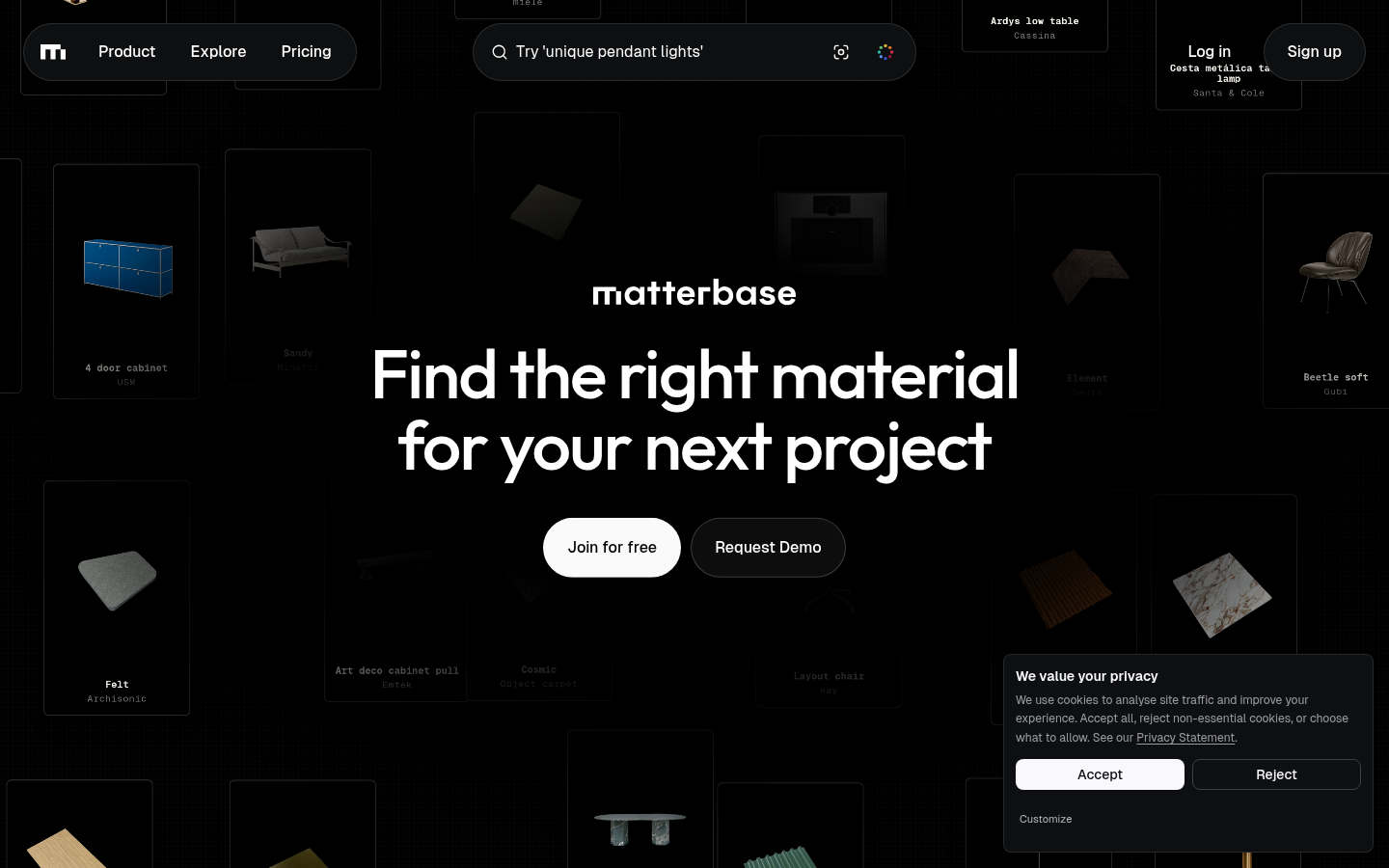
Screenshot archived from the listing page, for preview only.